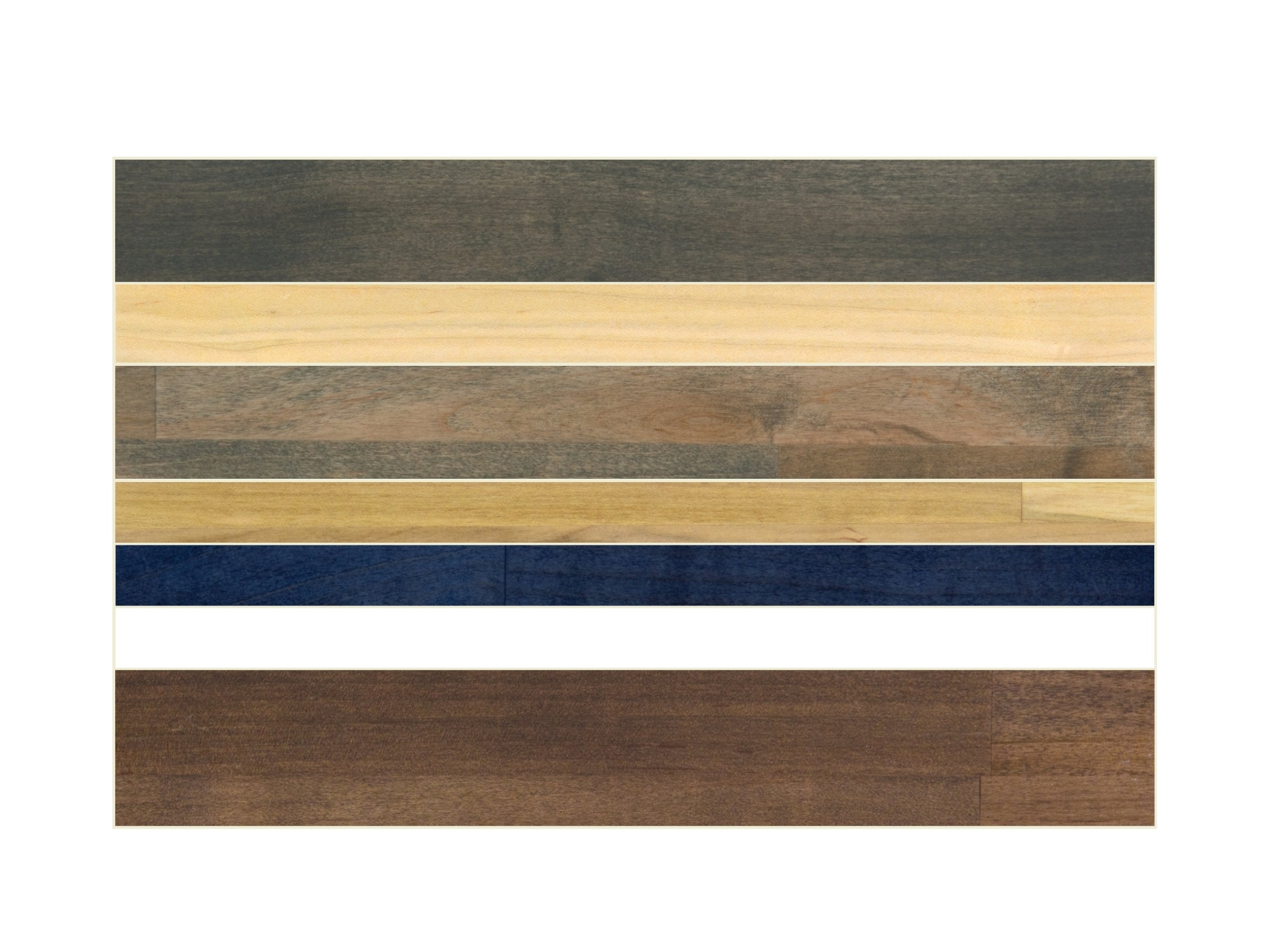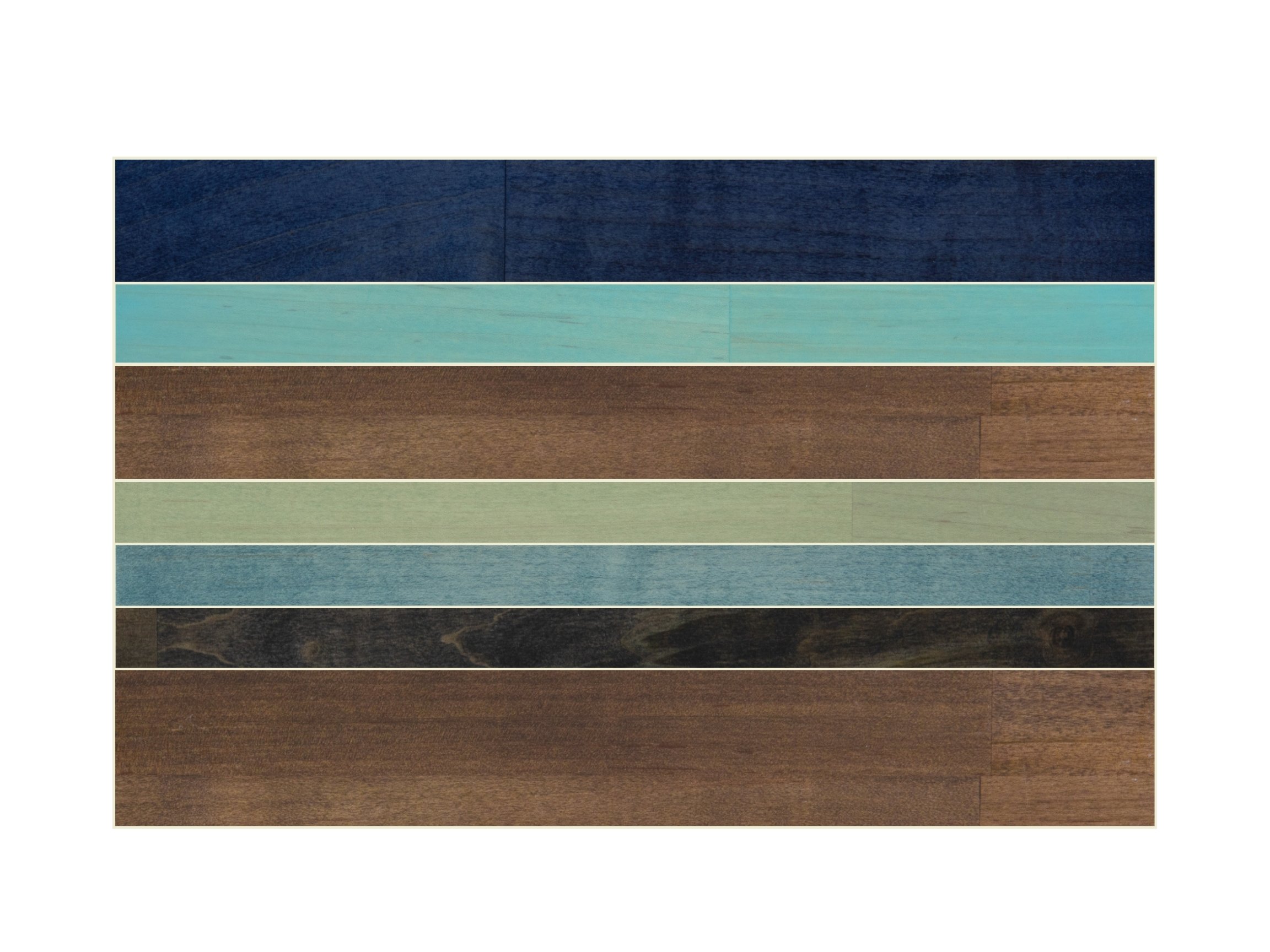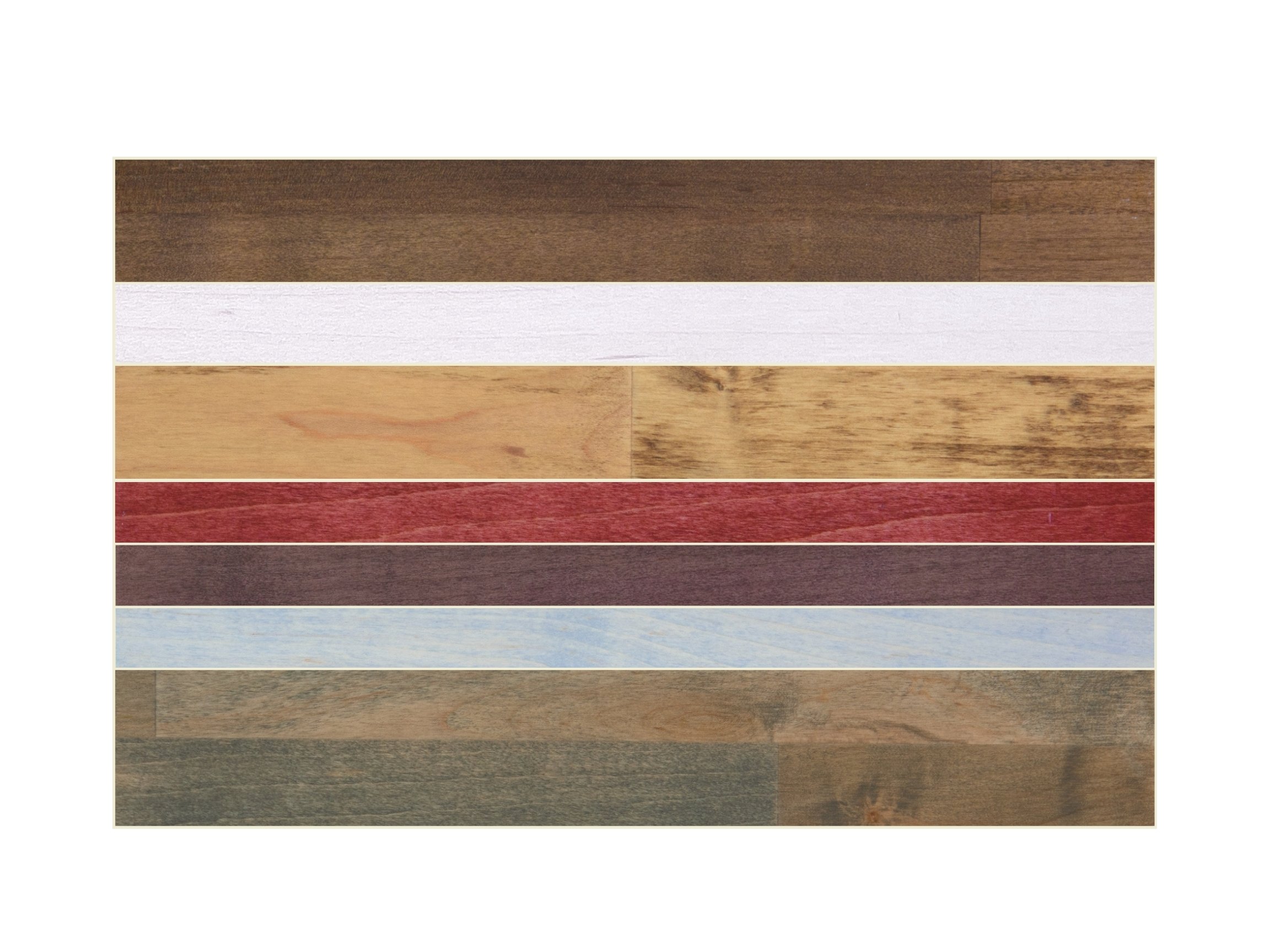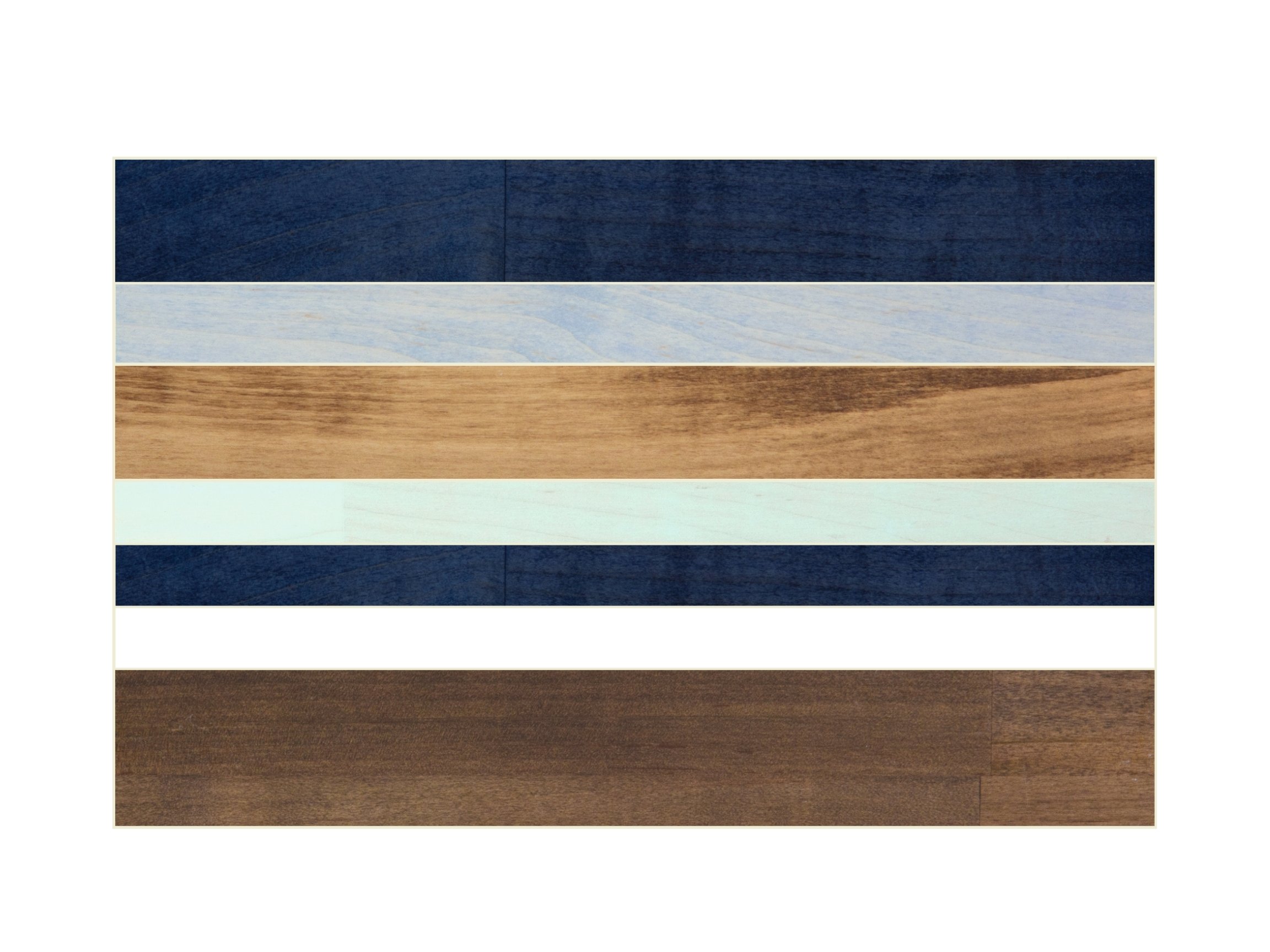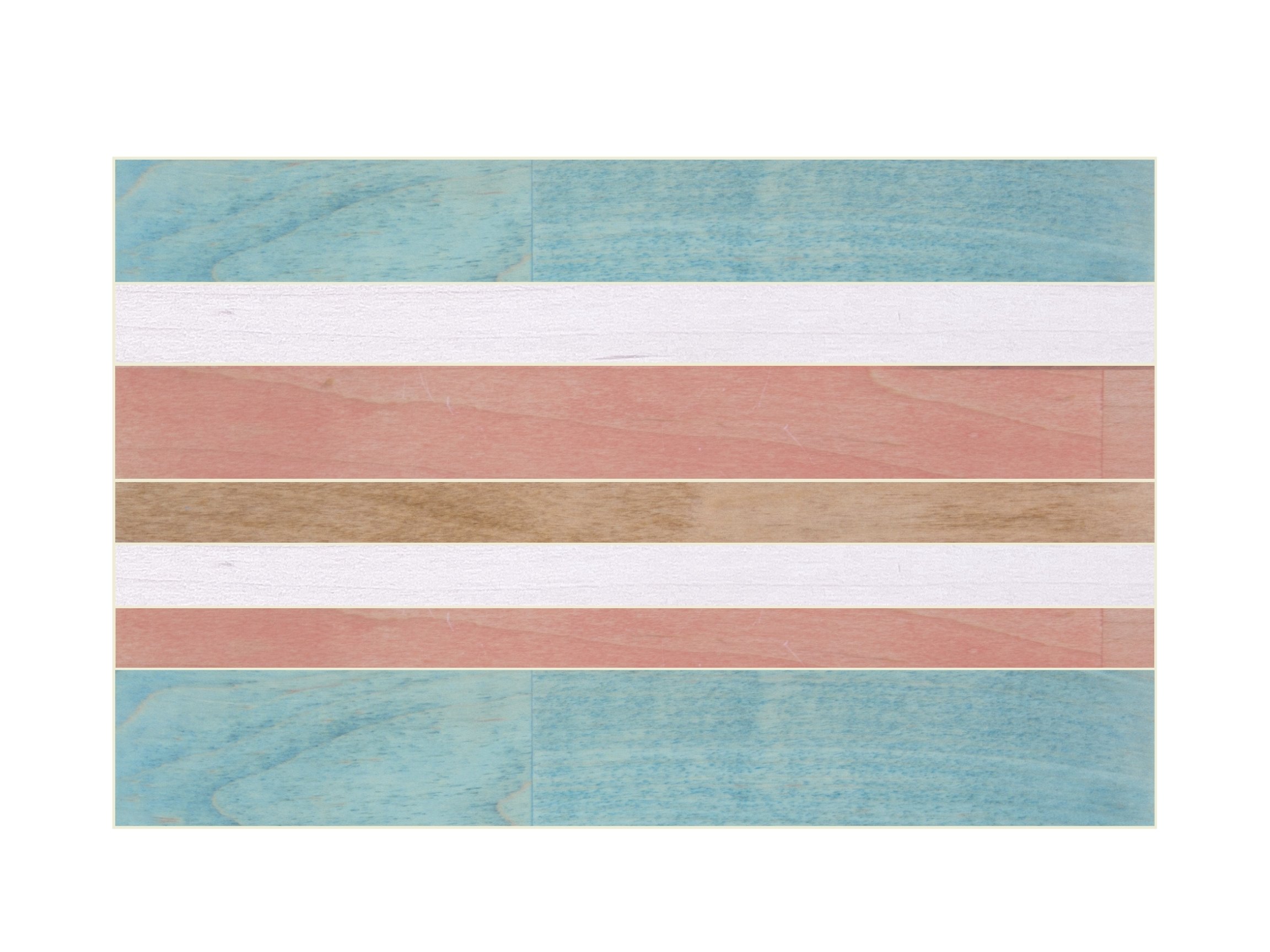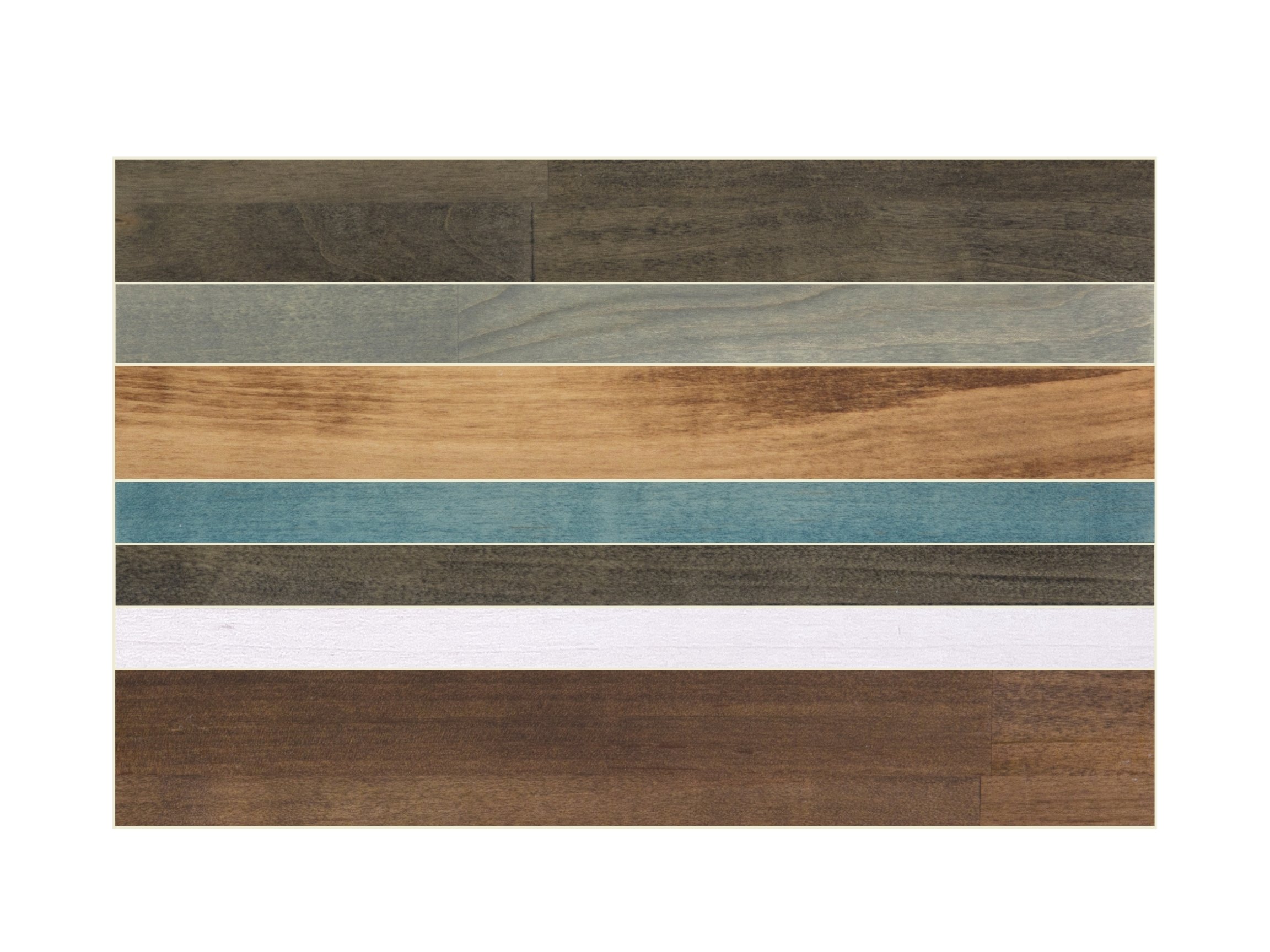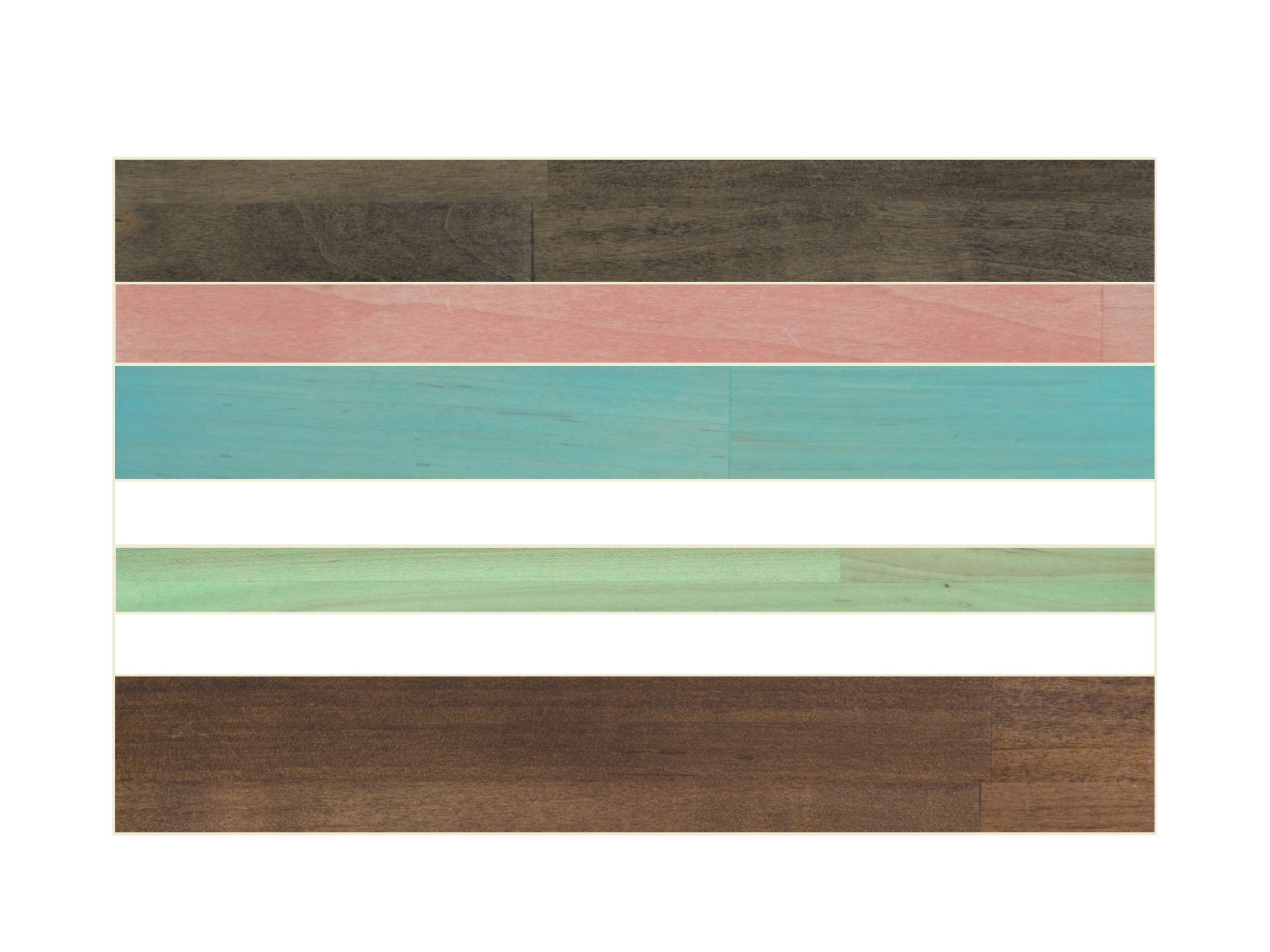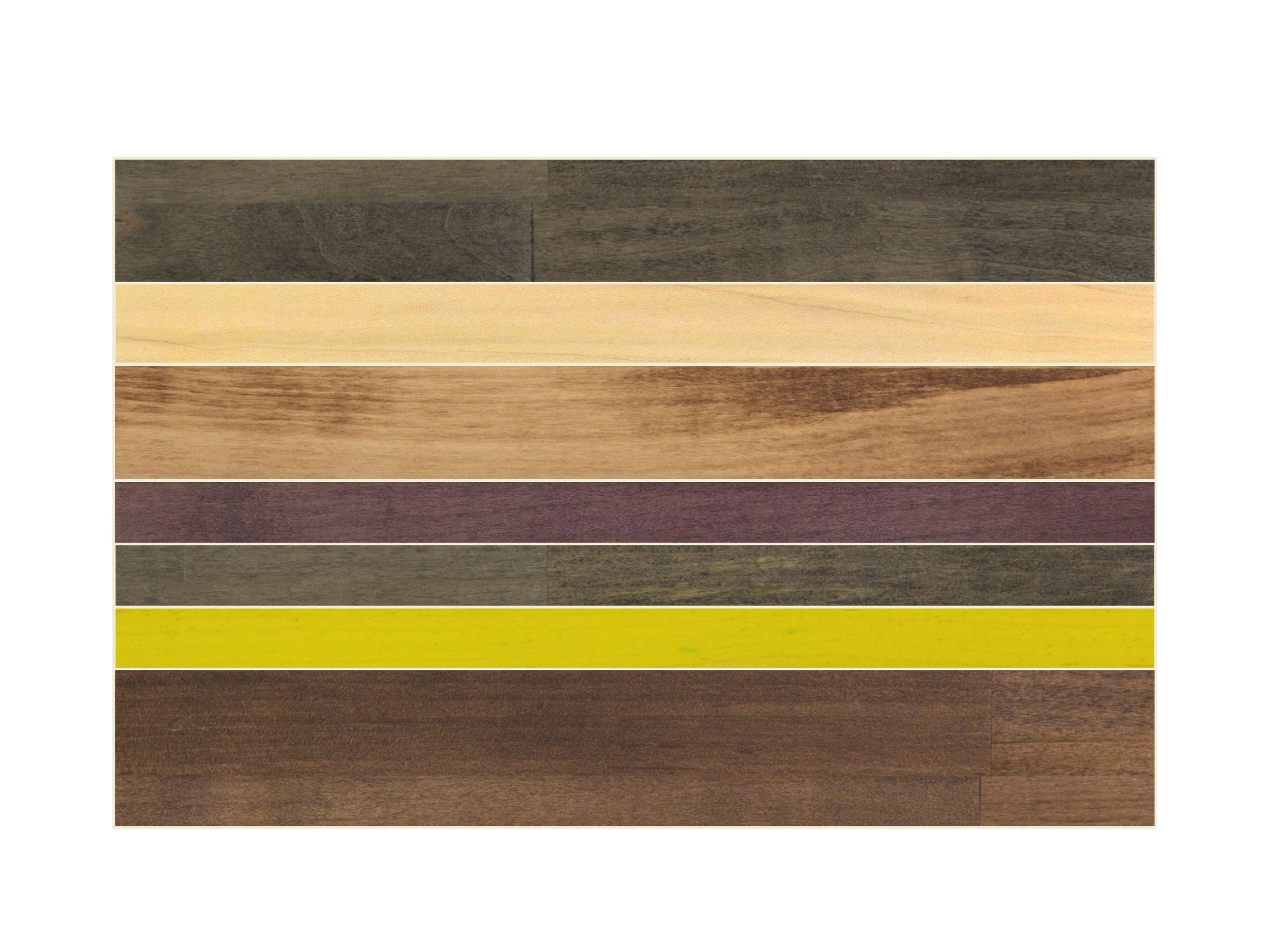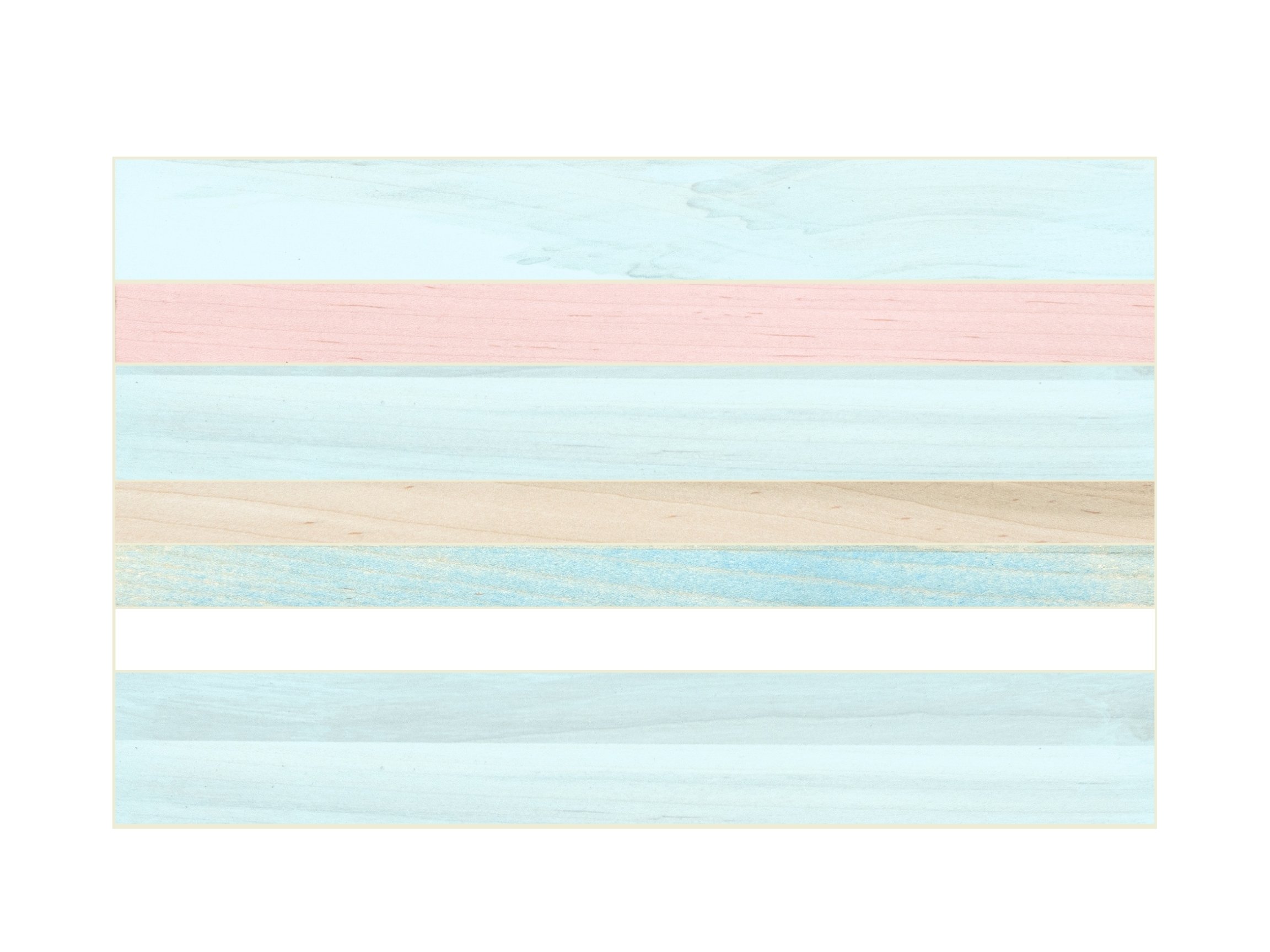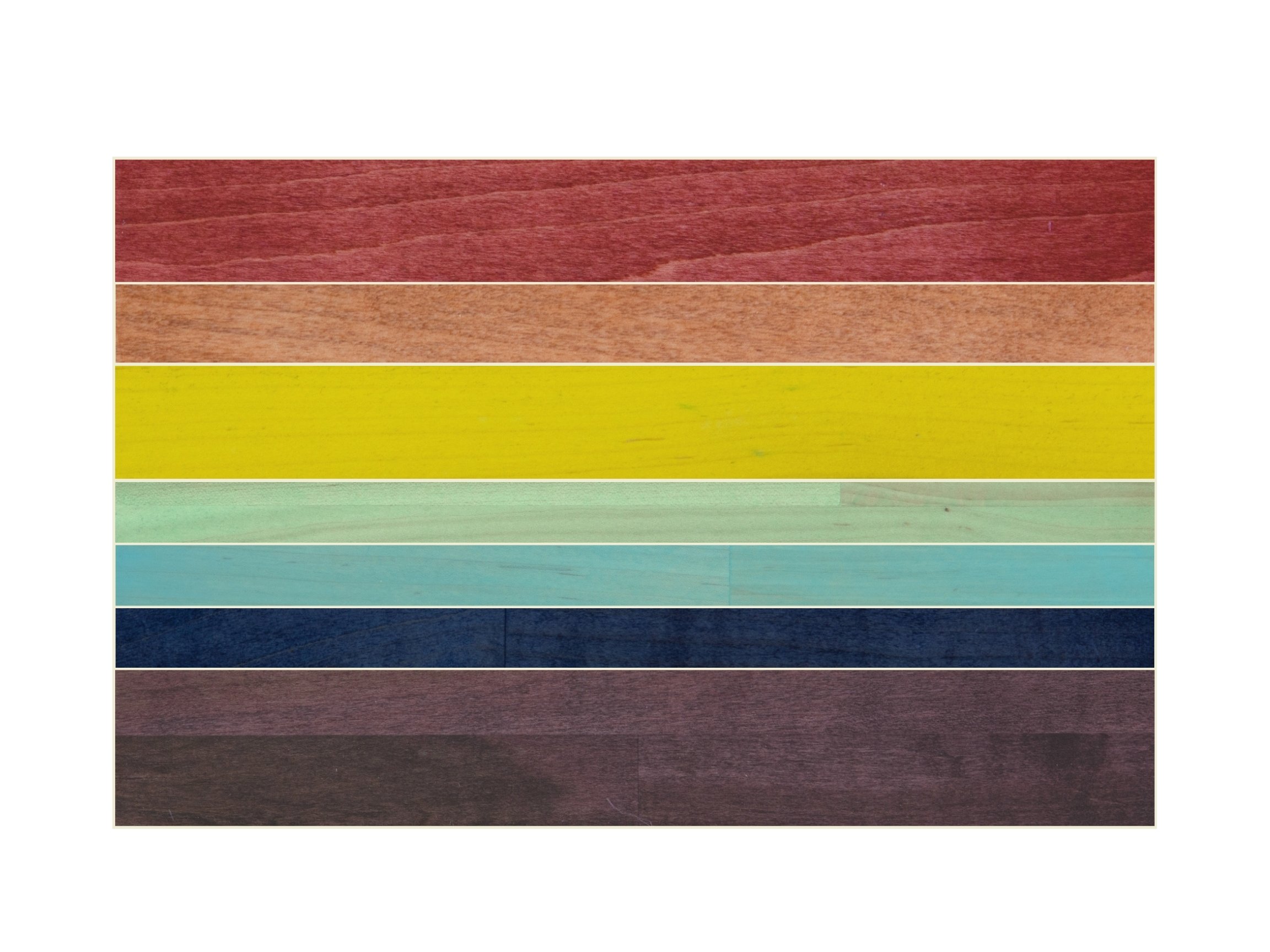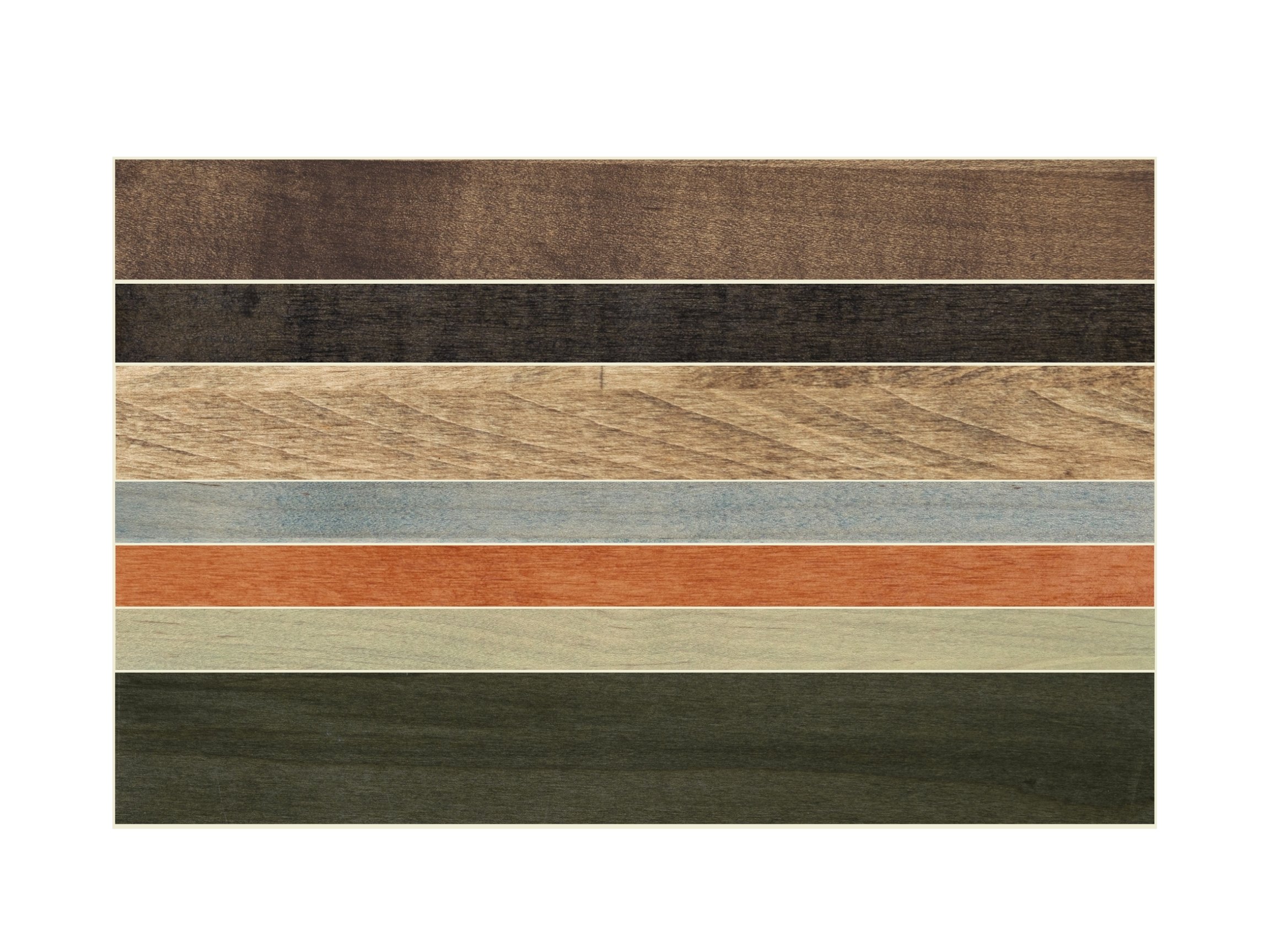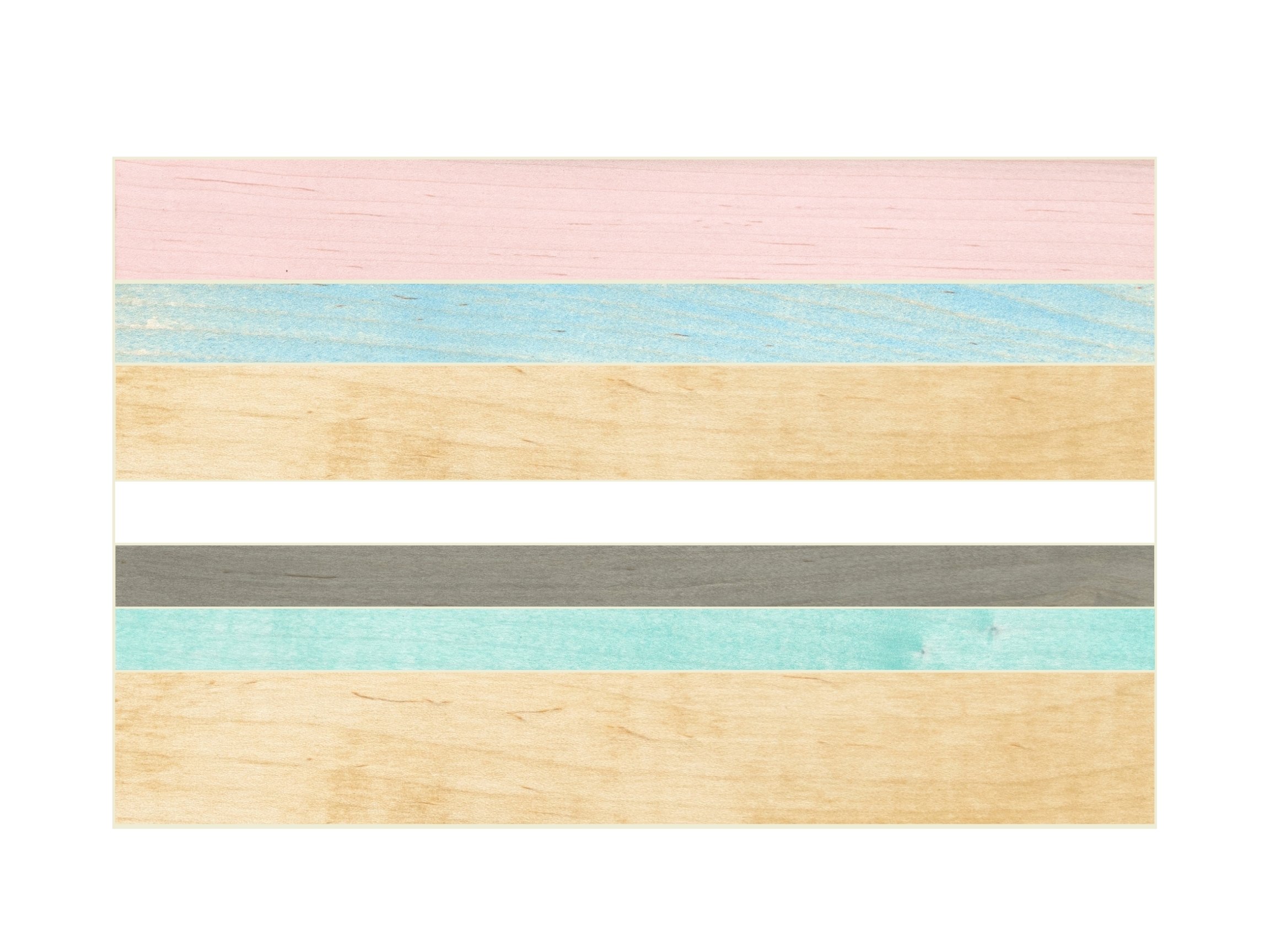

MAKE IT YOURS
FIND YOUR CUSTOM COLOR INSPIRATION HERE
Design the table of your dreams!
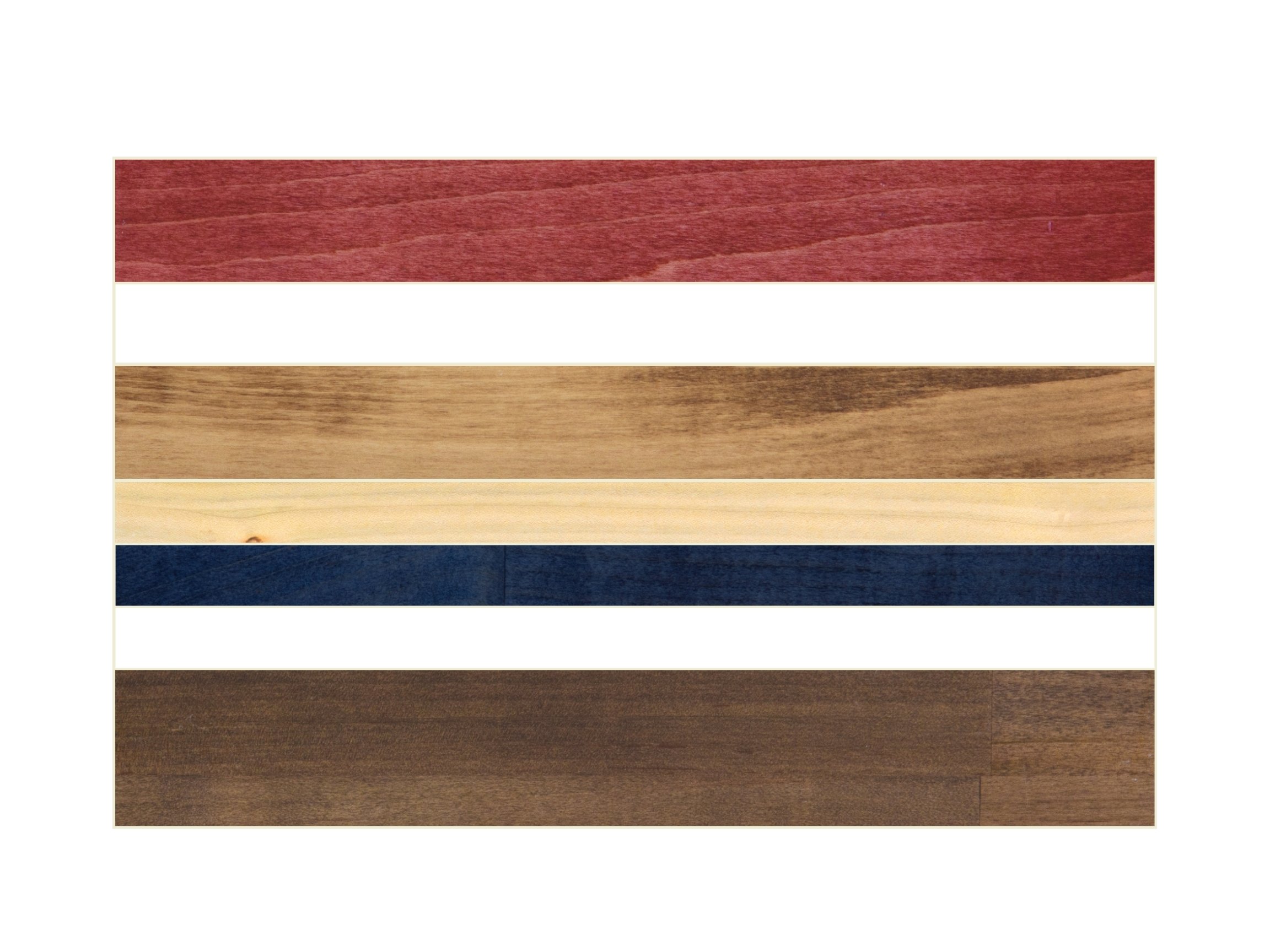
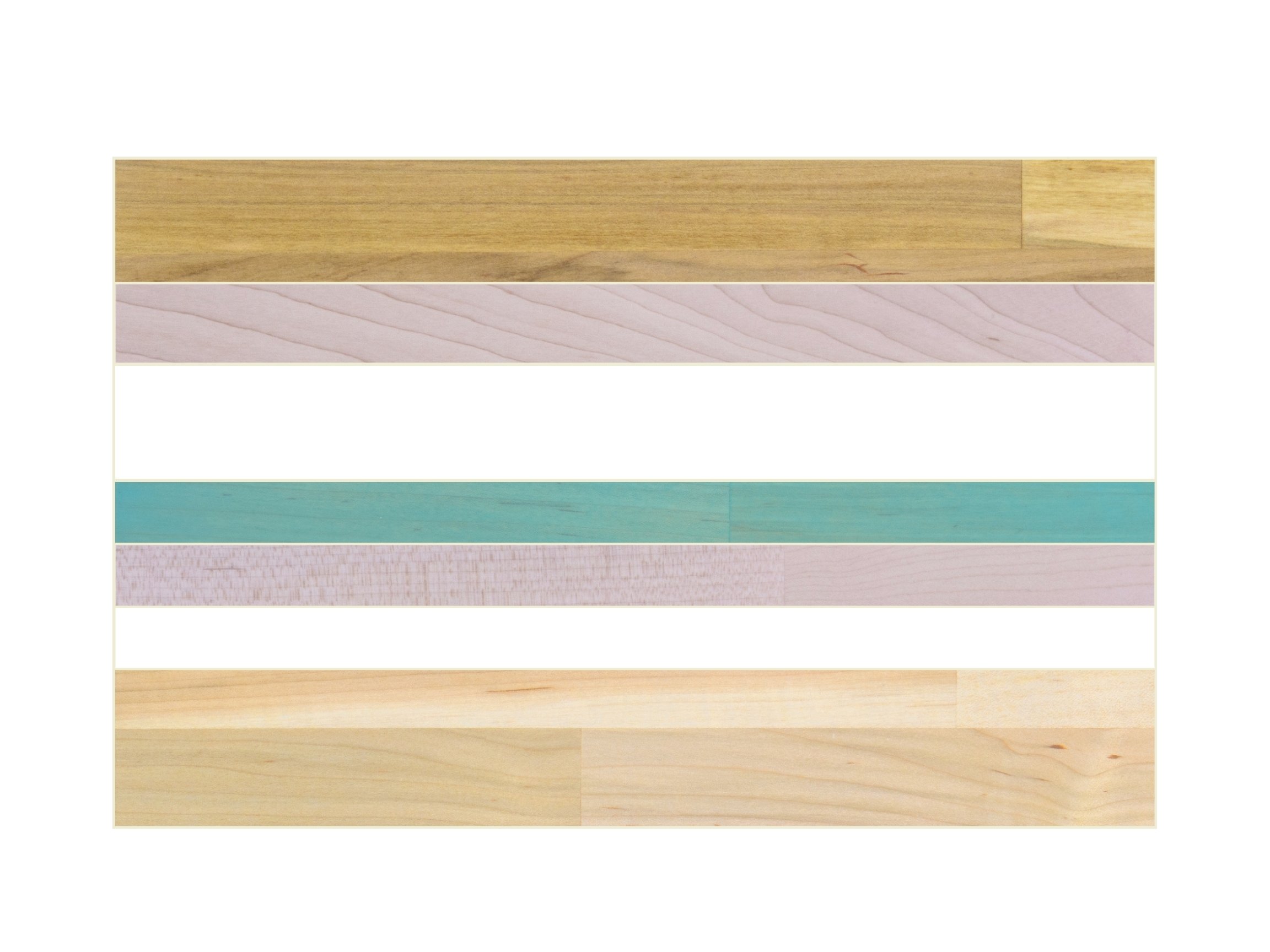
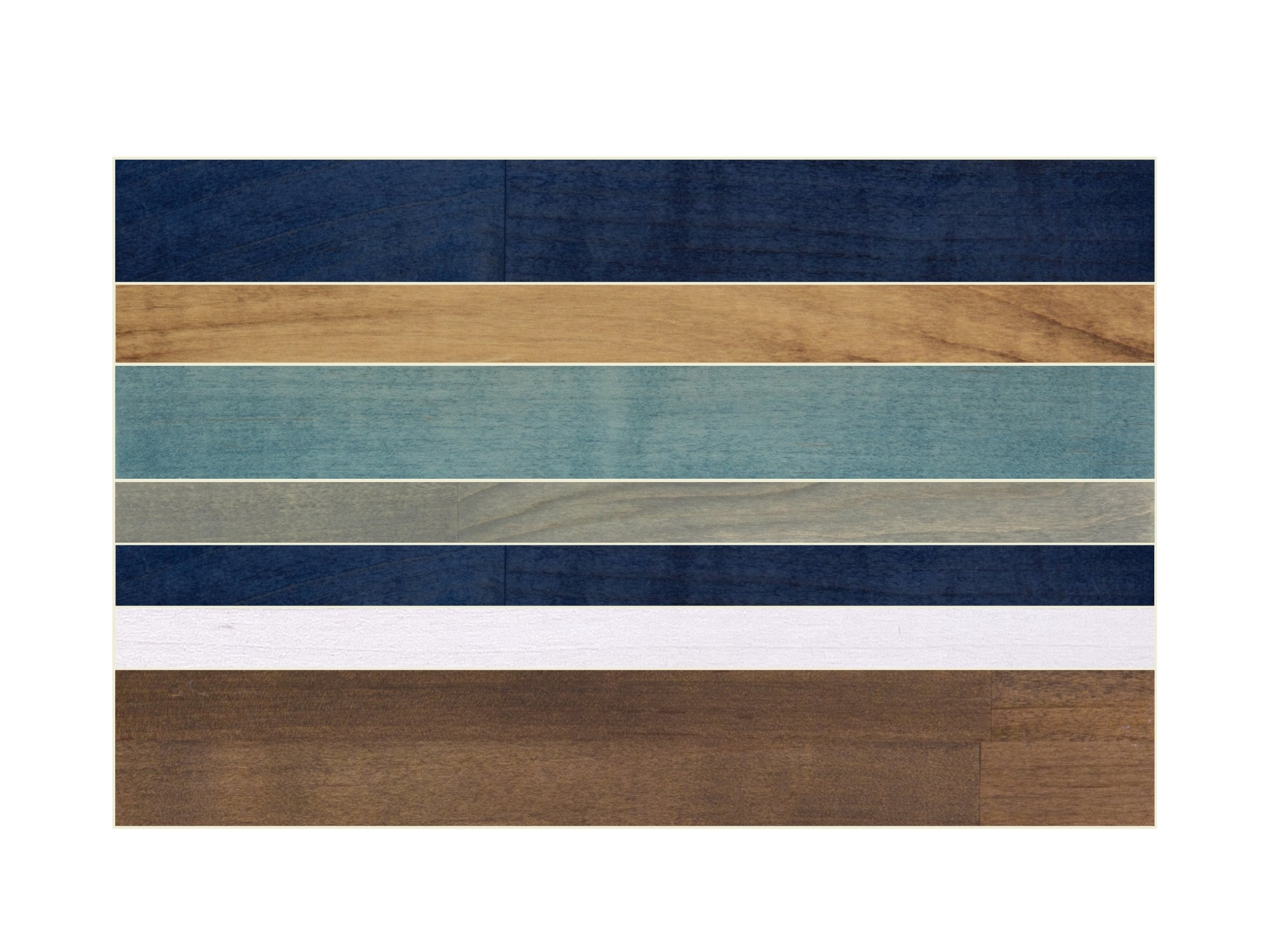
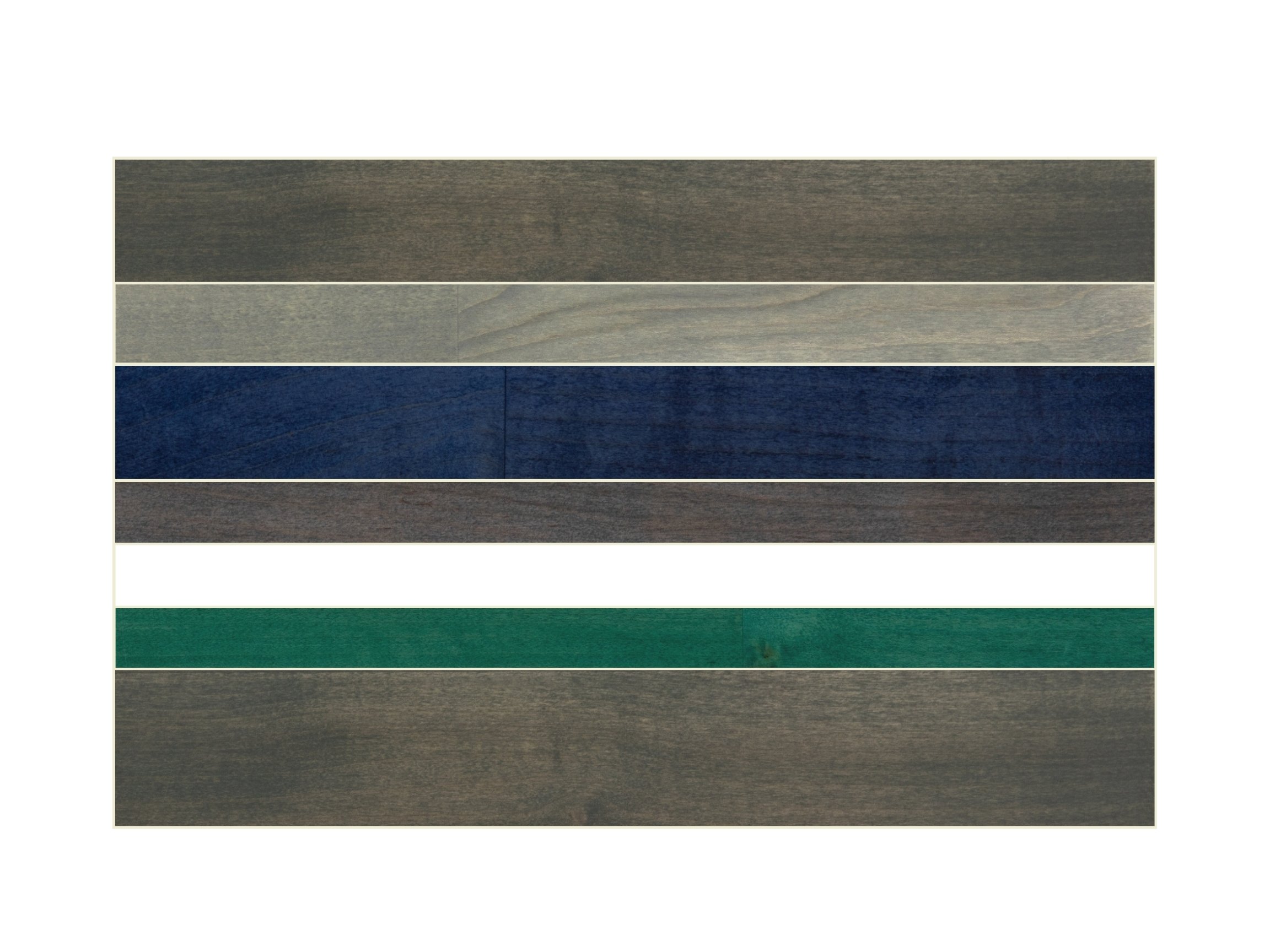
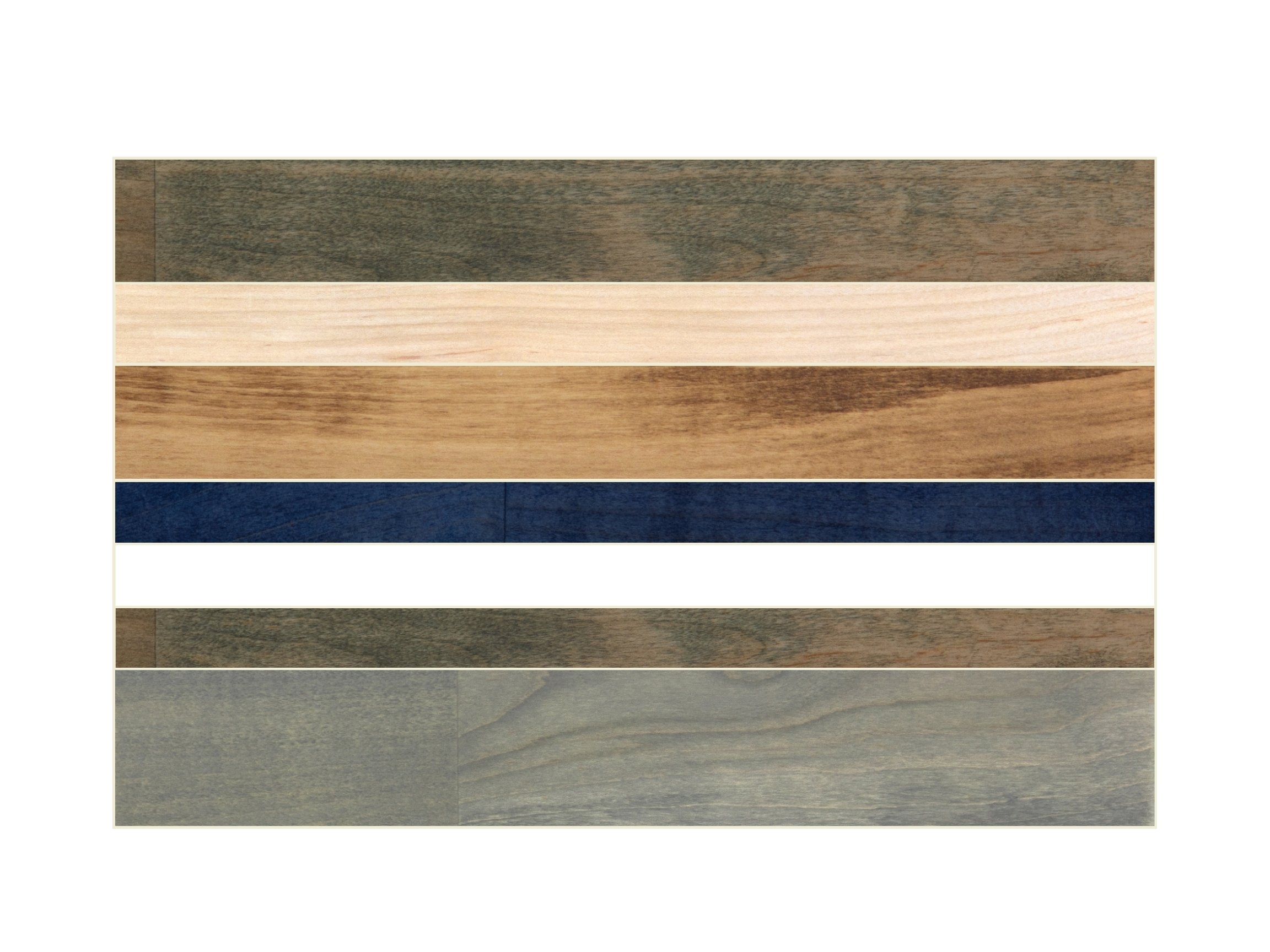
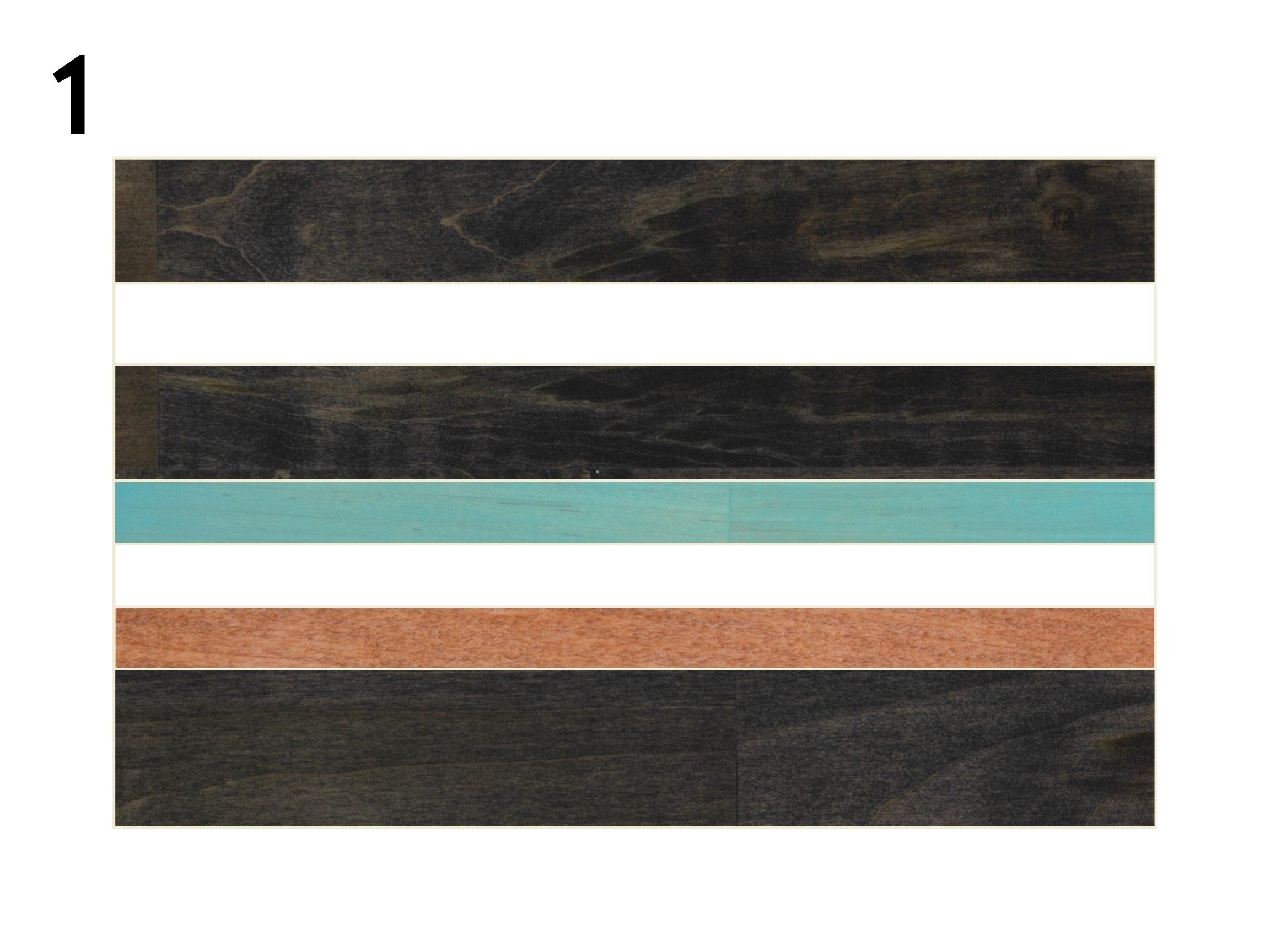
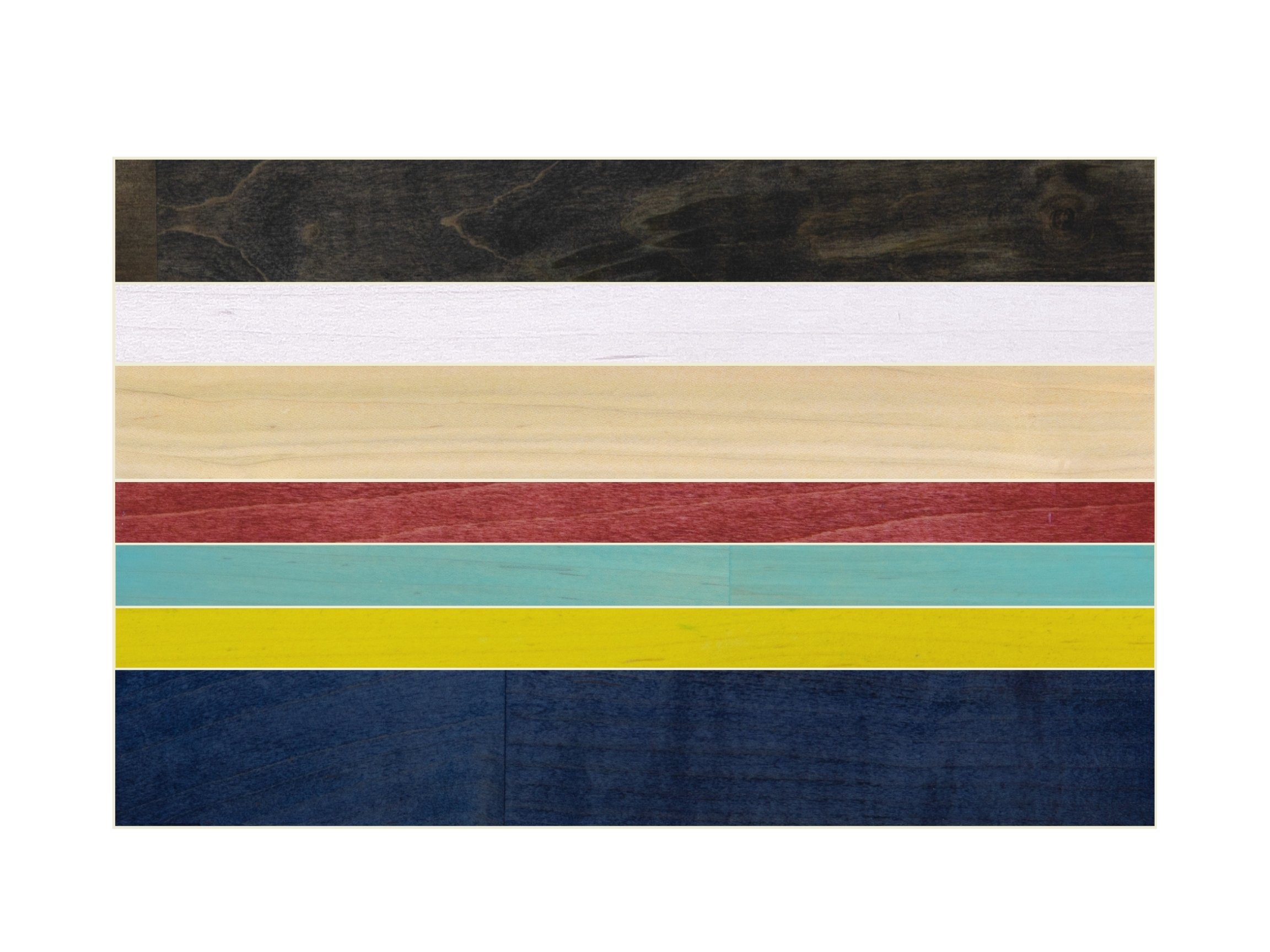
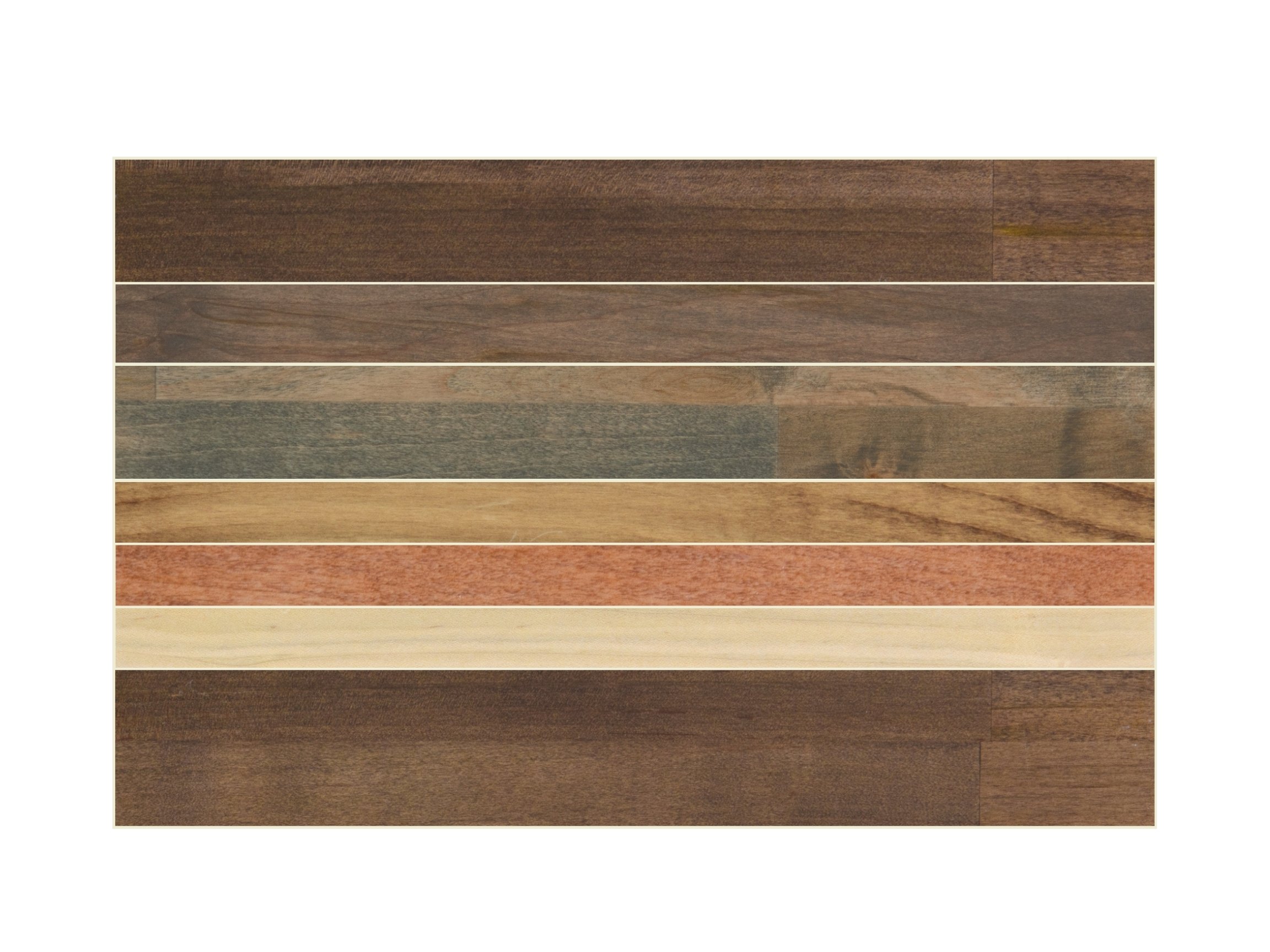
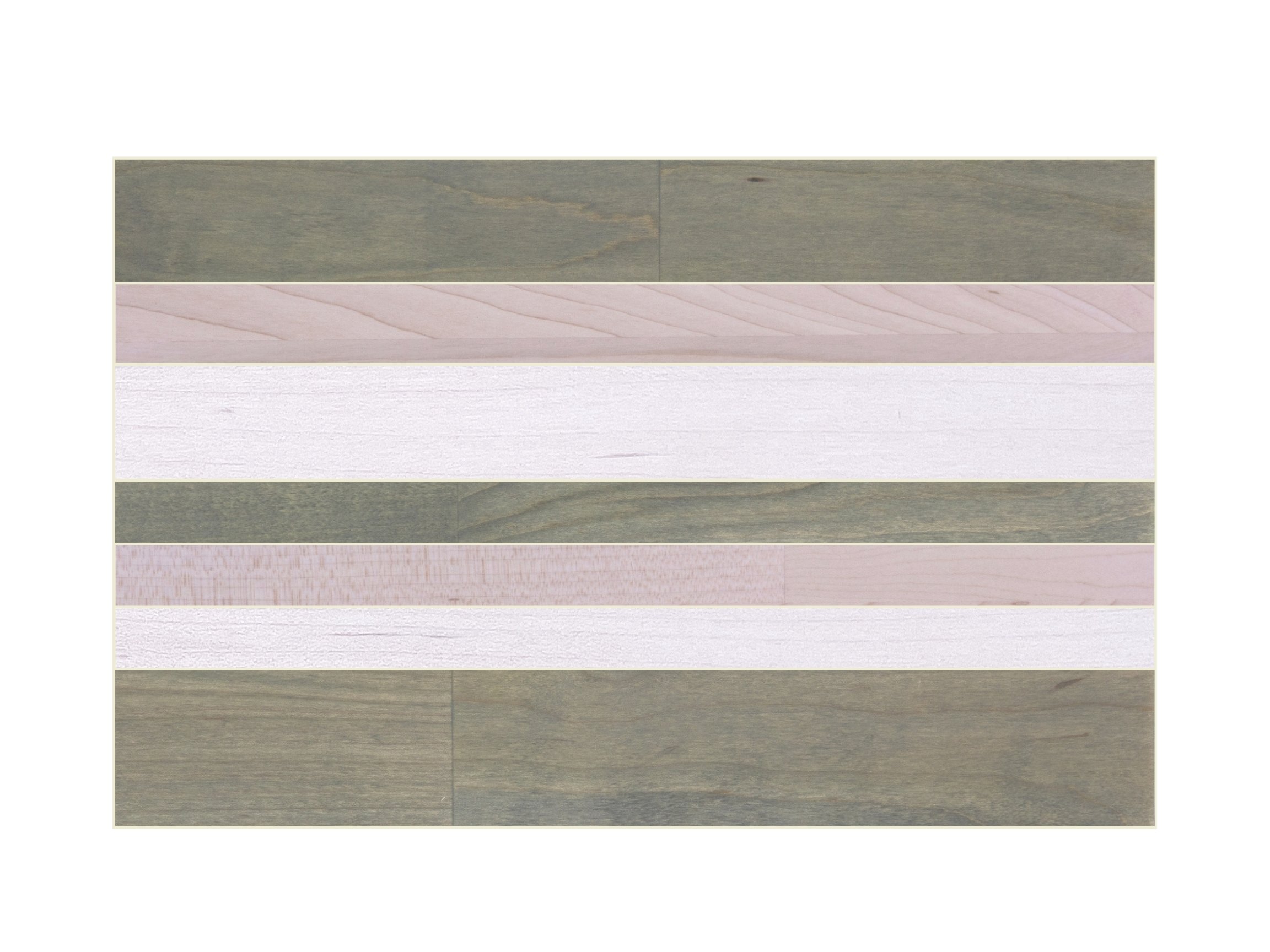
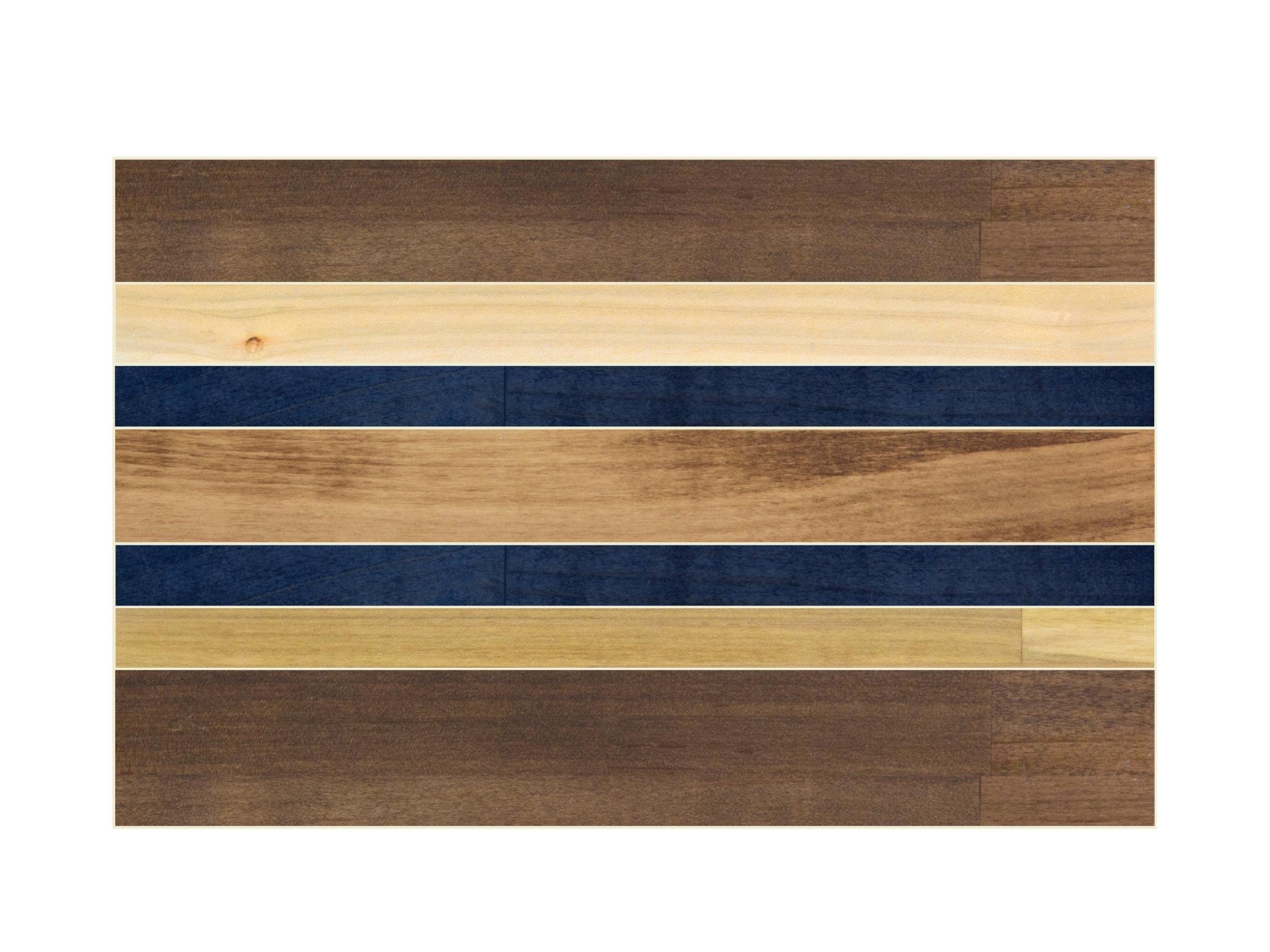
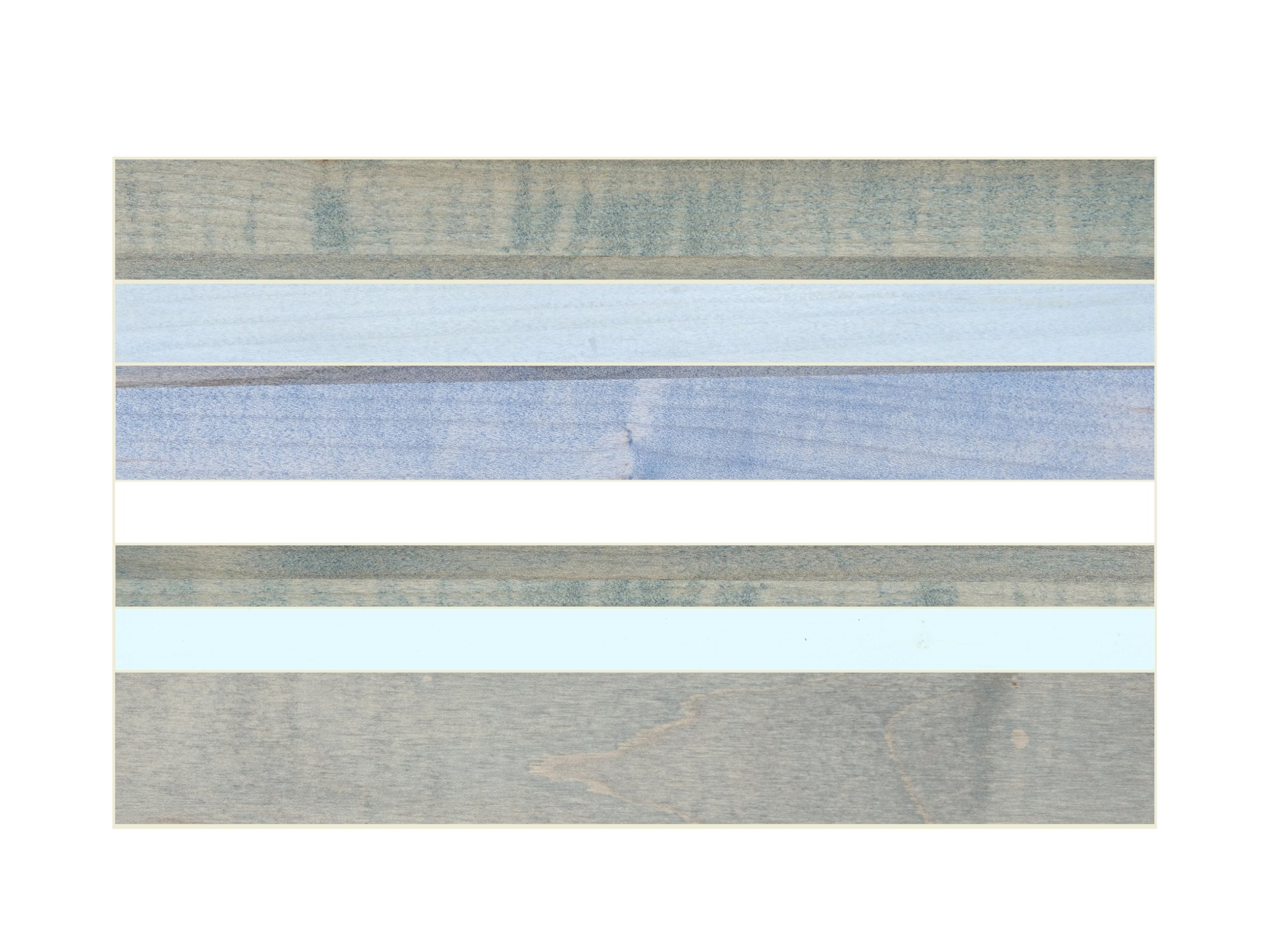
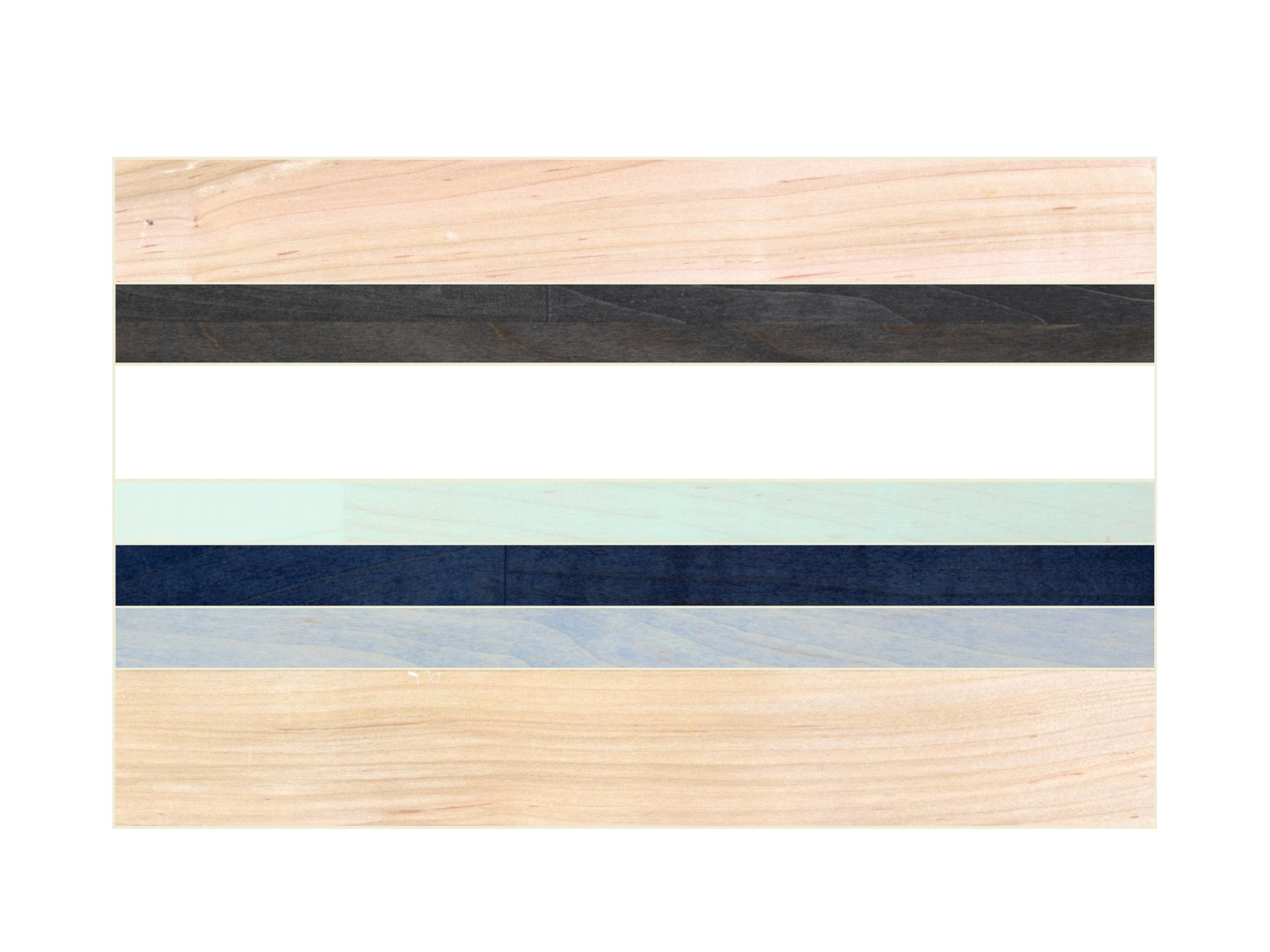
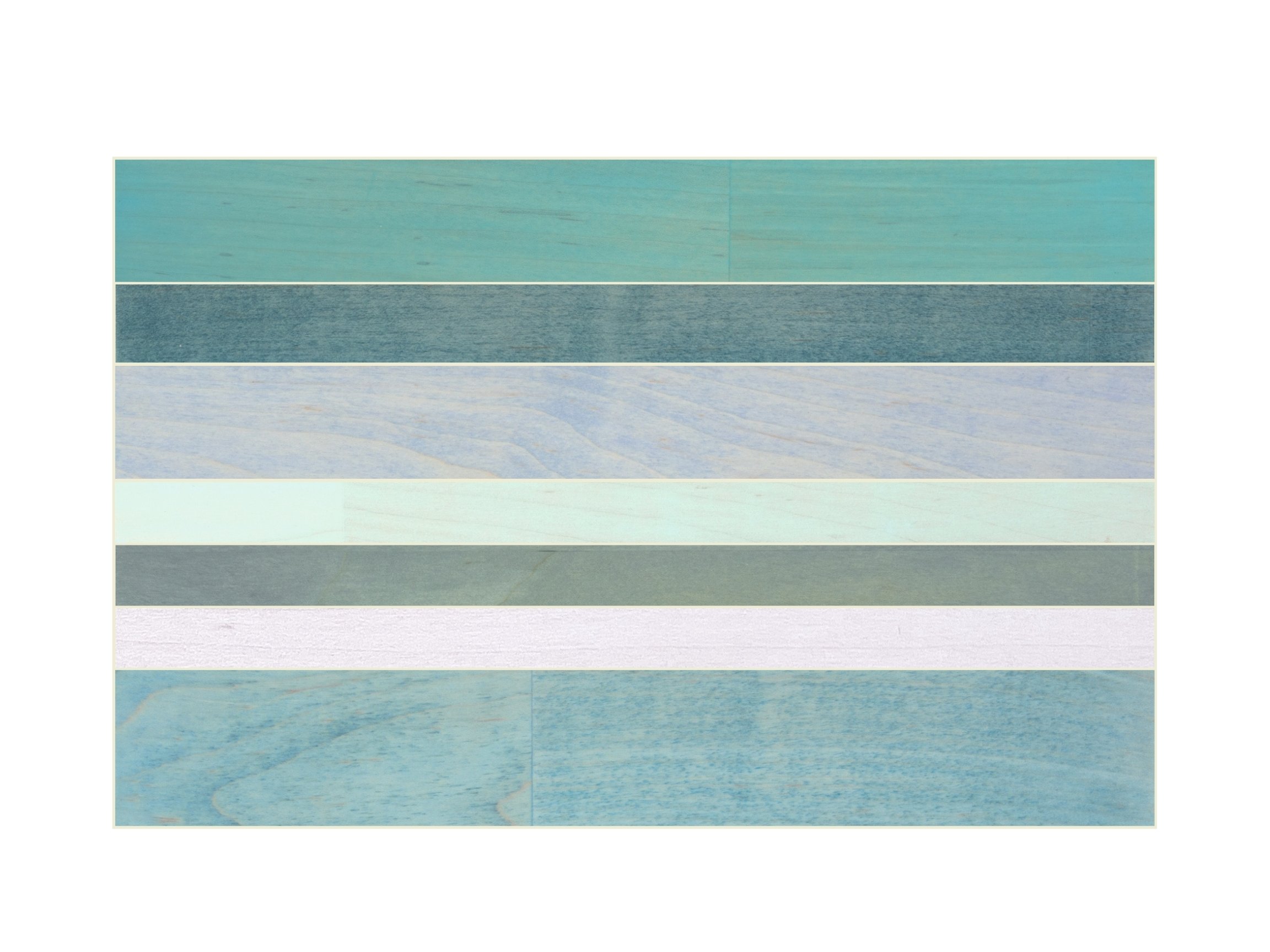
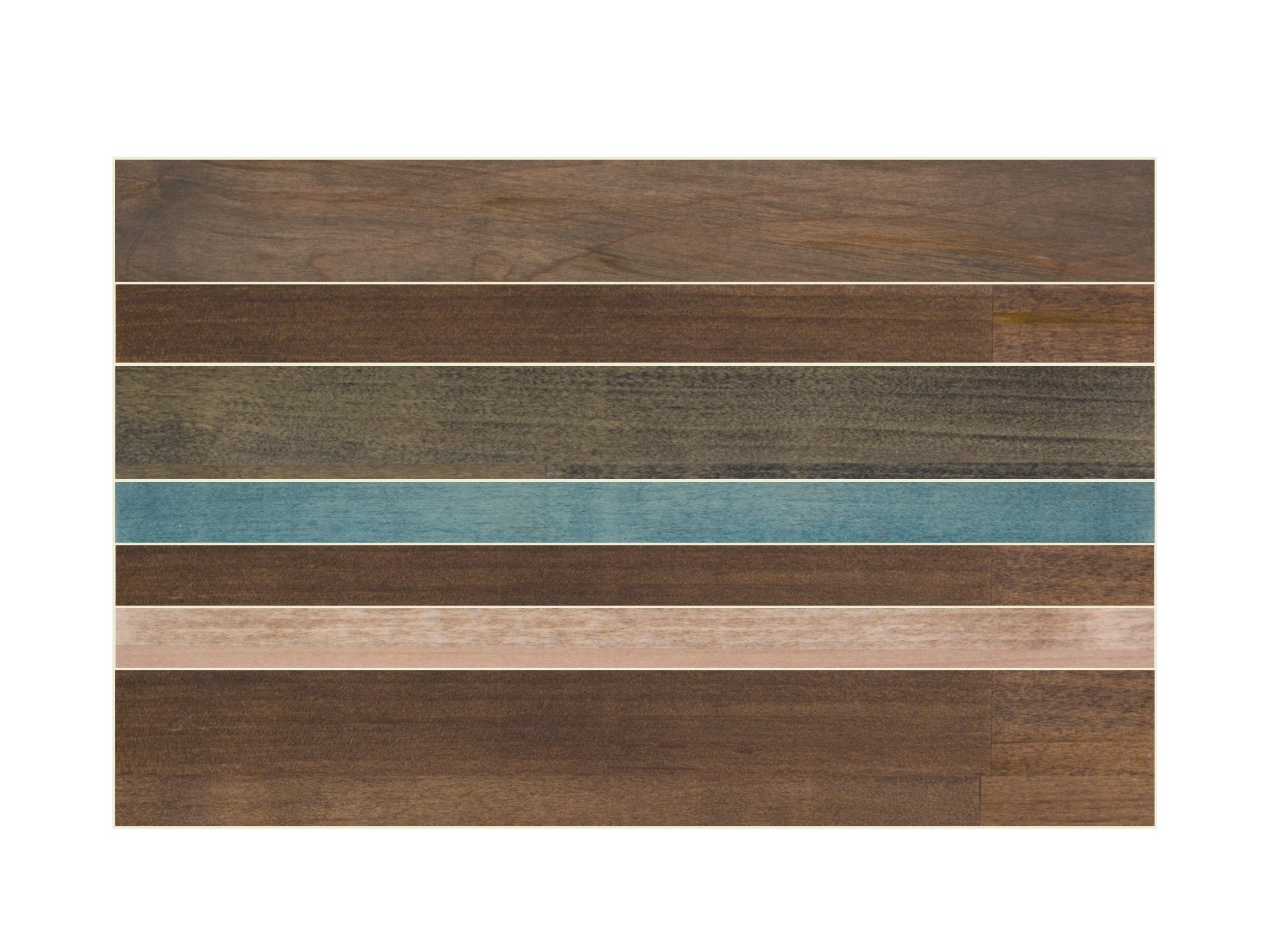
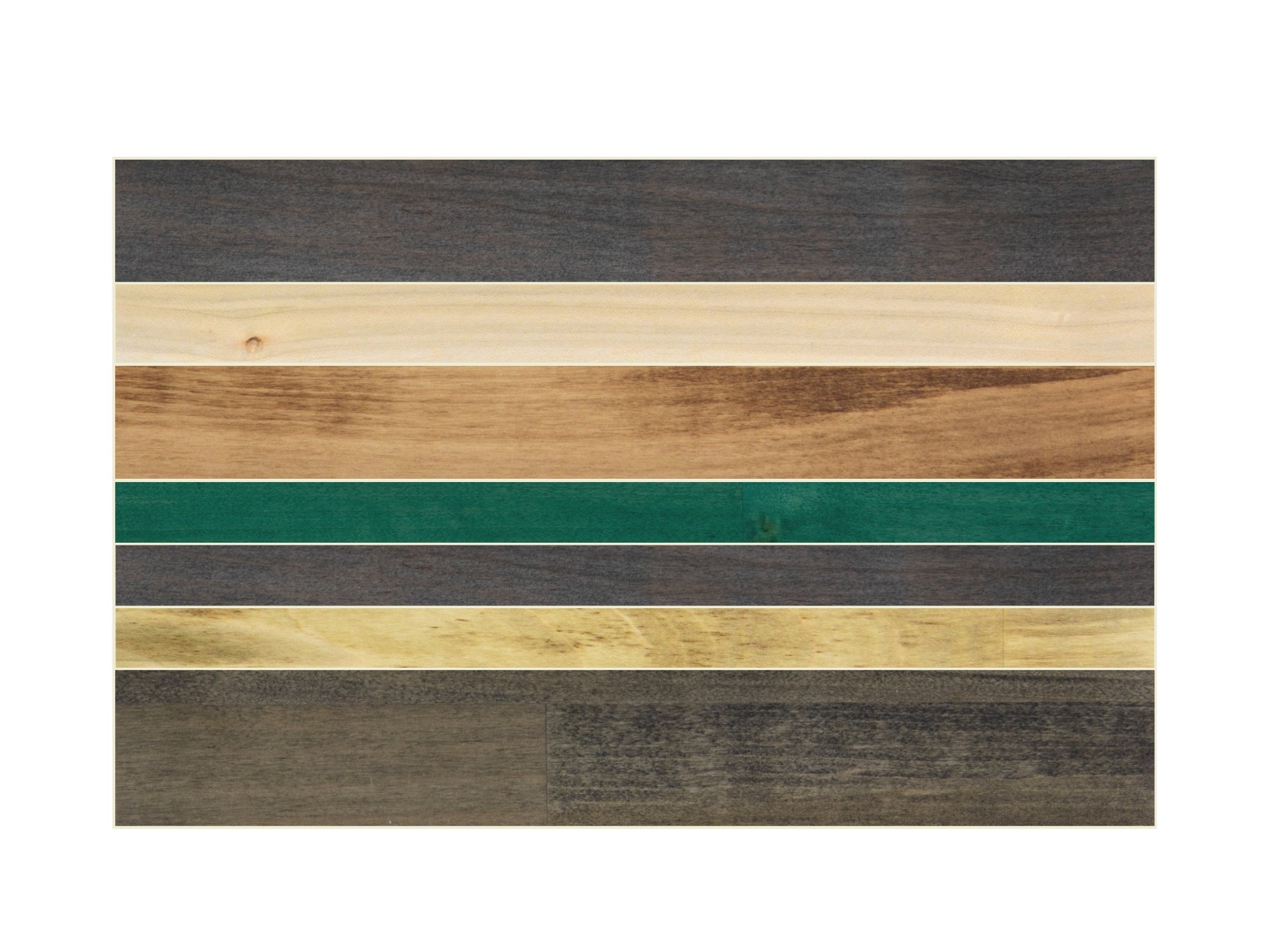
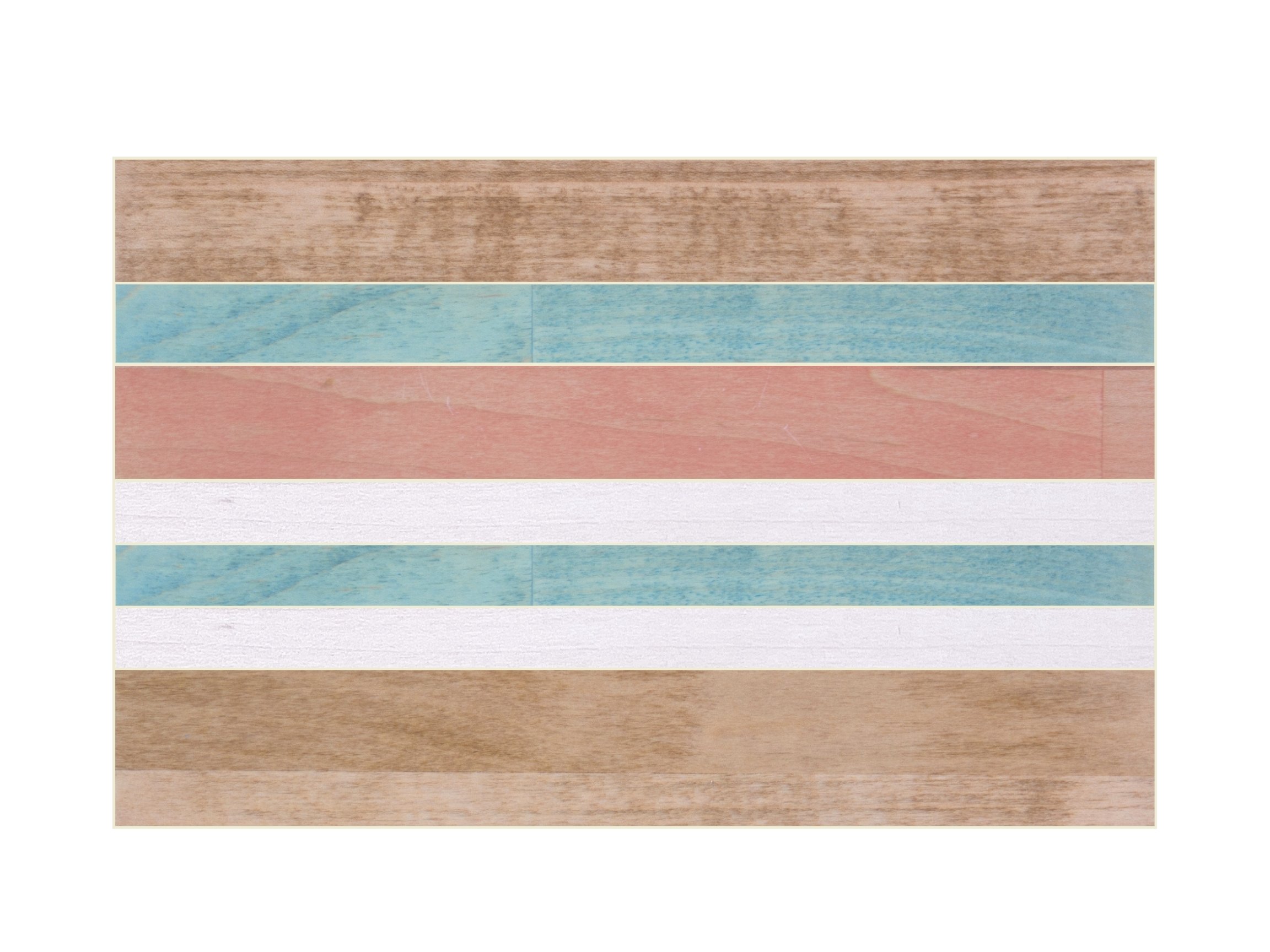
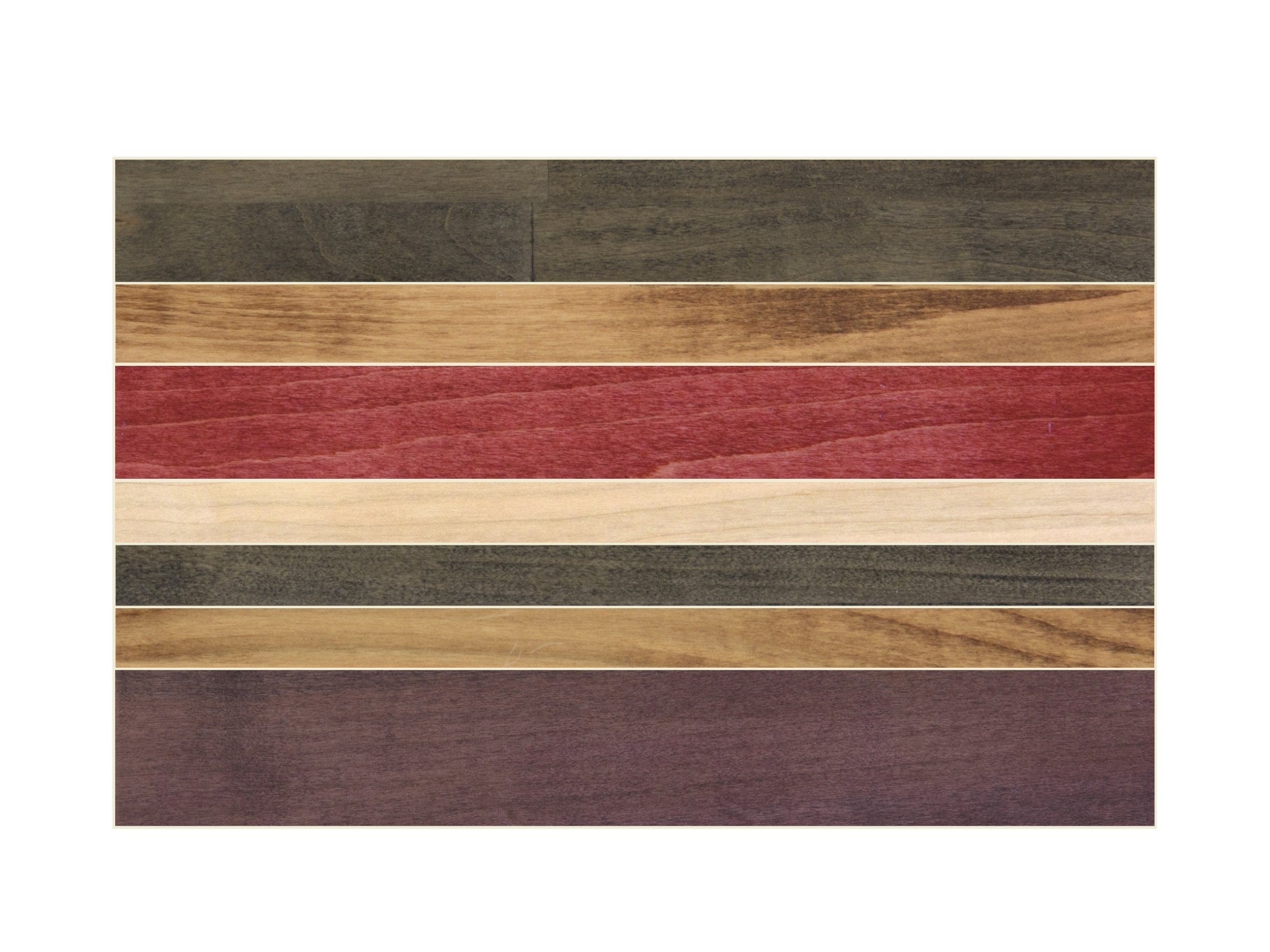
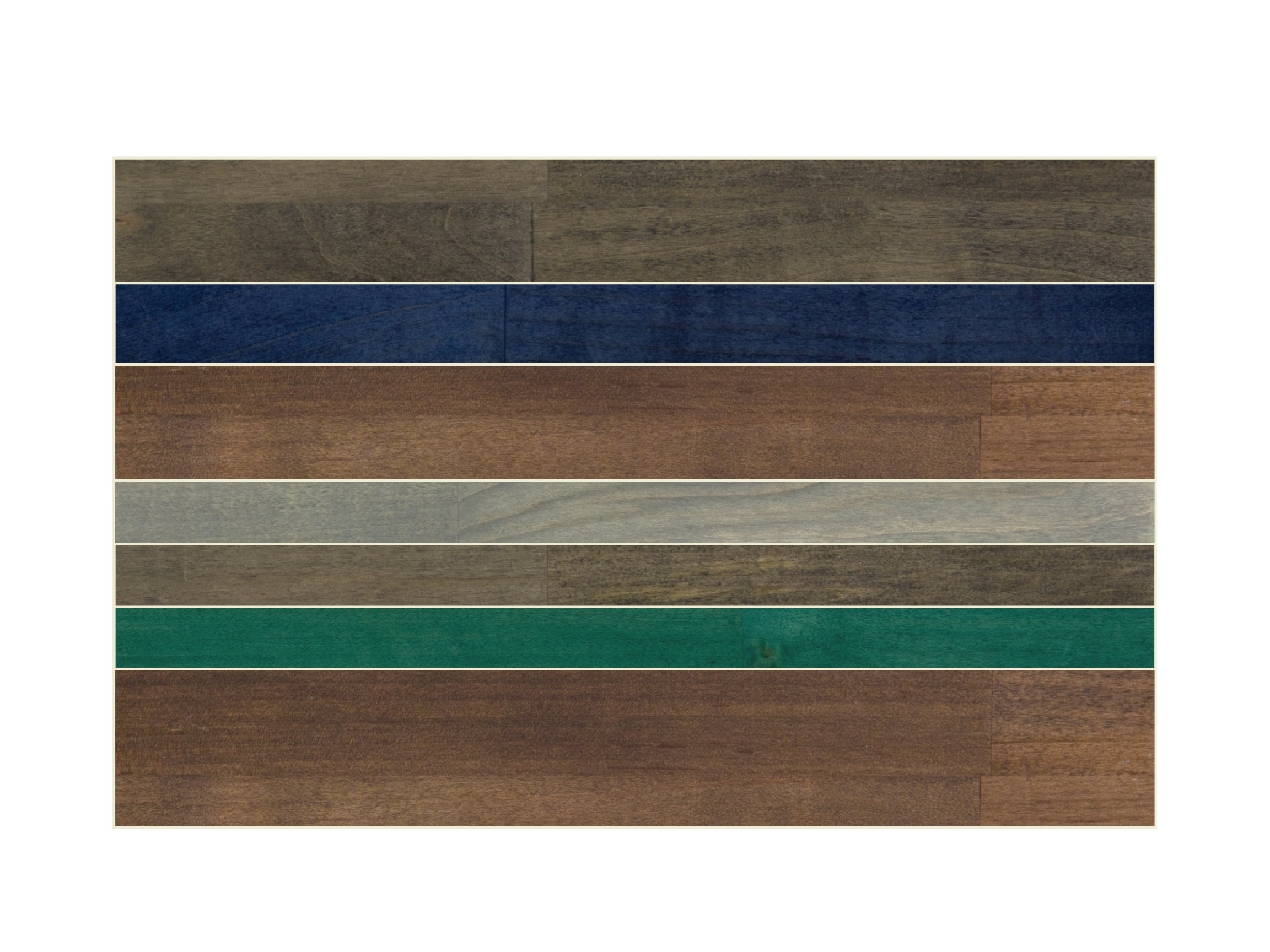
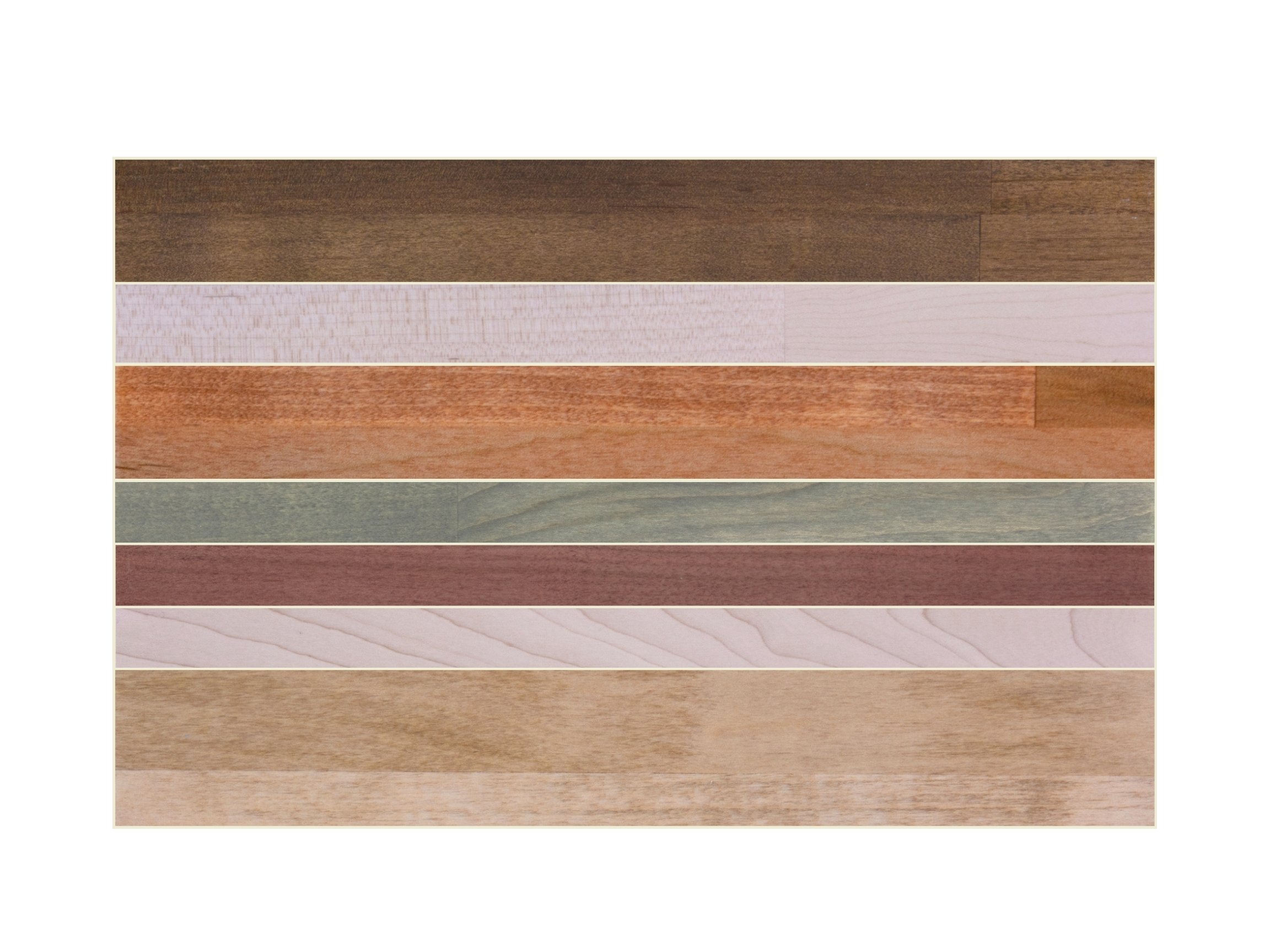
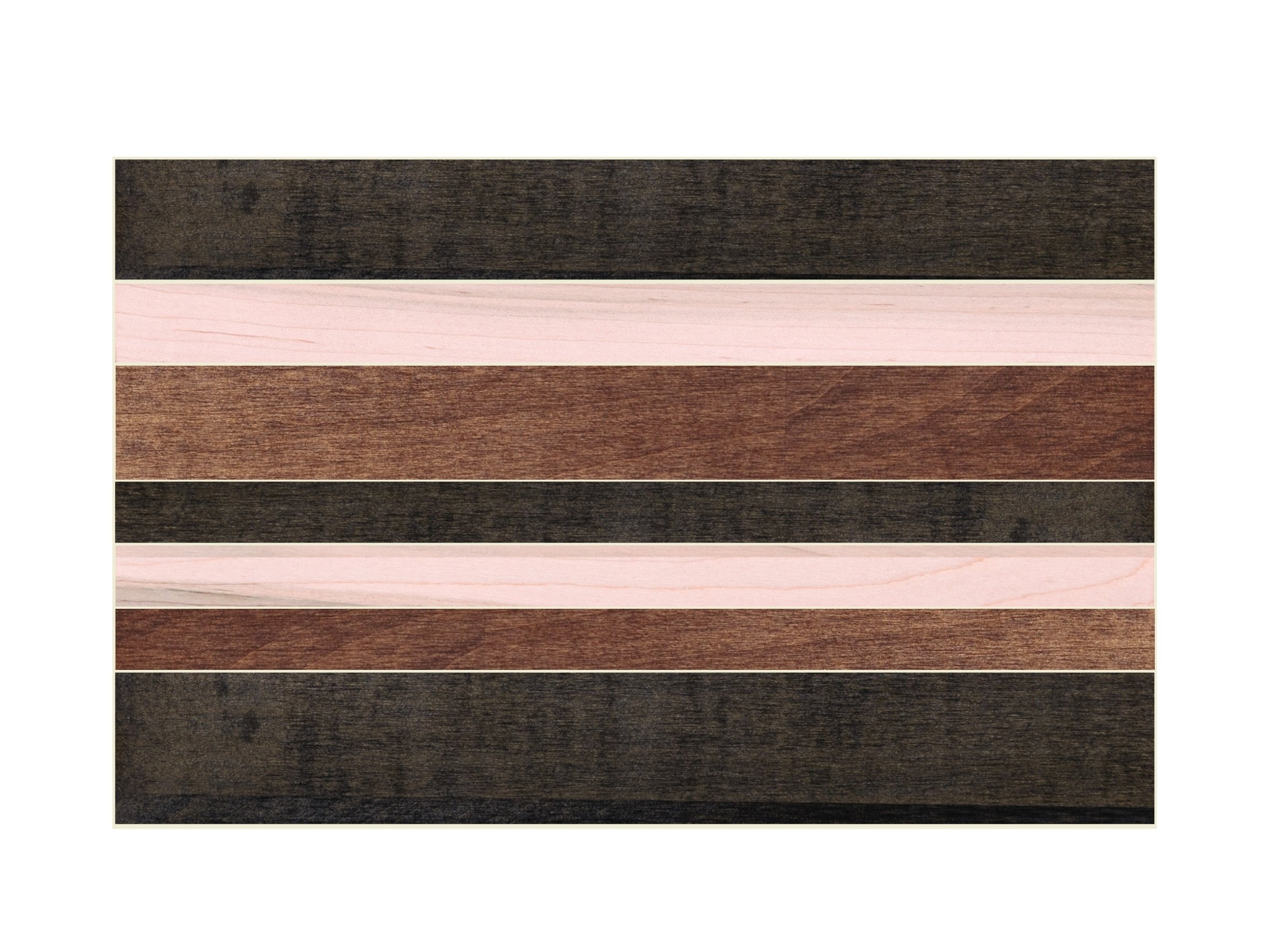
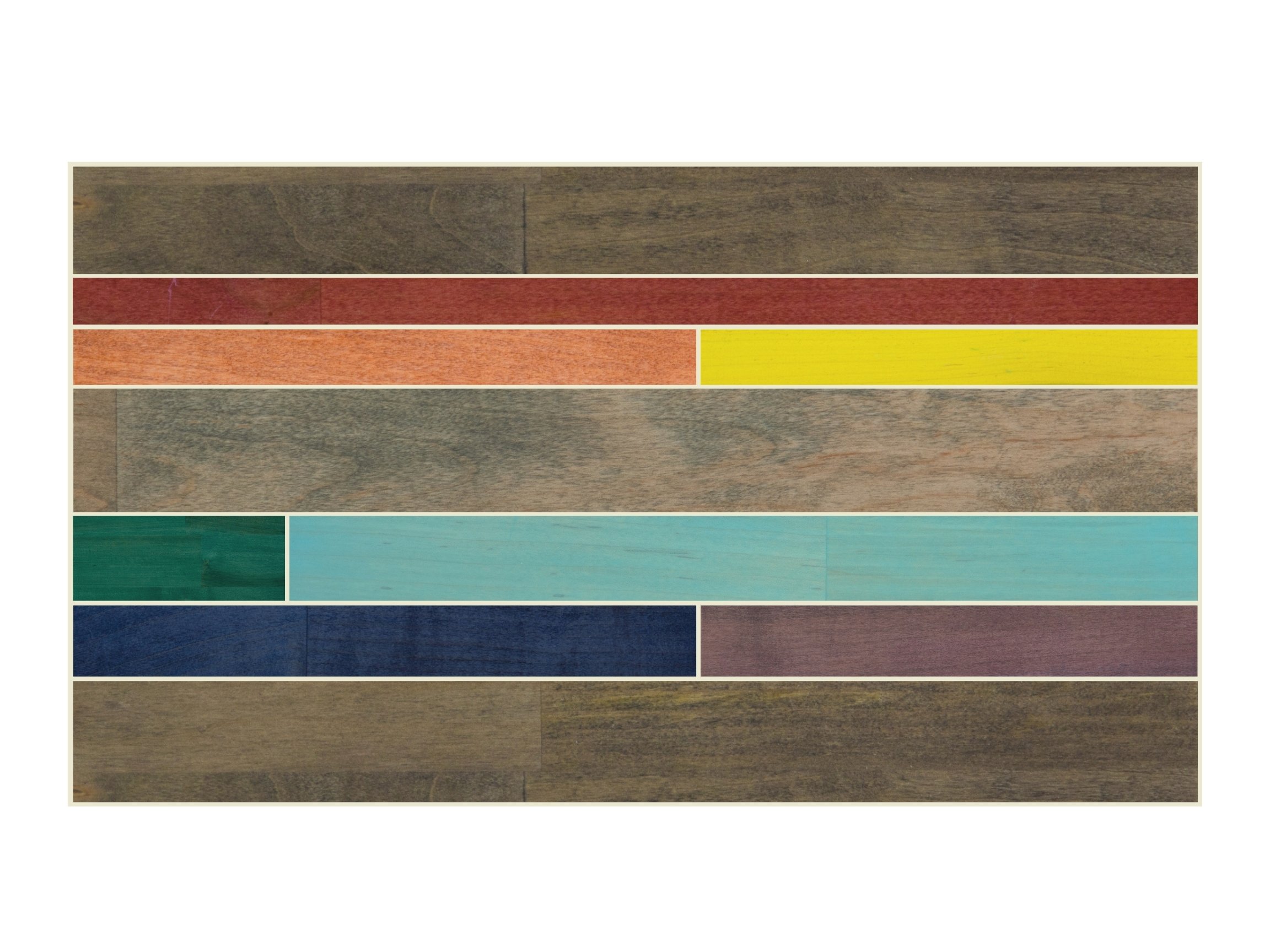
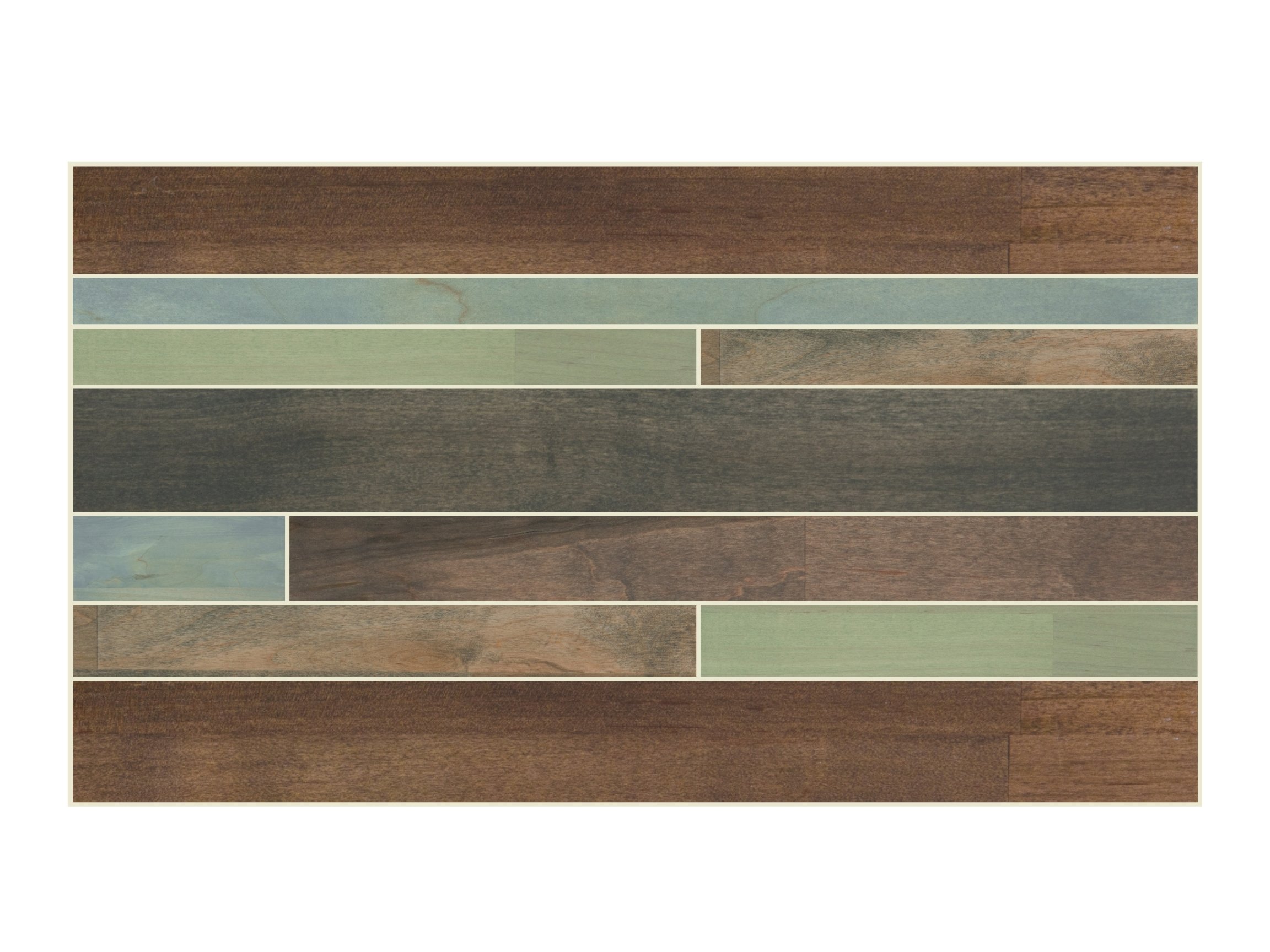
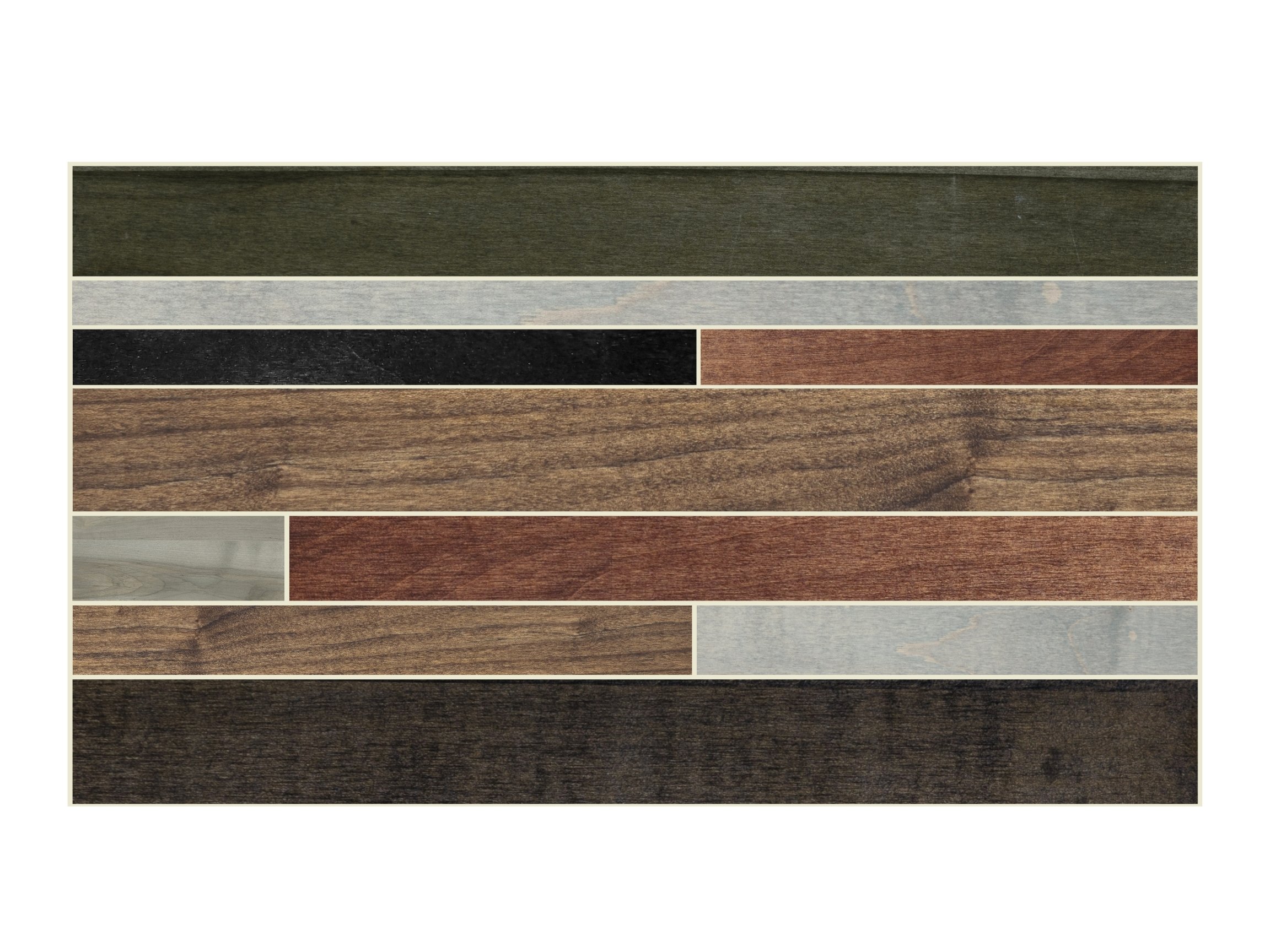
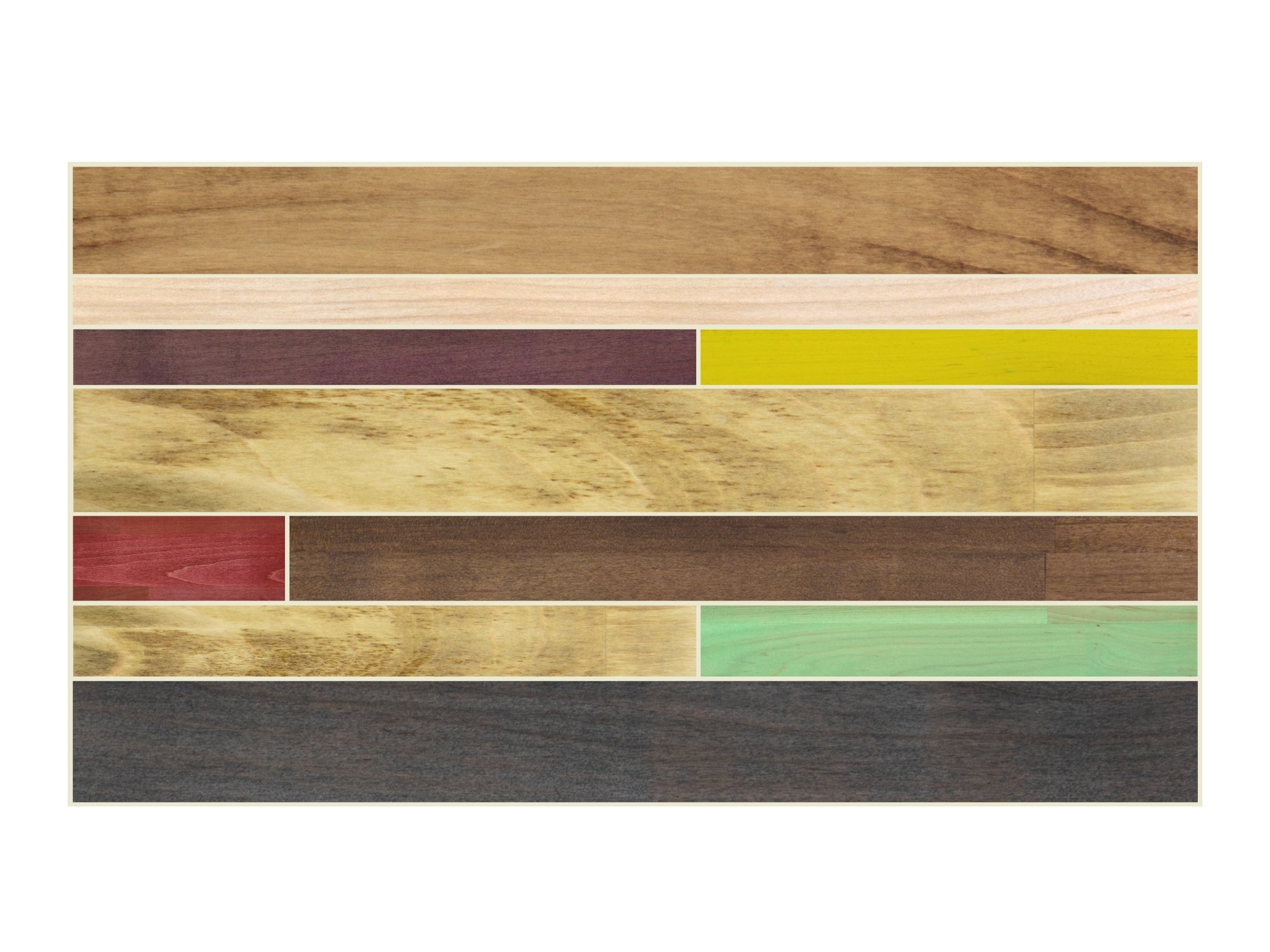
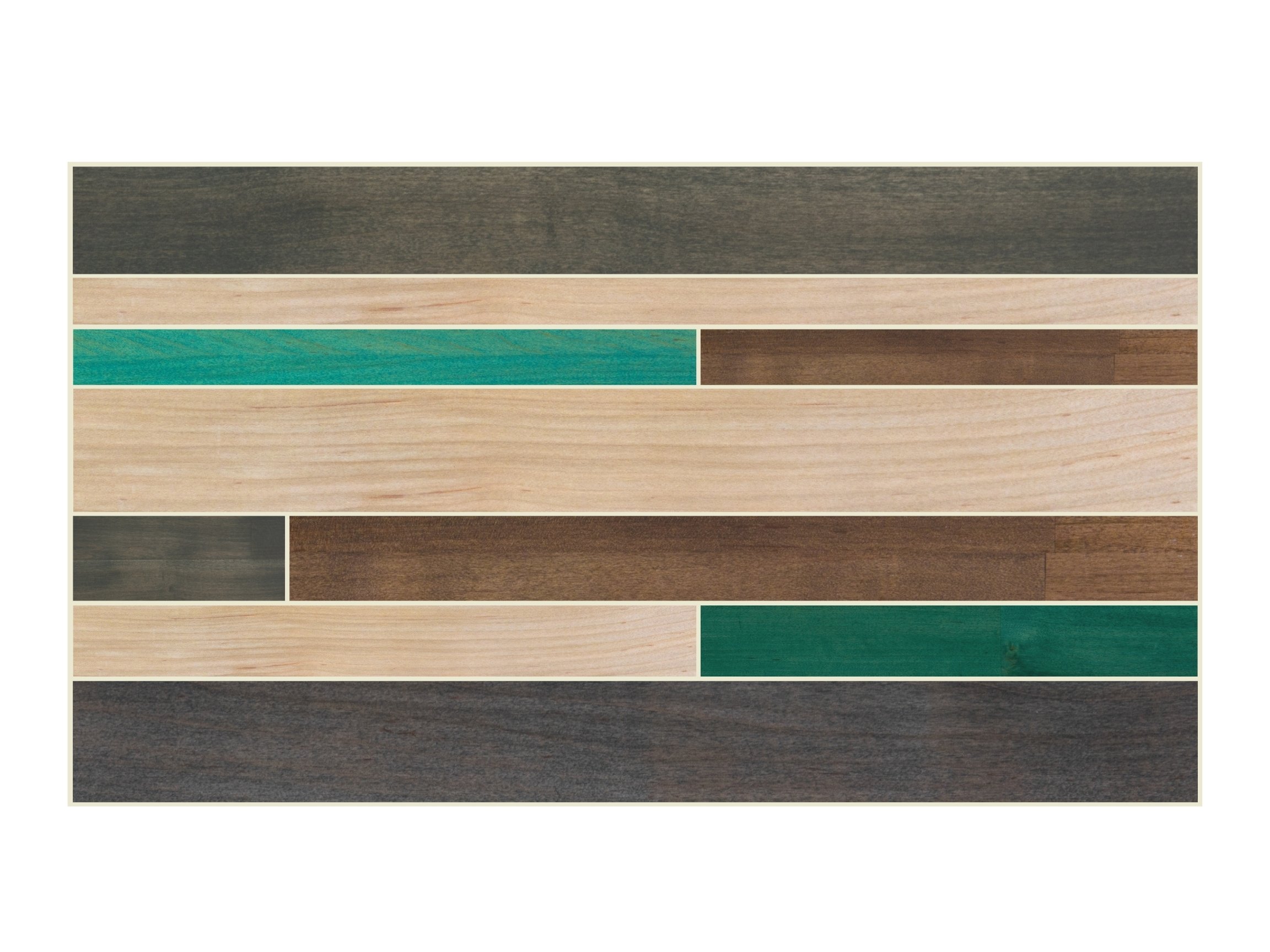
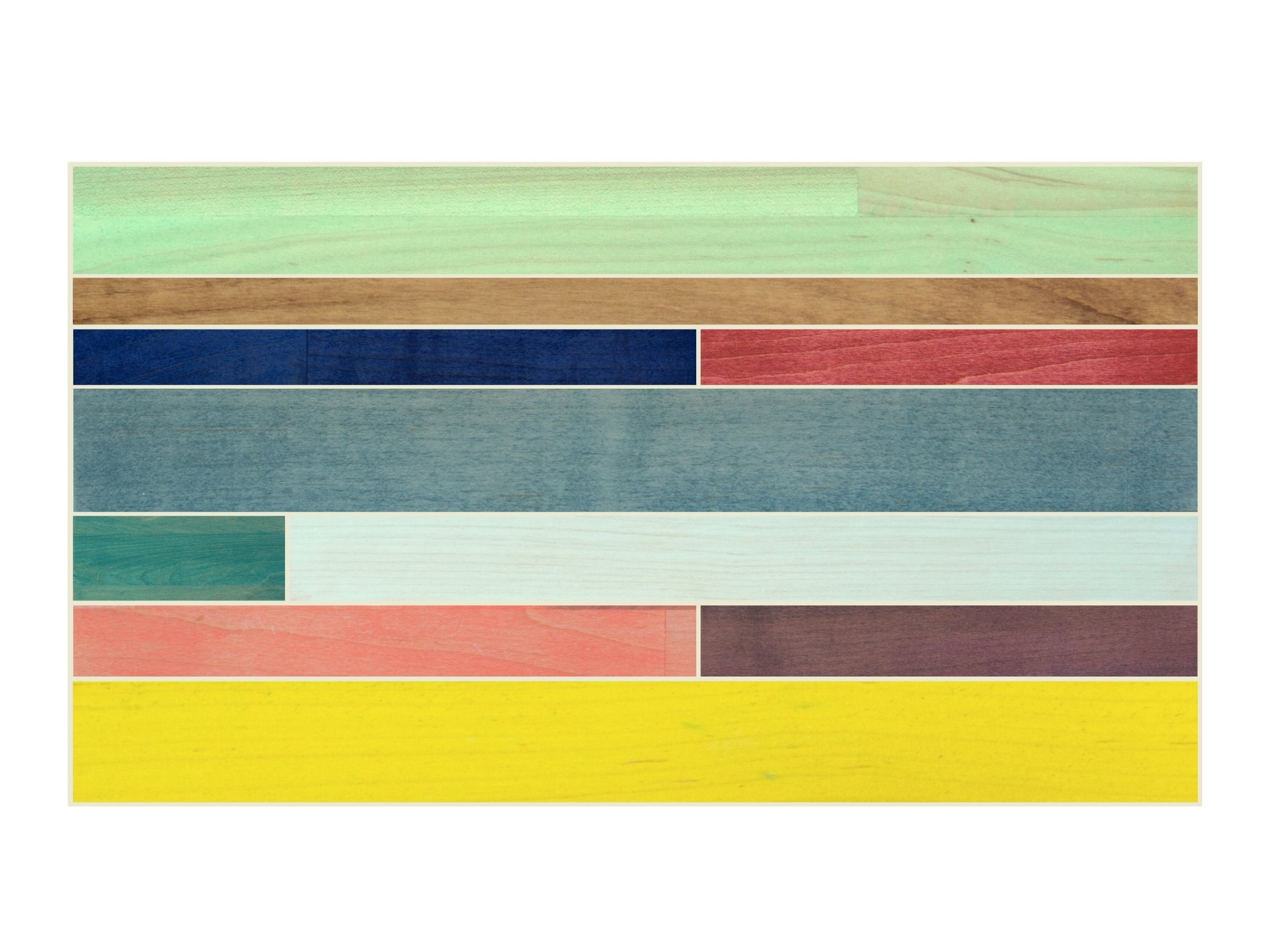
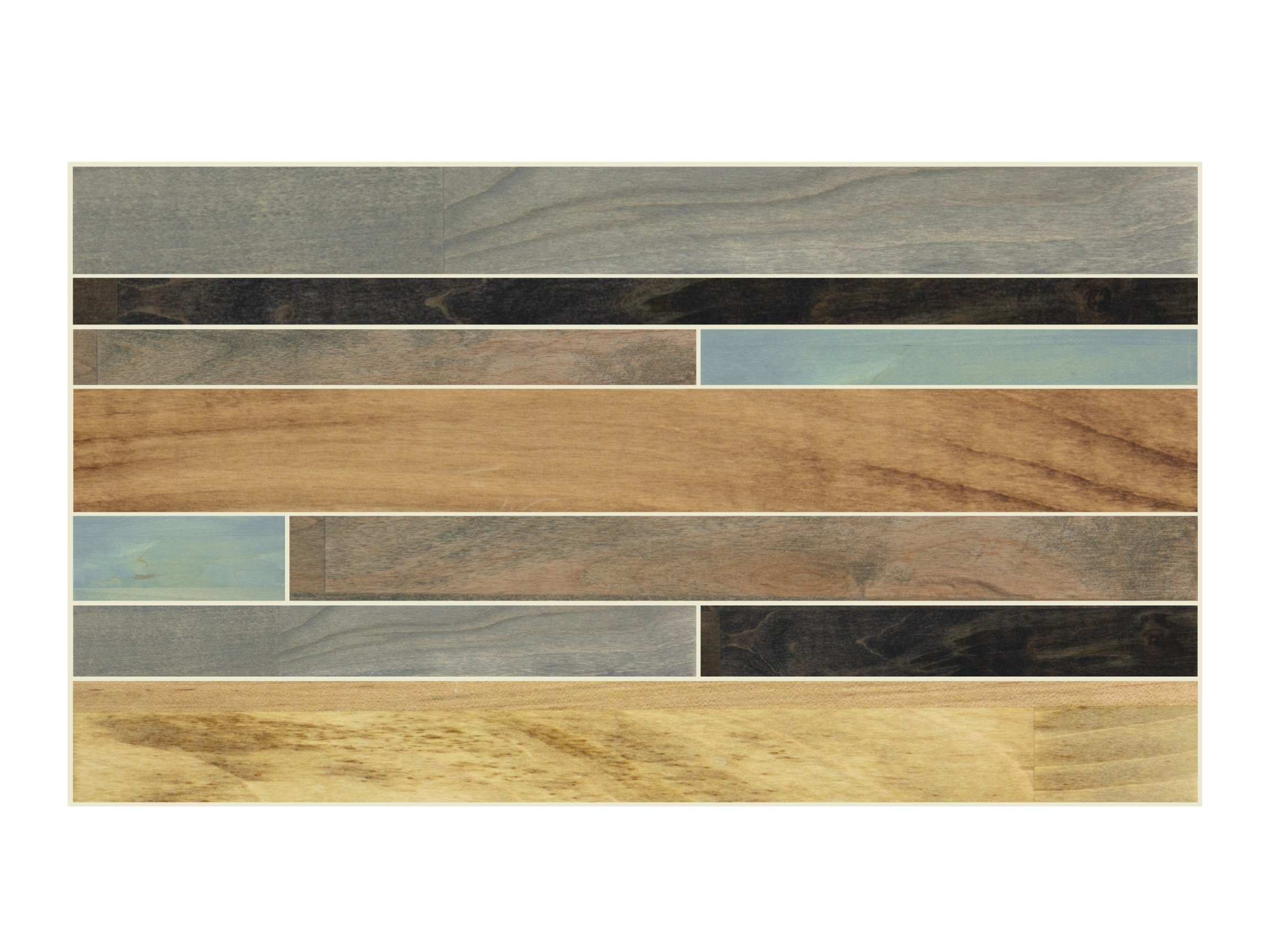
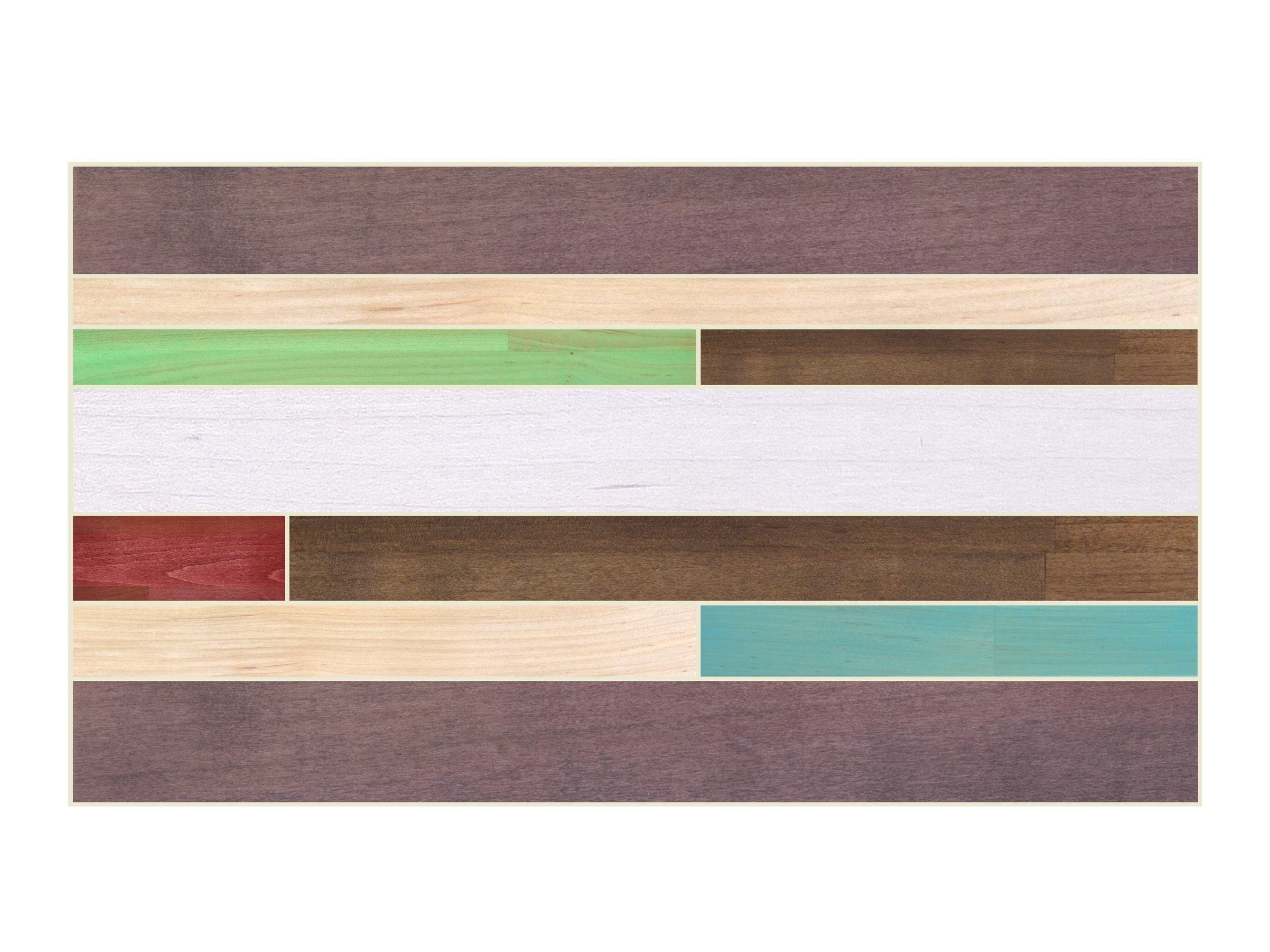
Bring your very own creative design into your home, and be prepared to show it off every time someone stops by! With our custom color upgrade, you take control of the colors you would like to add to your personal piece. Once you select your colors, we’ll work with you to create a virtual mockup that matches. Below you’ll find many examples of past mock ups and a step by step guide to help you get started.
Custom Colors: Galleries
-
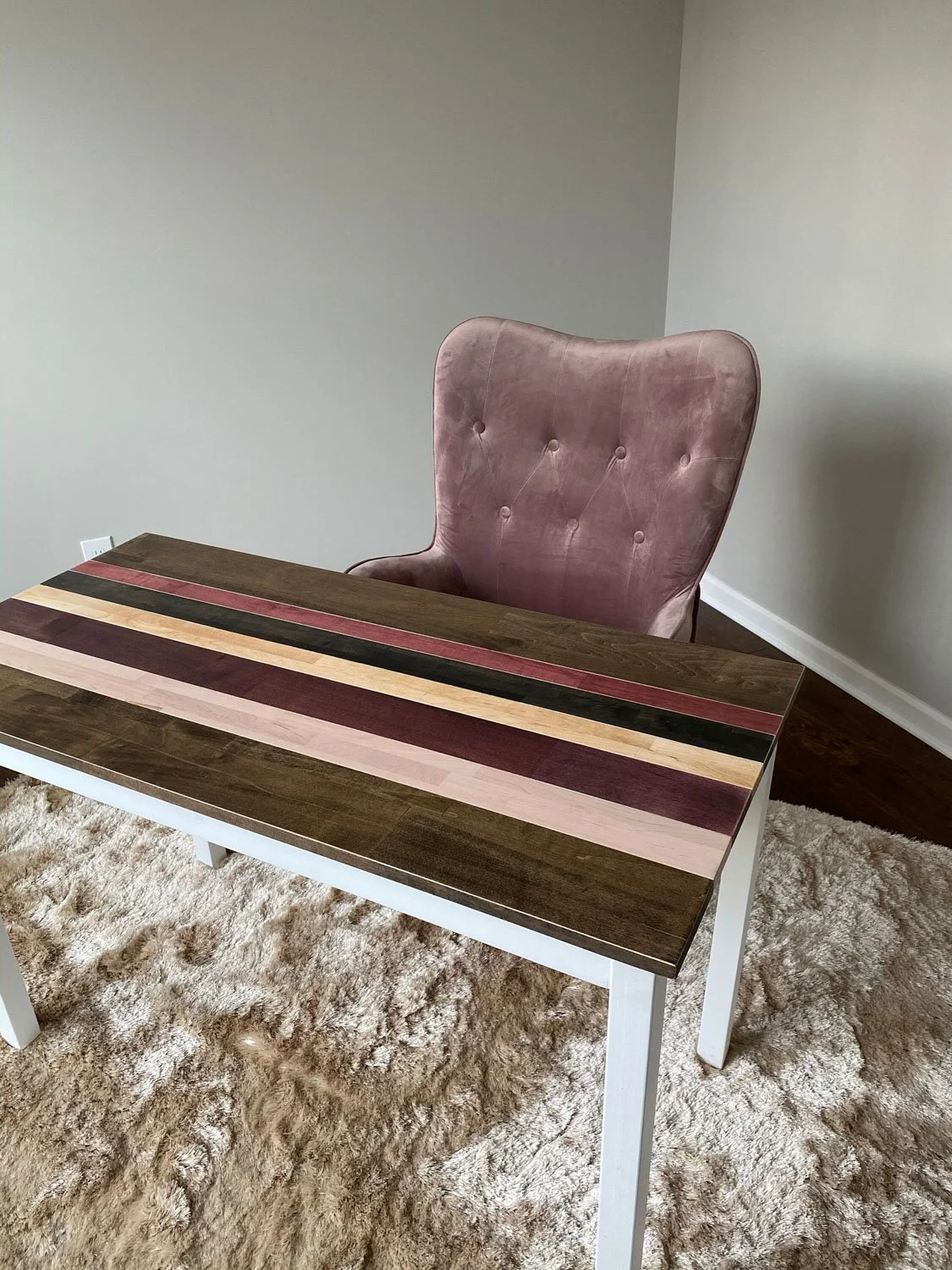
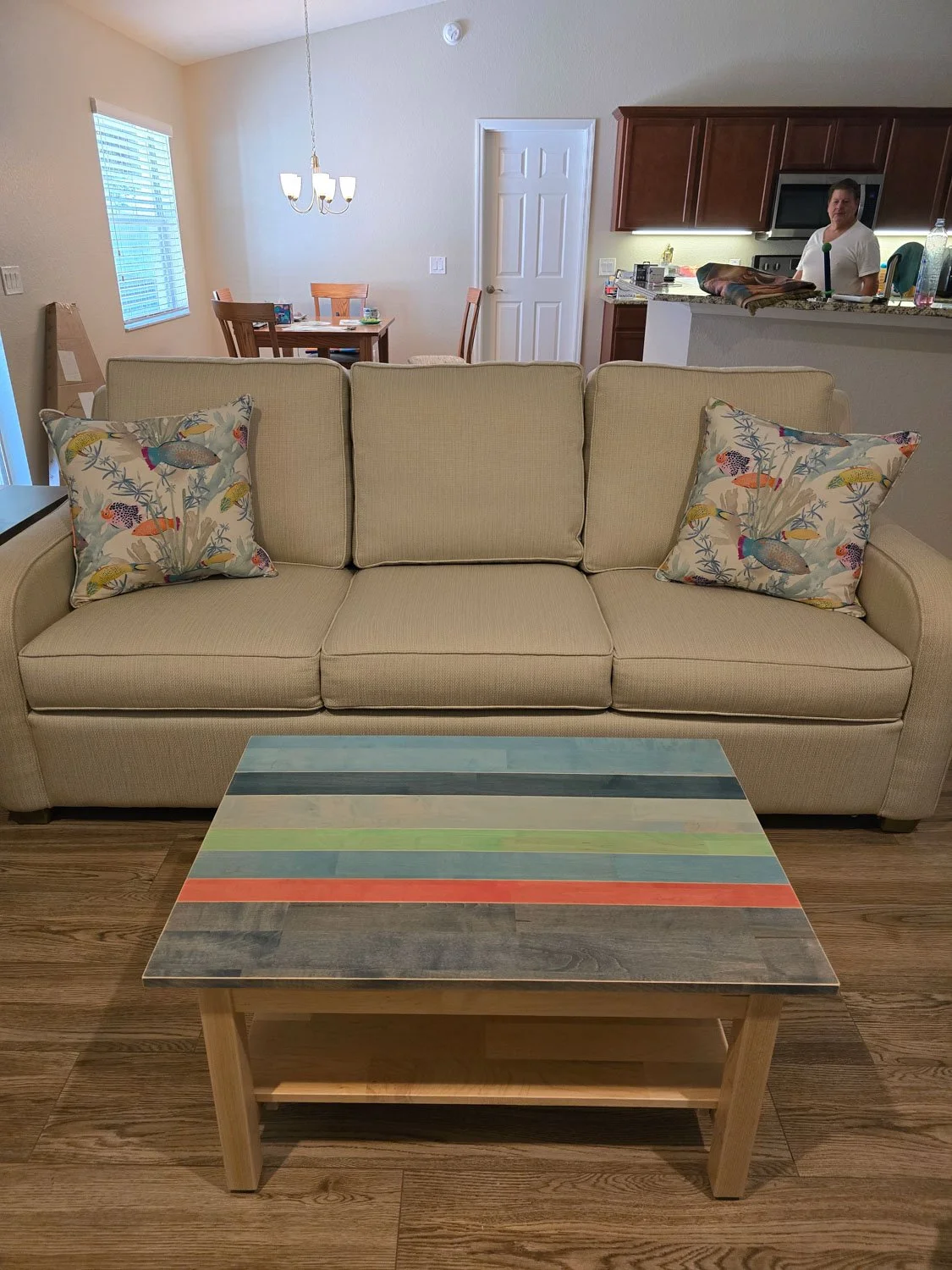
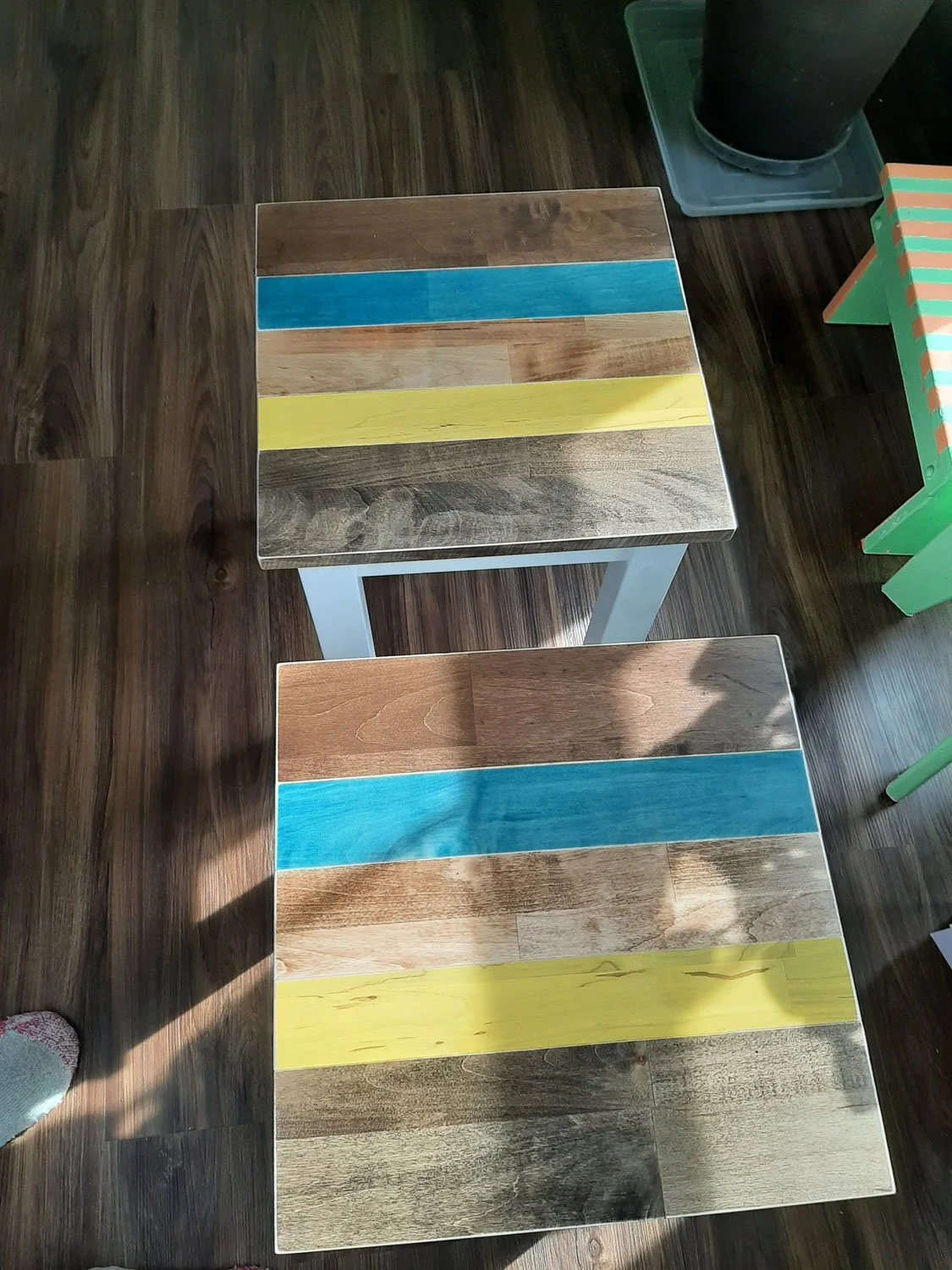
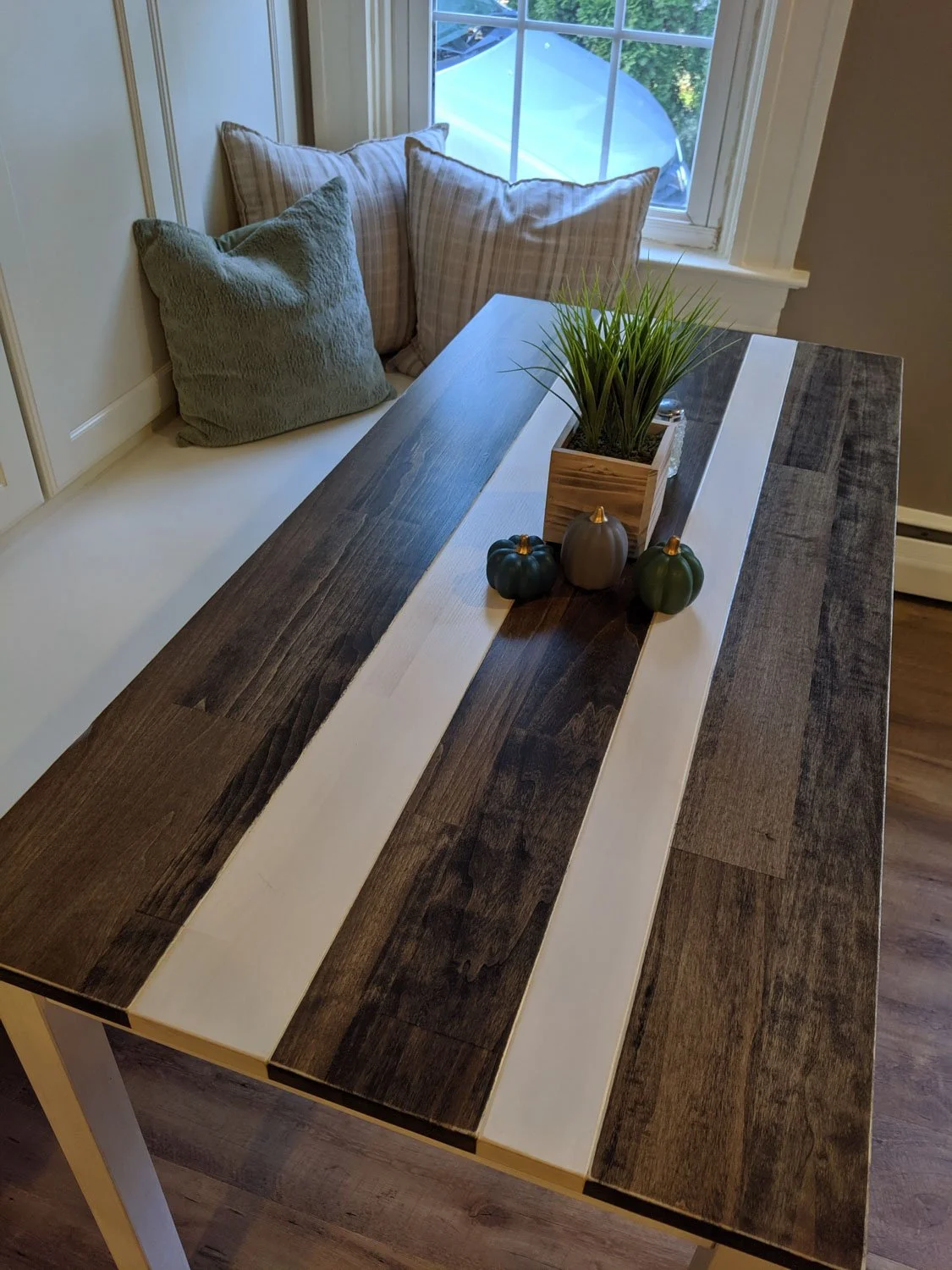
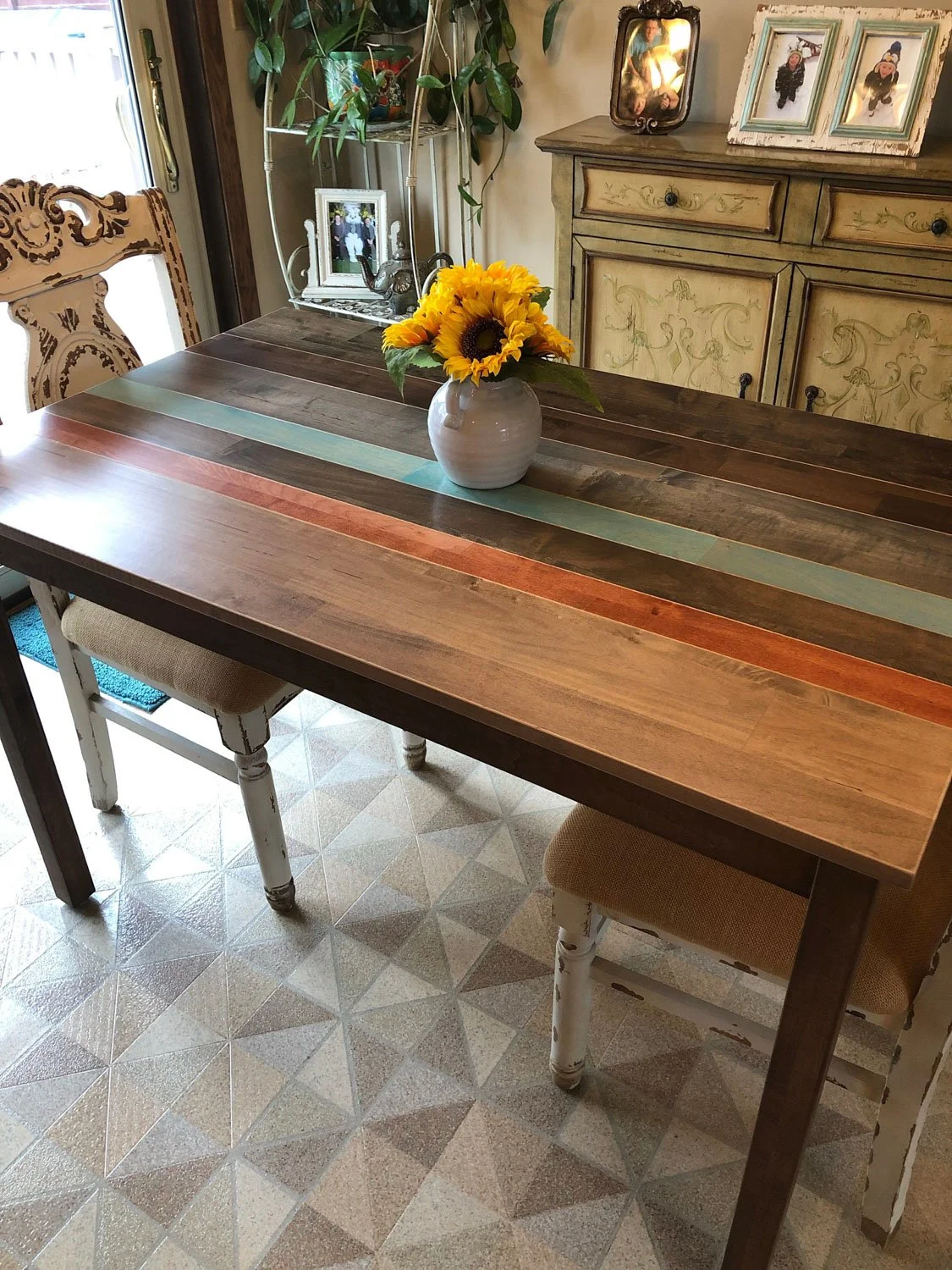
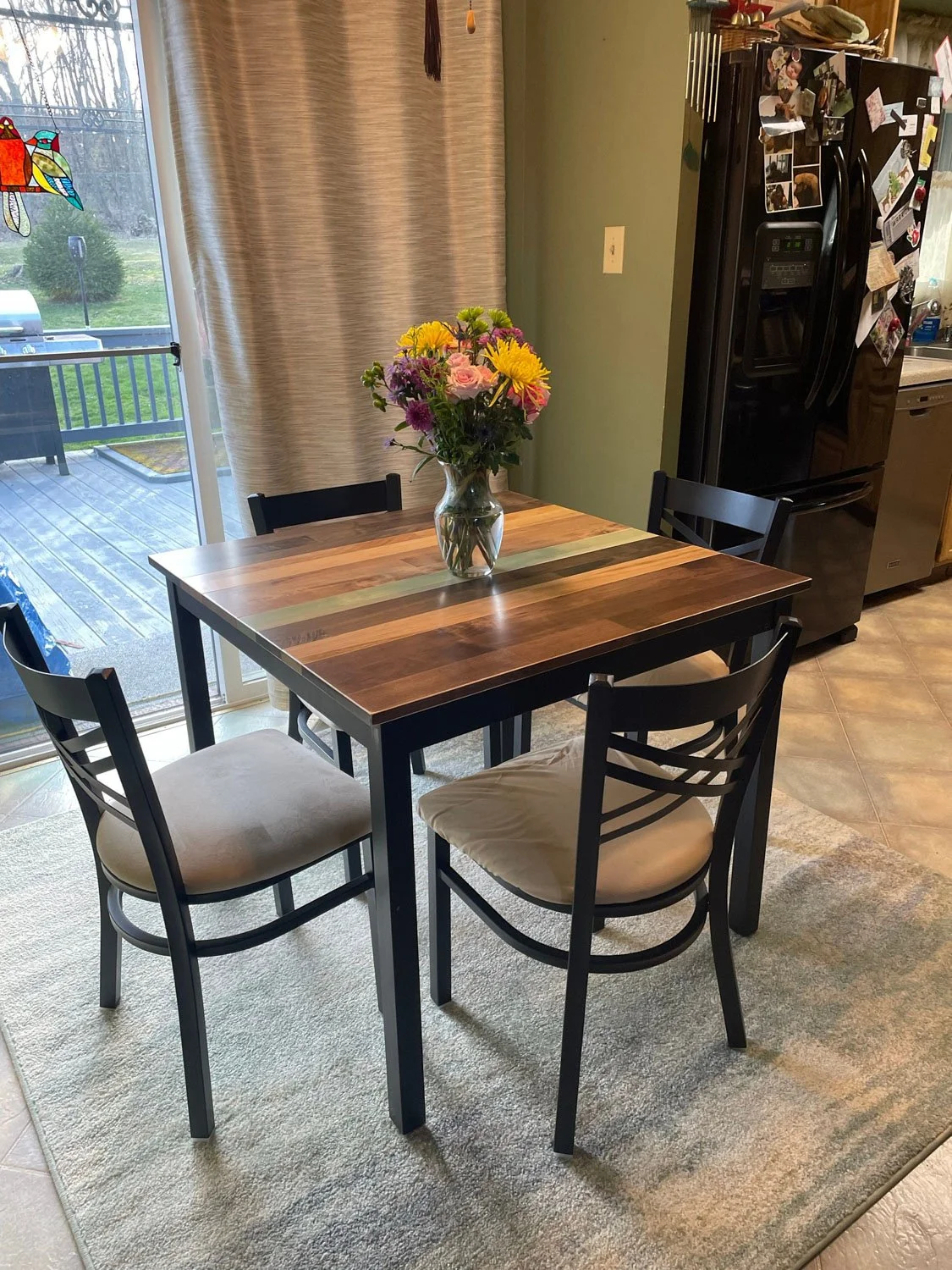
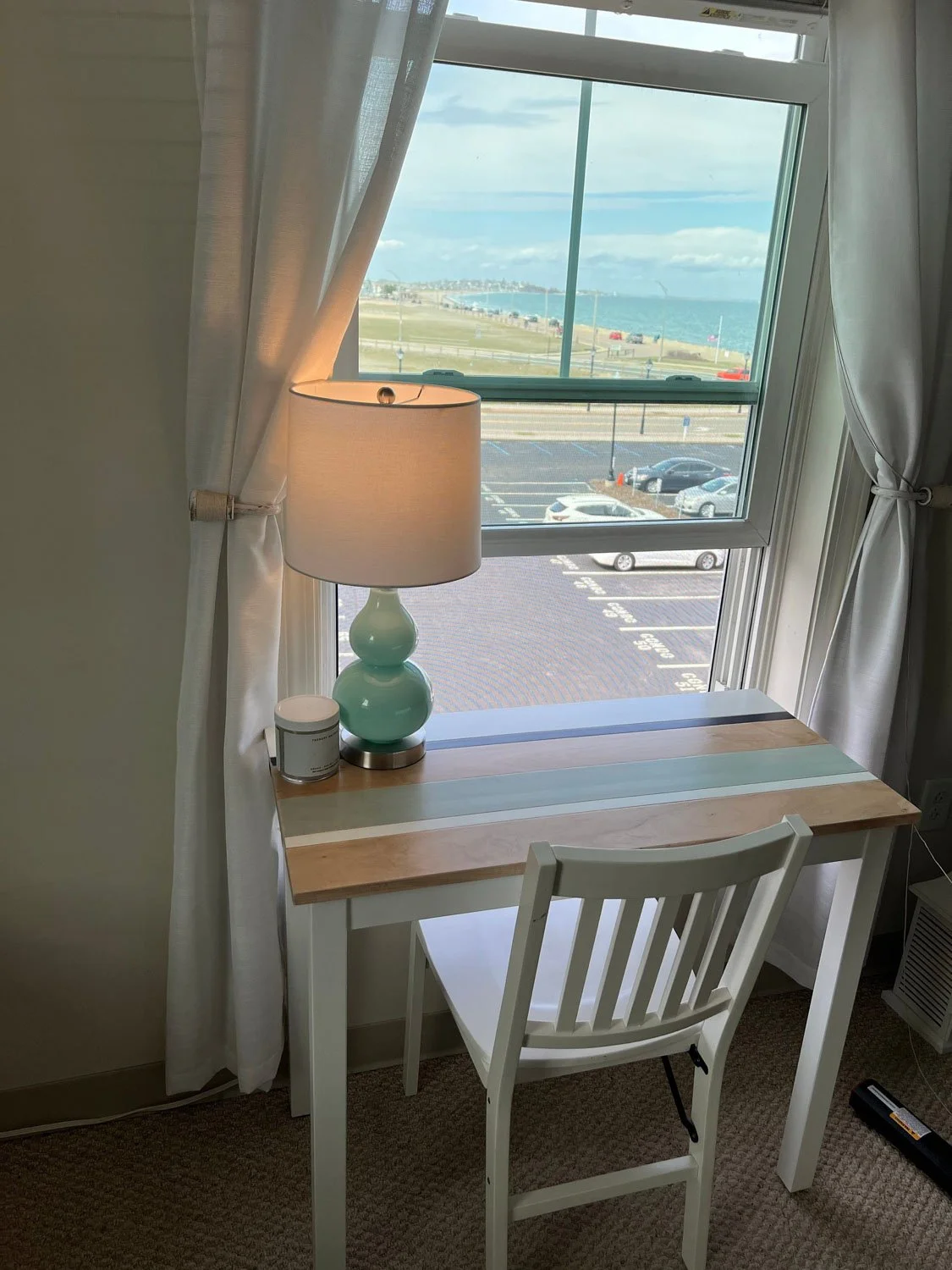
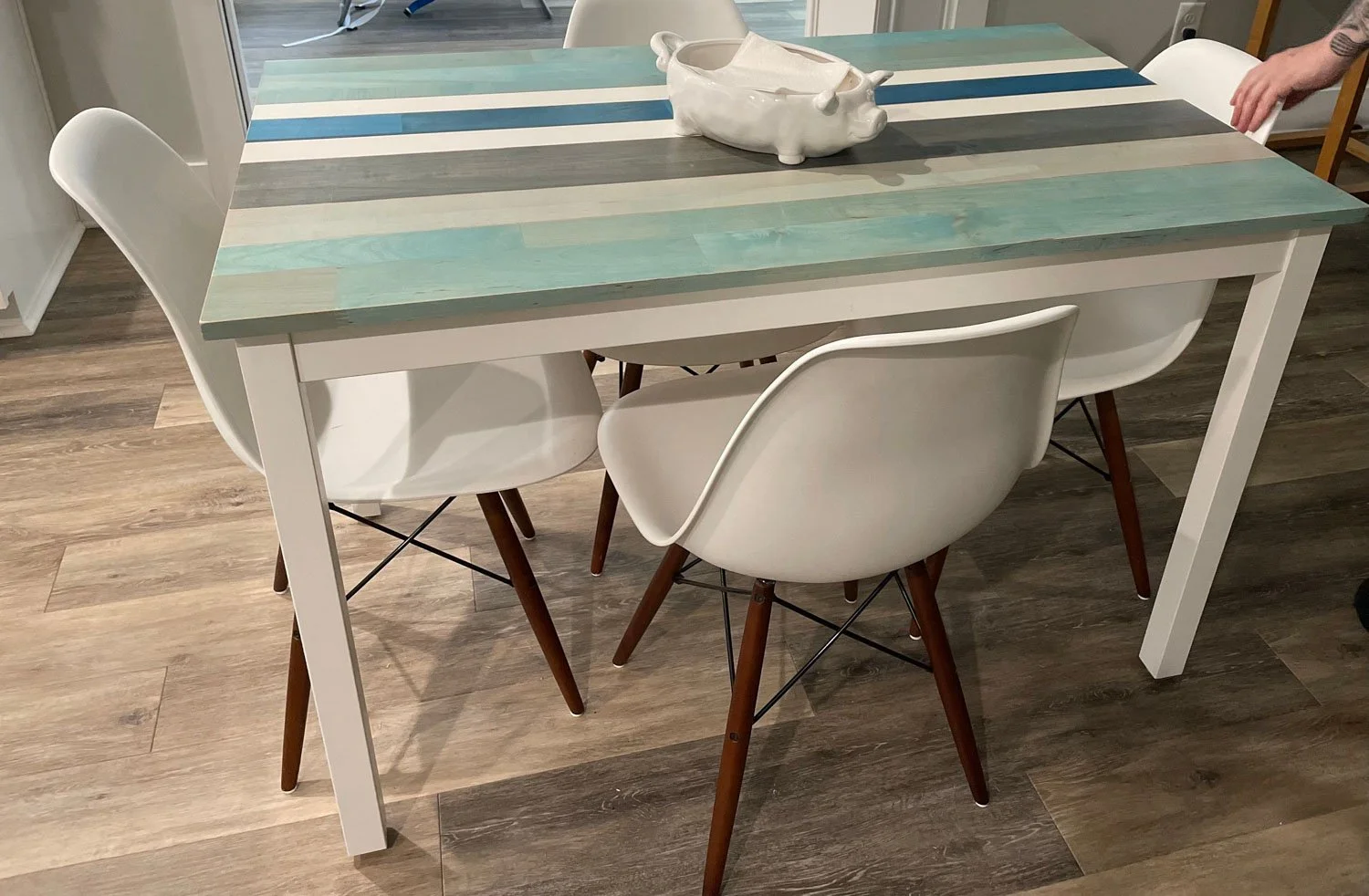
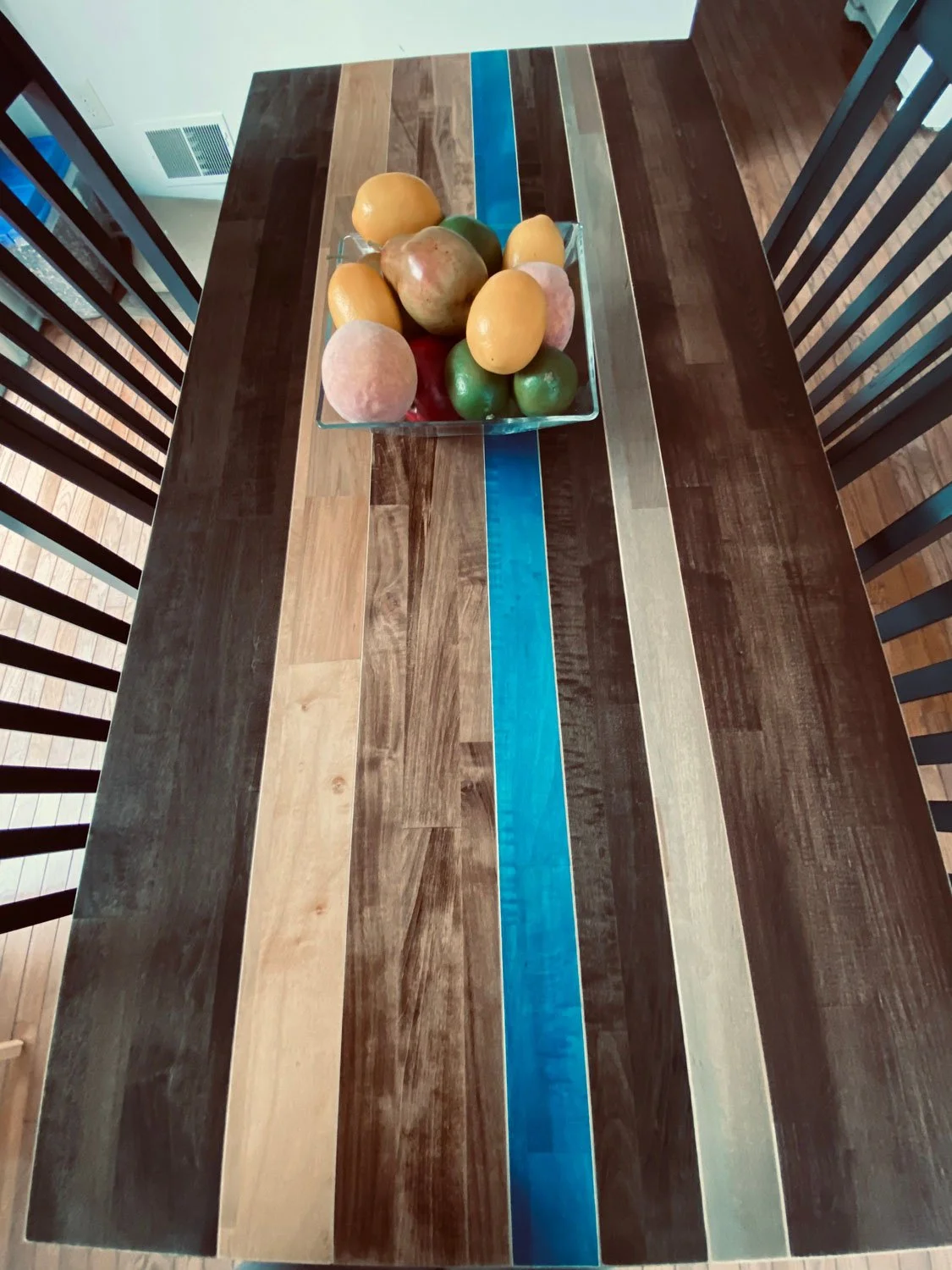
Customer Photos
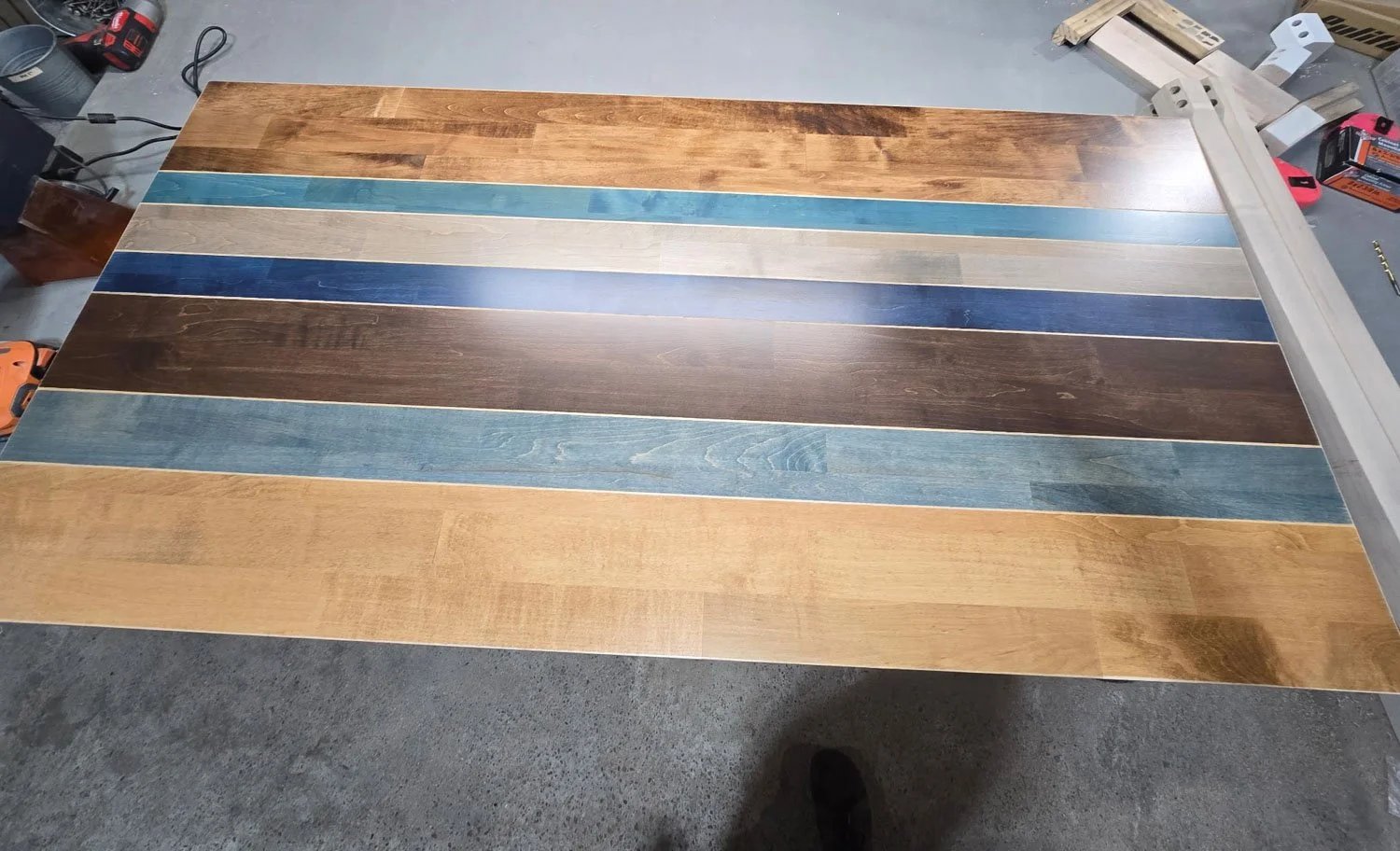
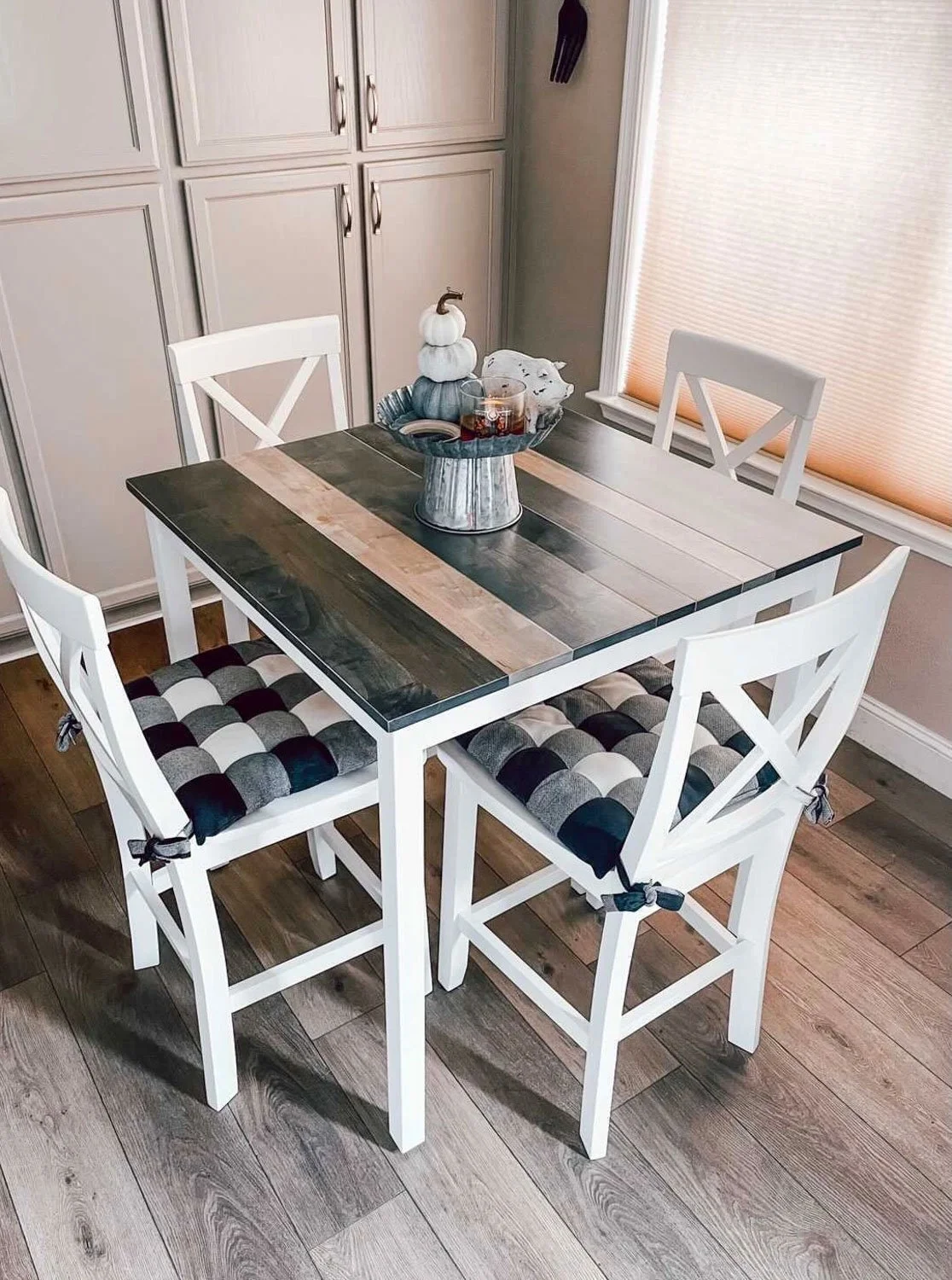
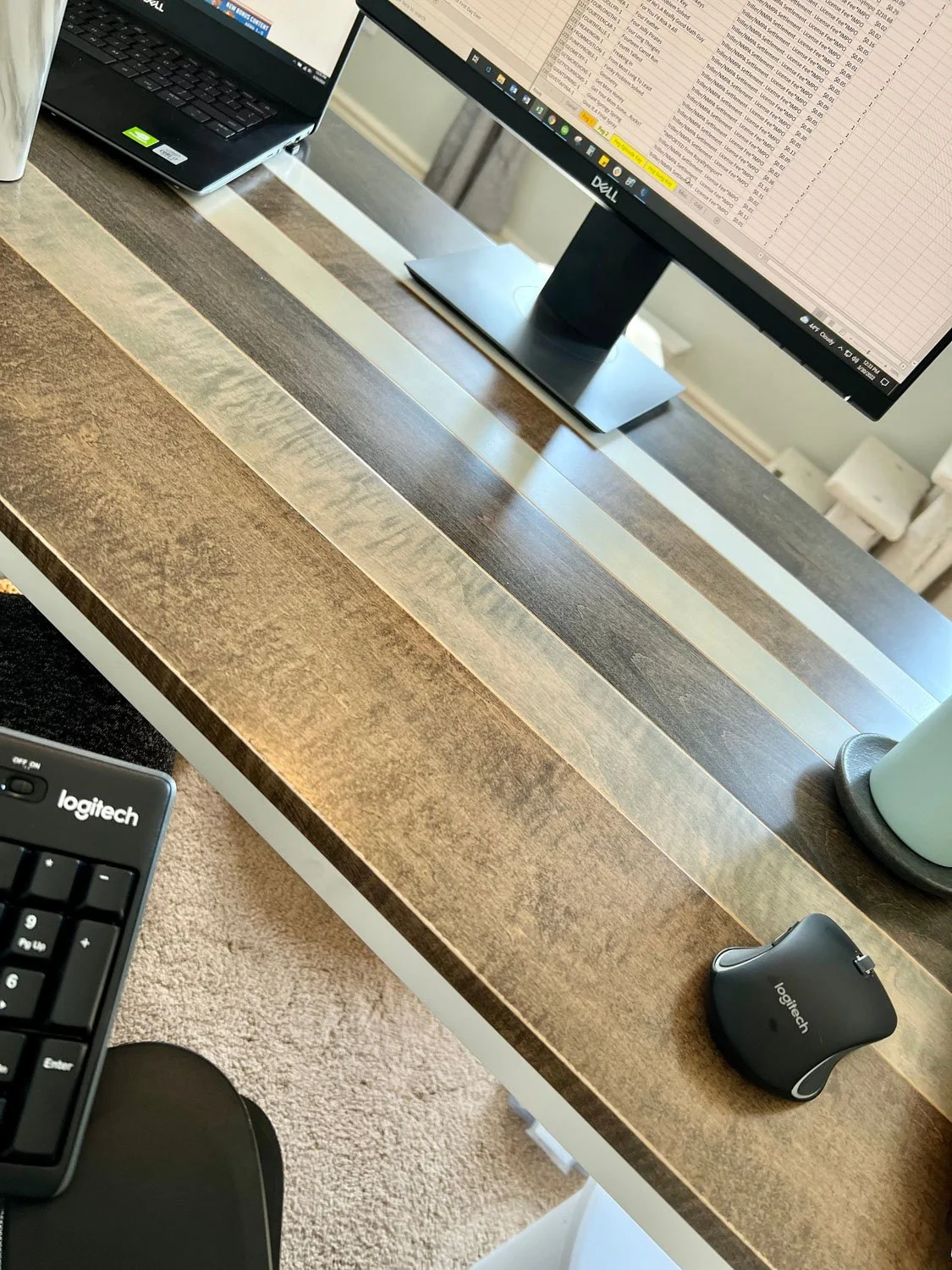
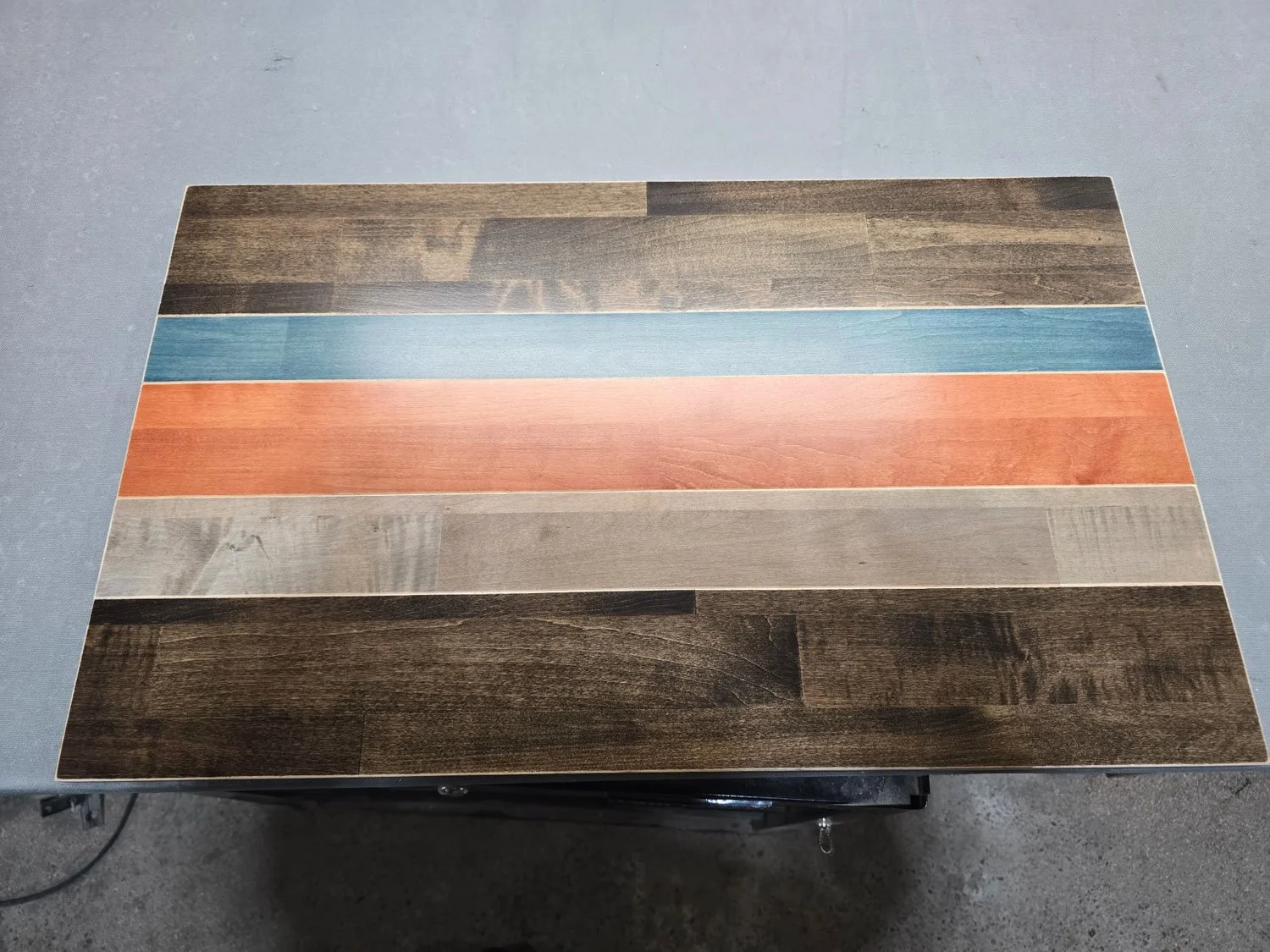
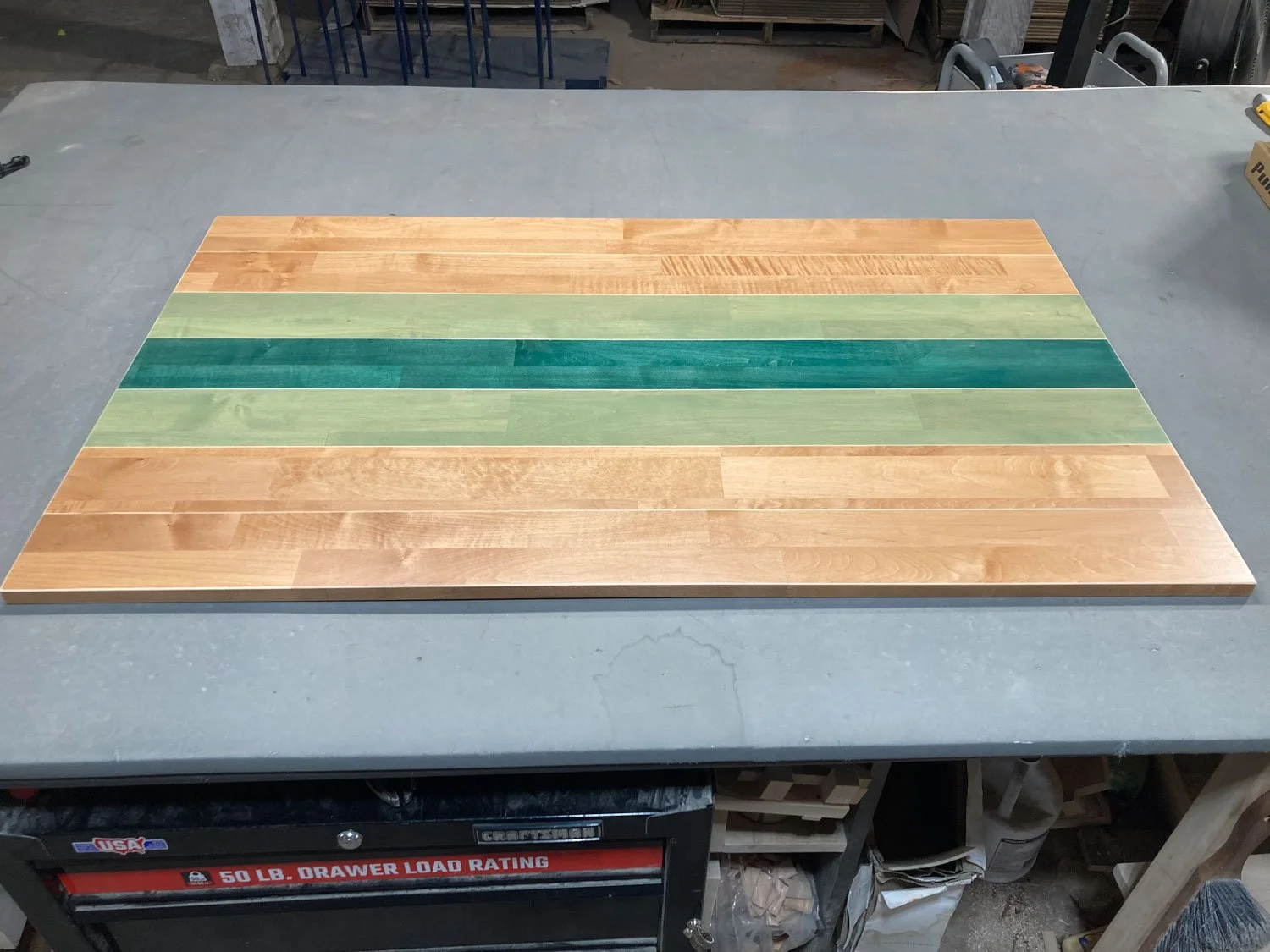
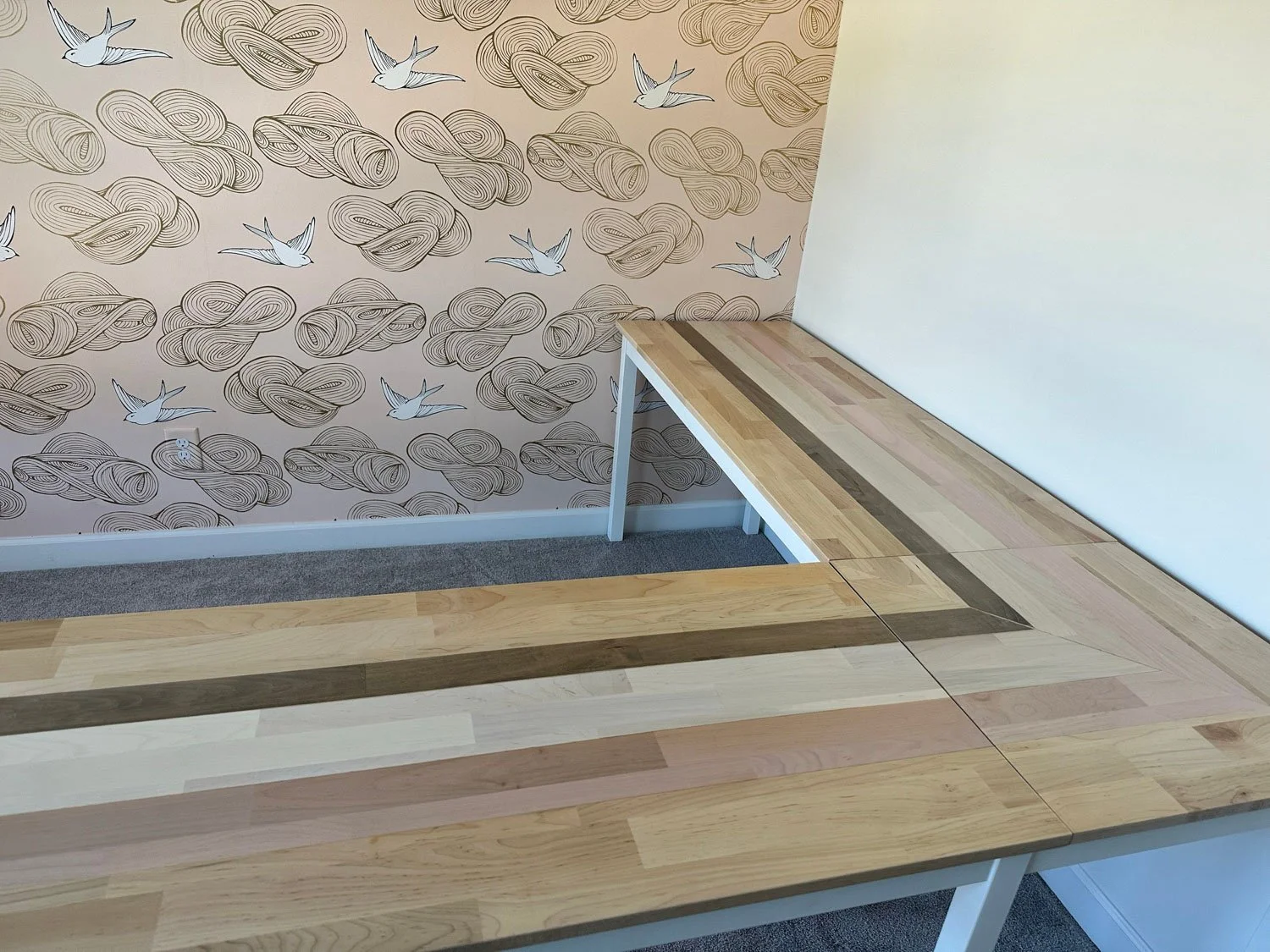
Customer photos of custom orders (from the larger “Things We’ve Built” gallery)
-
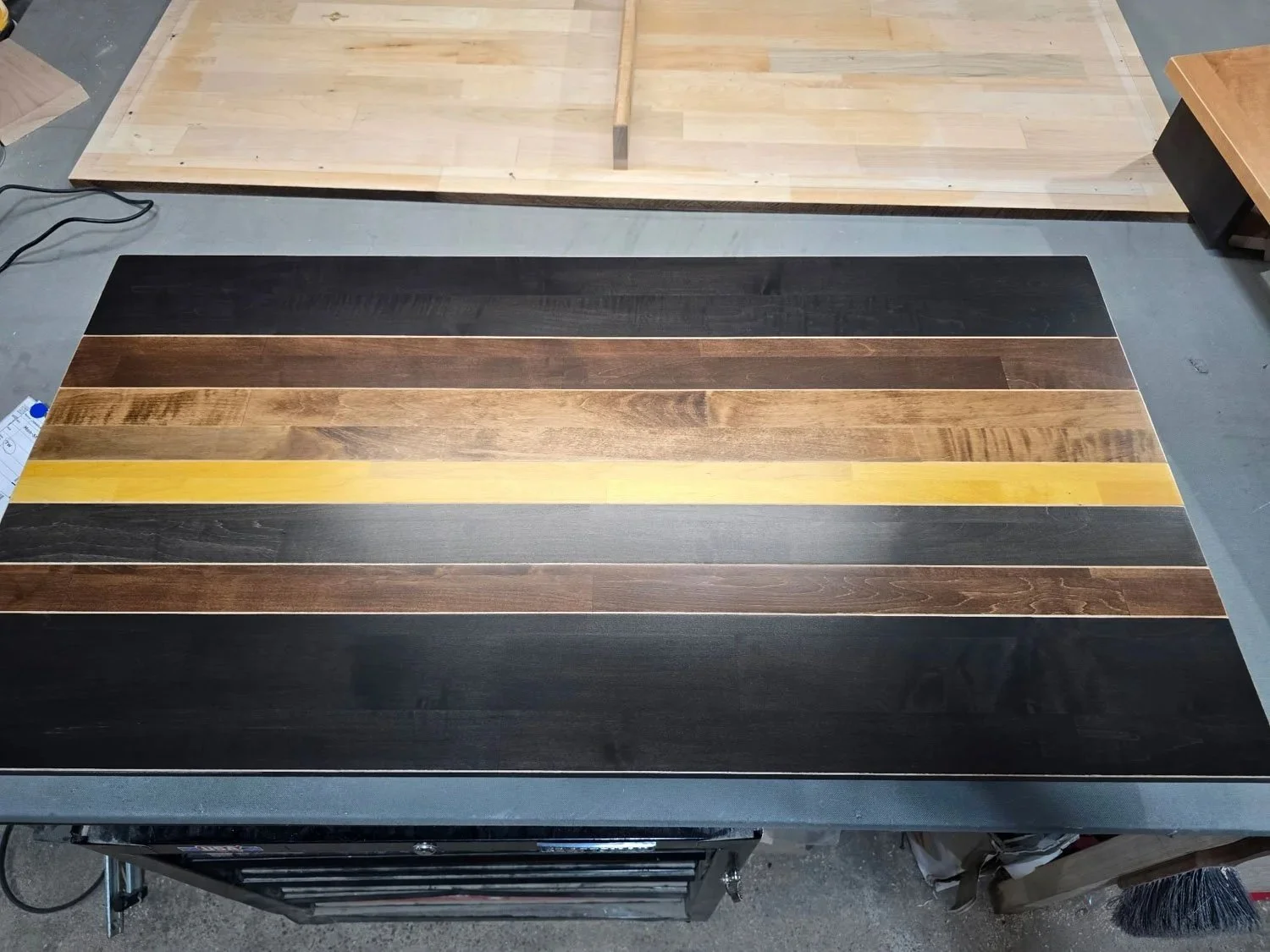
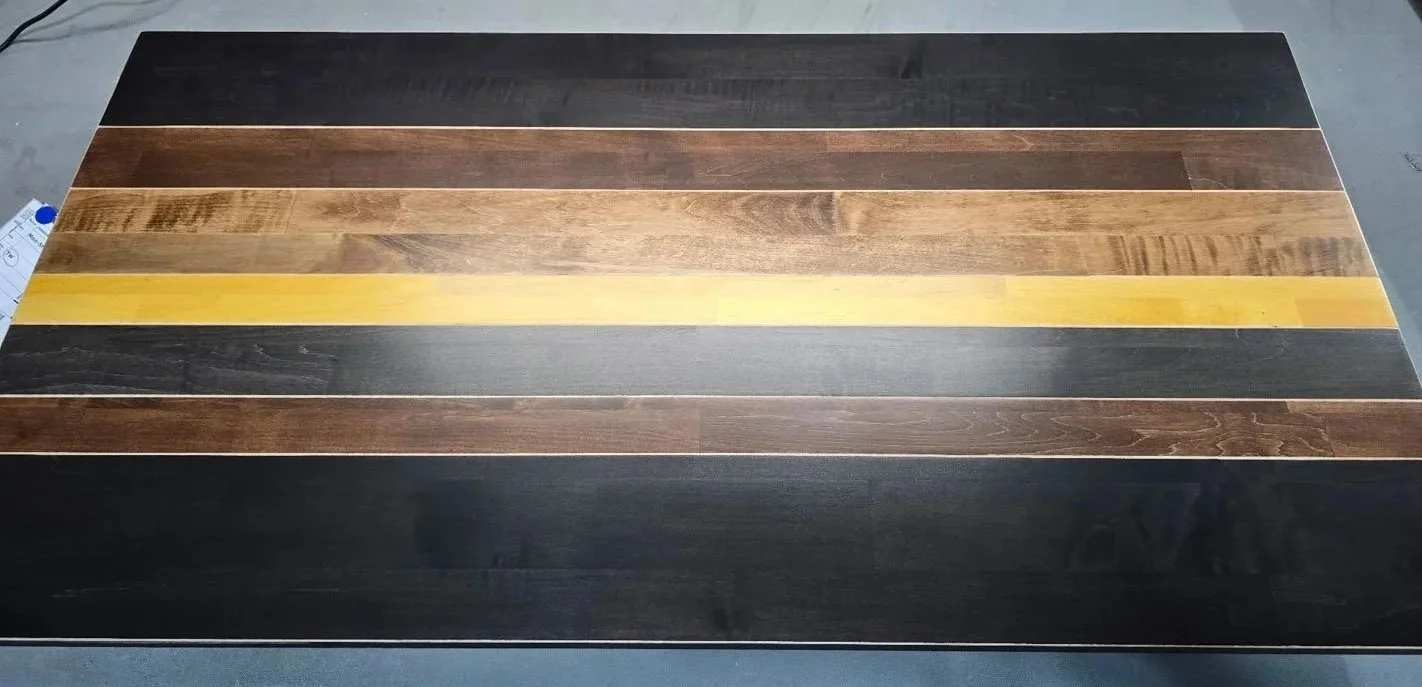
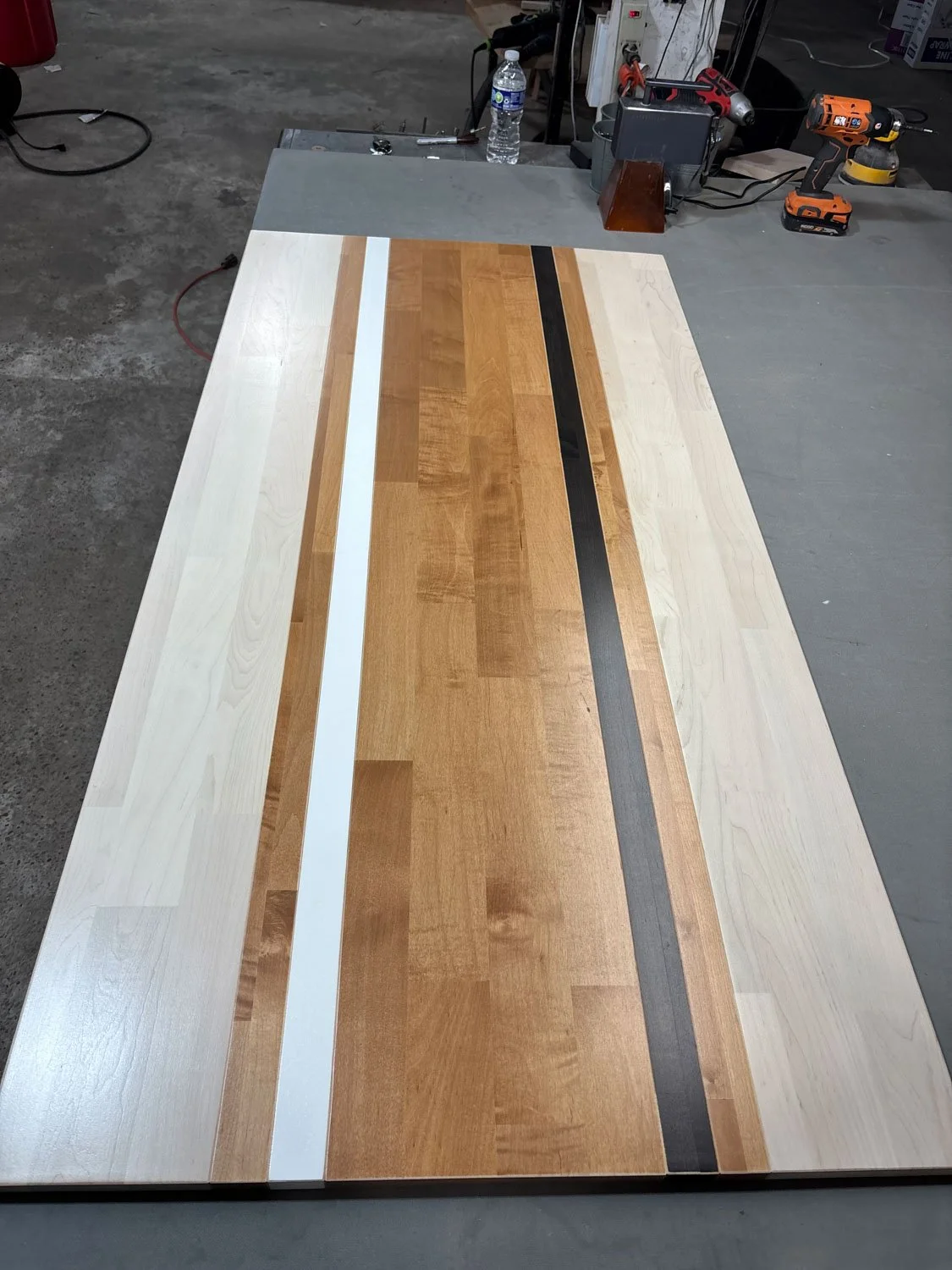
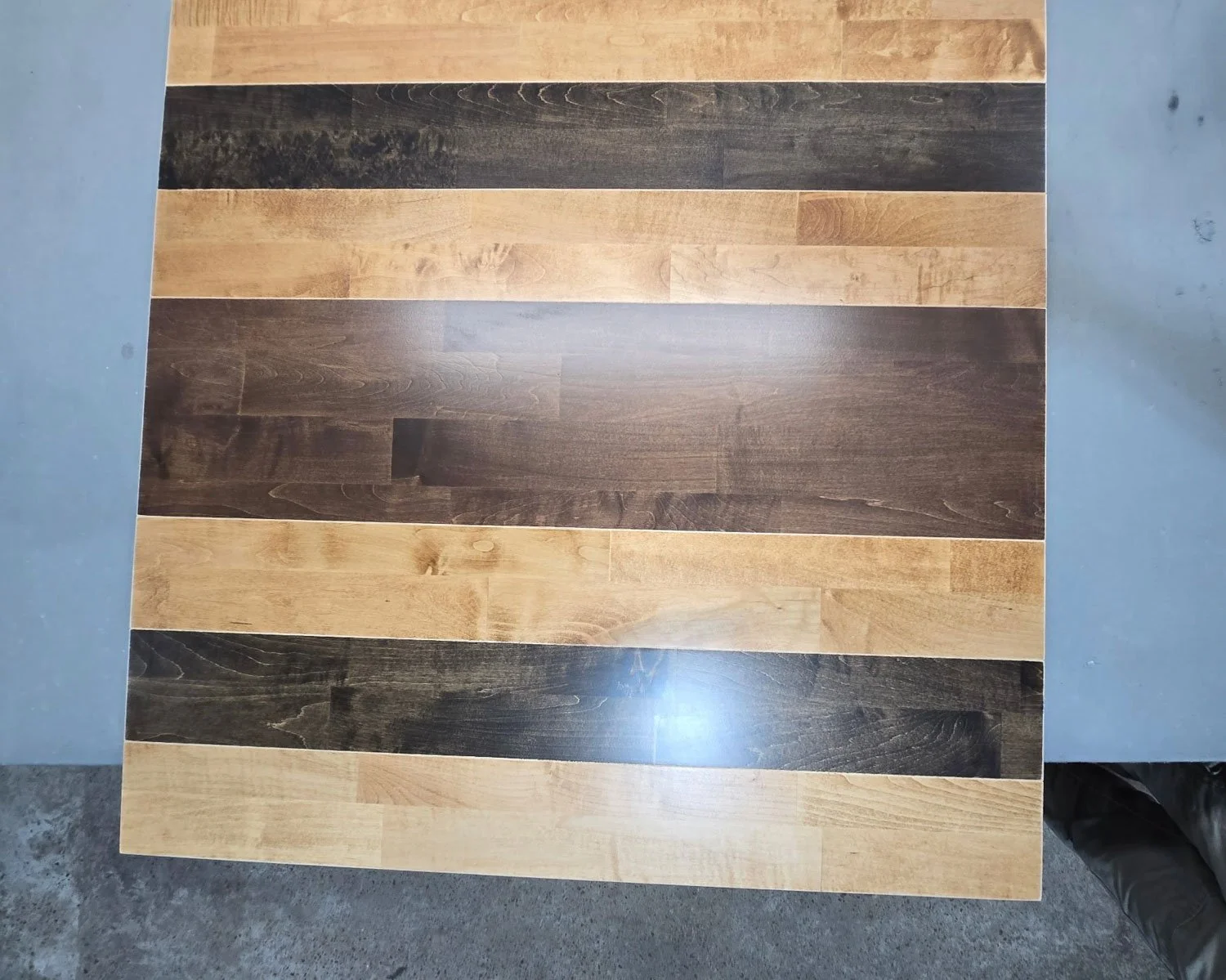
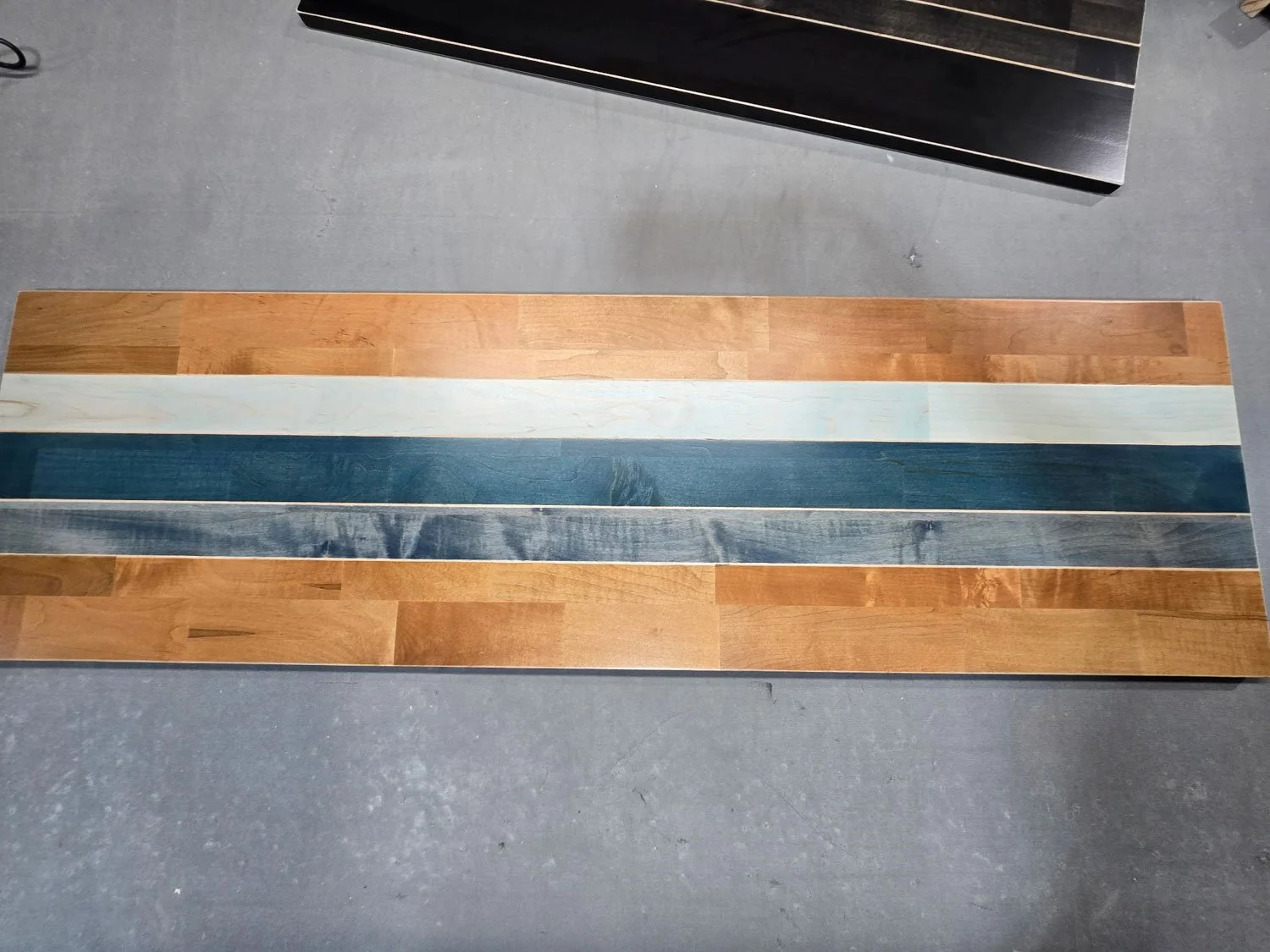
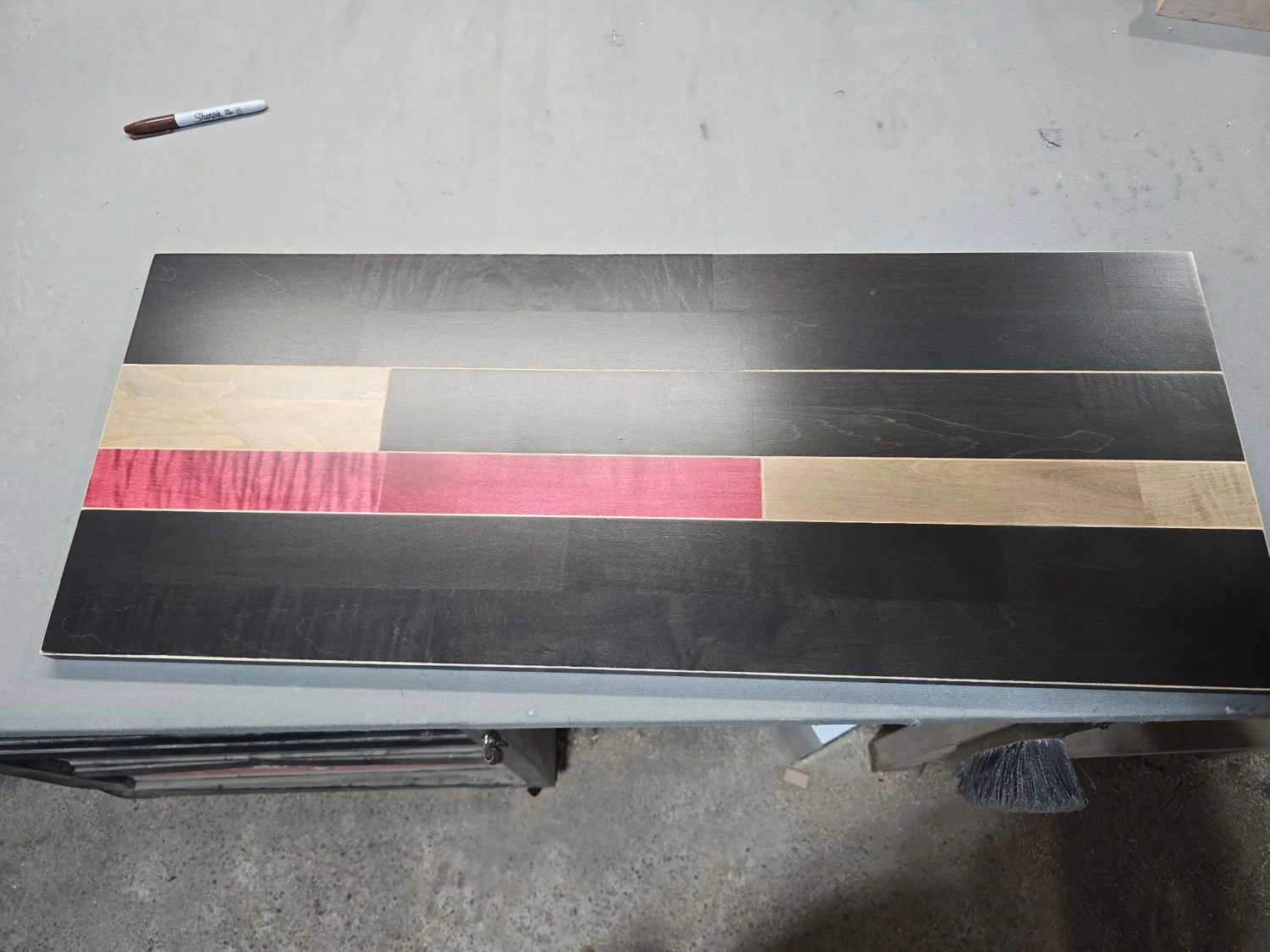
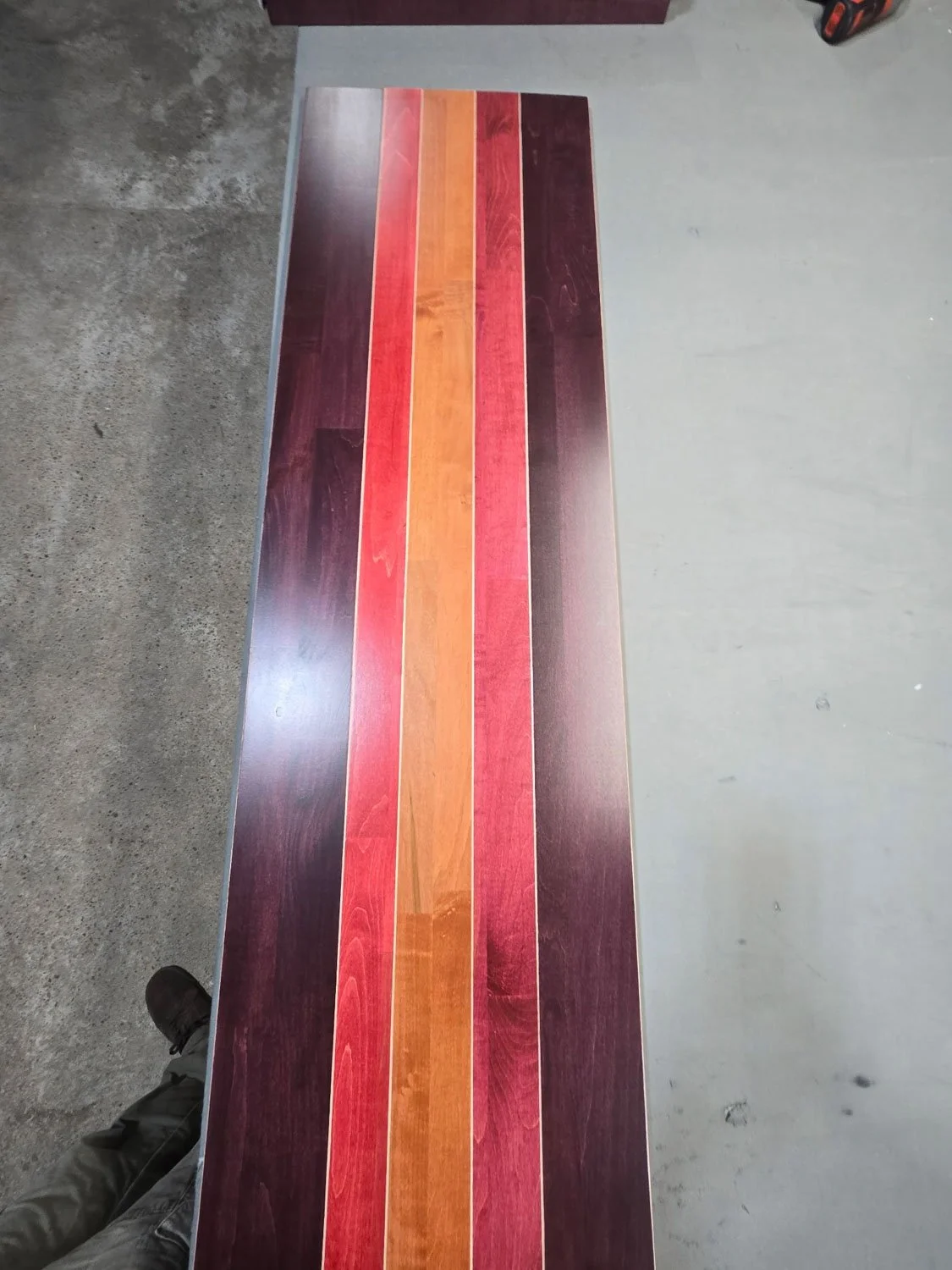
Our Photos (Just Tops)
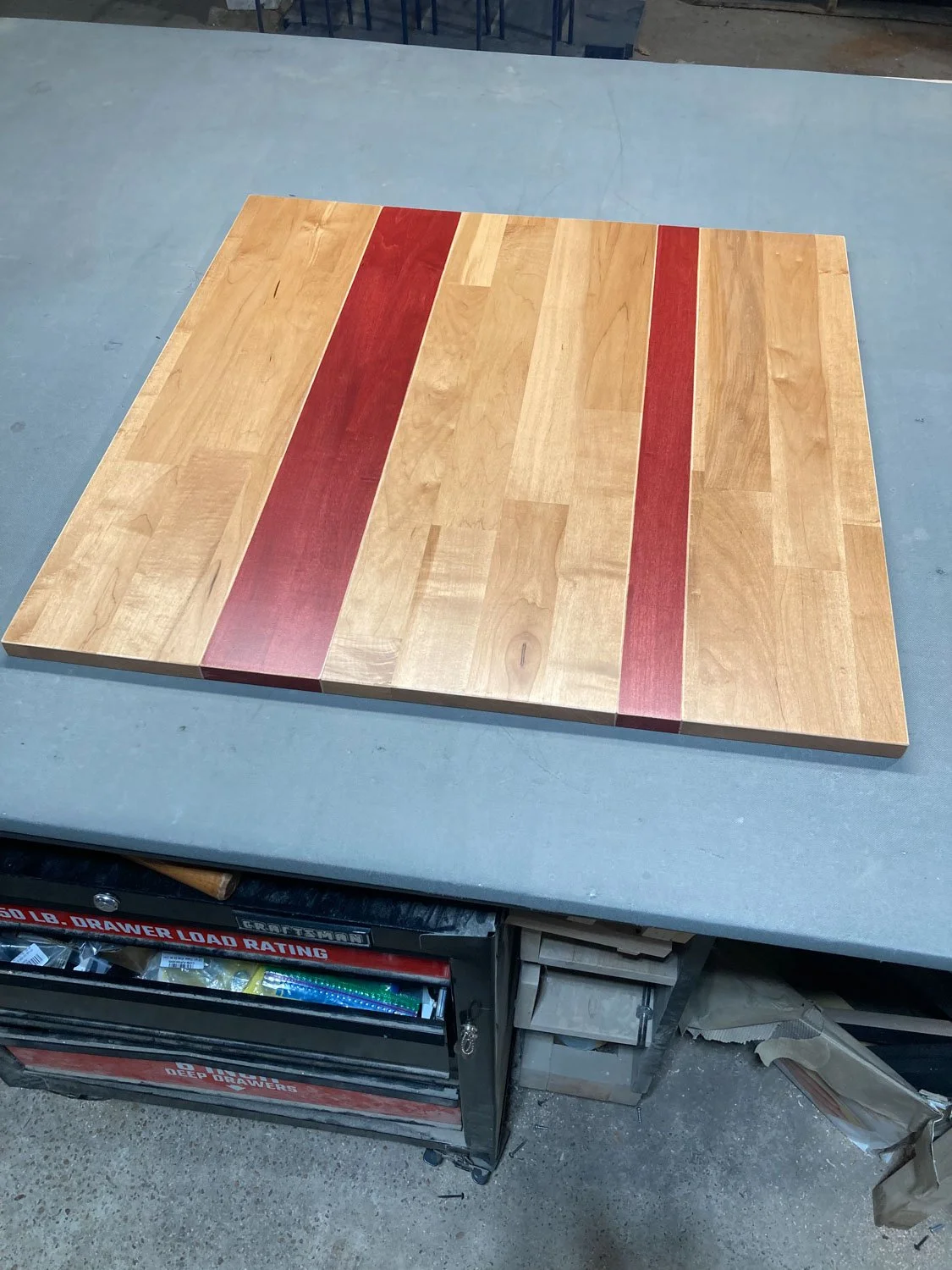
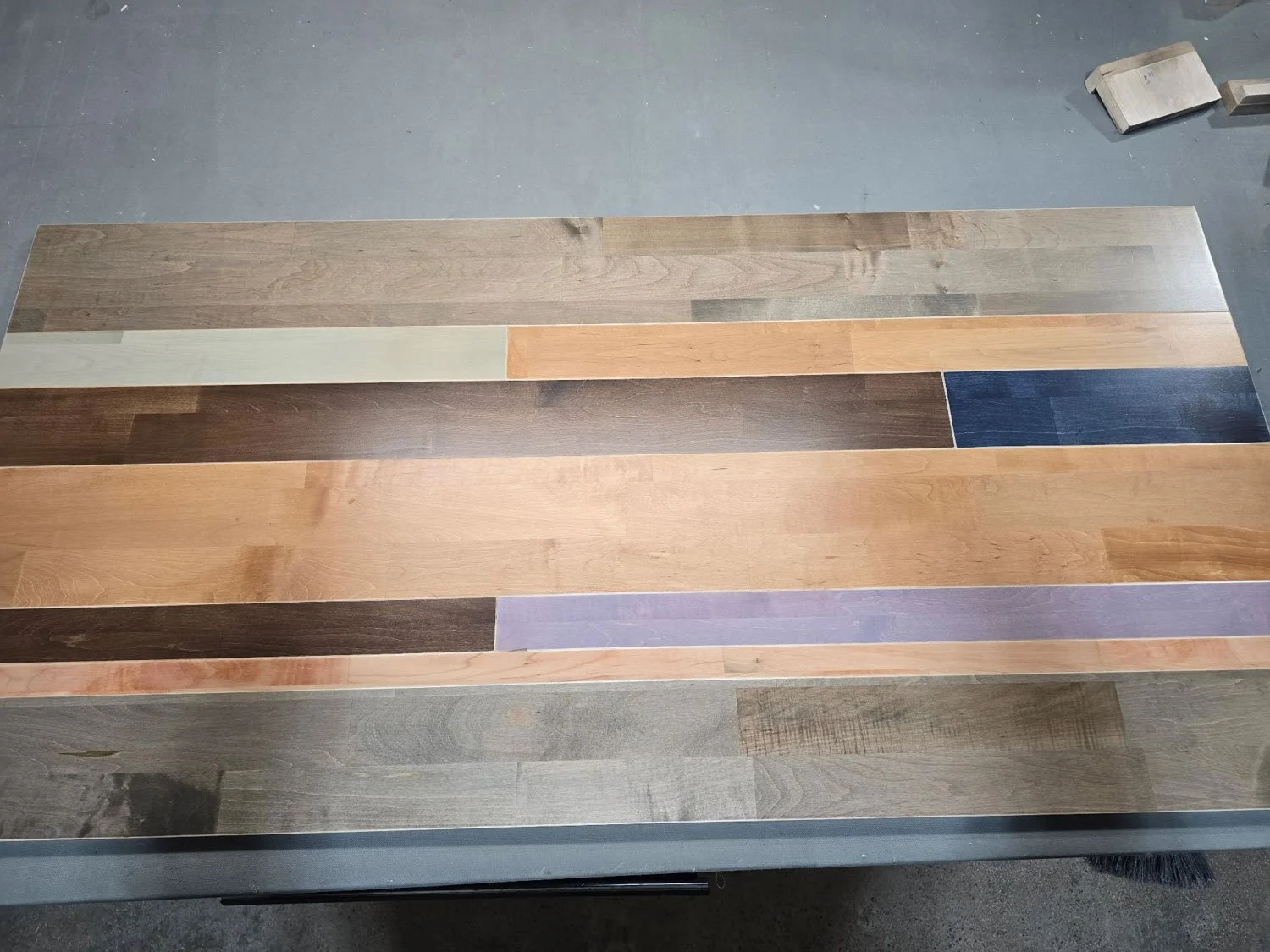
Photos we’ve taken of custom orders in the shop before we ship
Step by step guide
Choose your table or desk (Willow, Jaylin, Westley, Jessiah, etc.) and put it in your cart
Put the custom colors upgrade in your cart
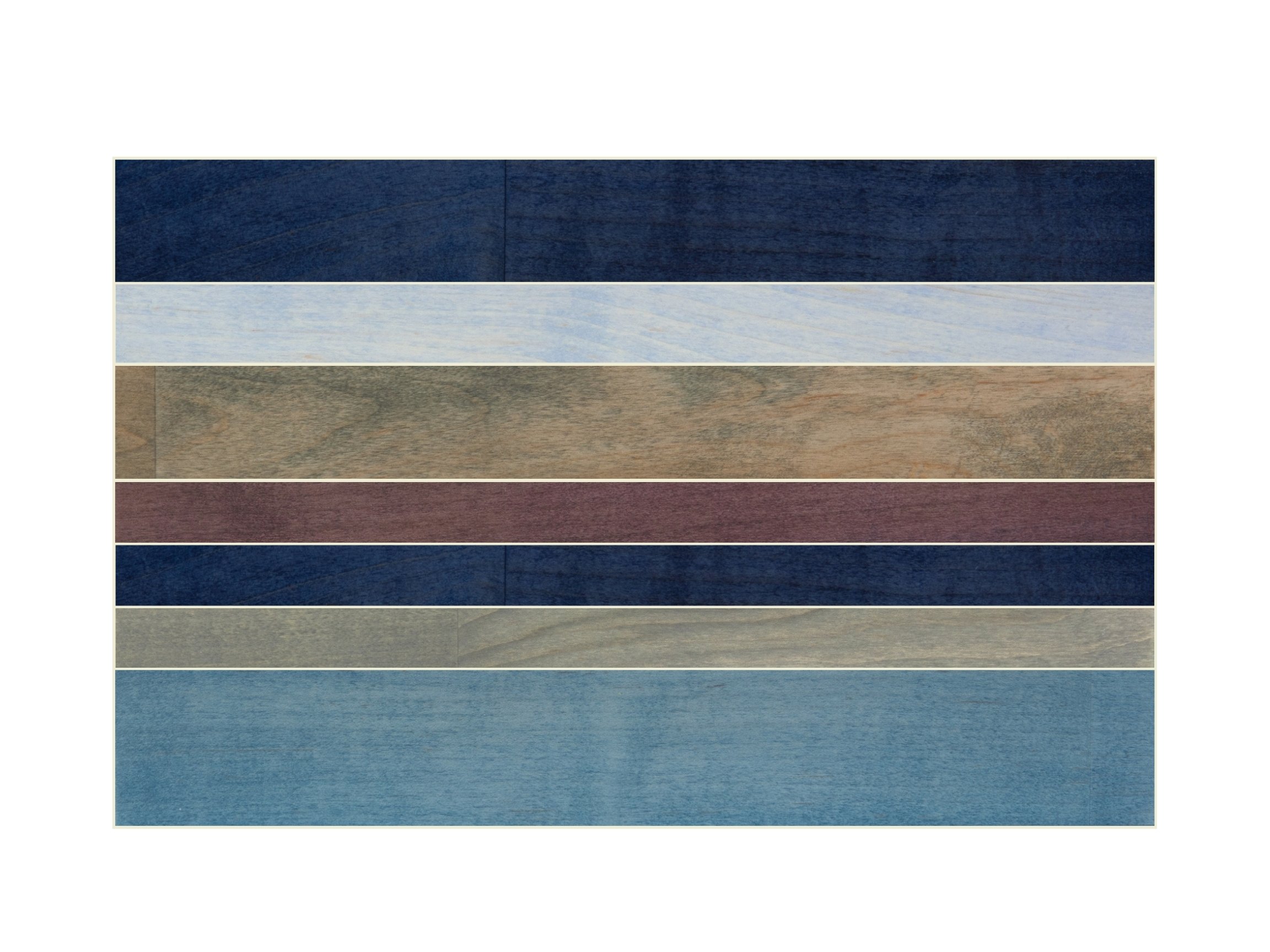
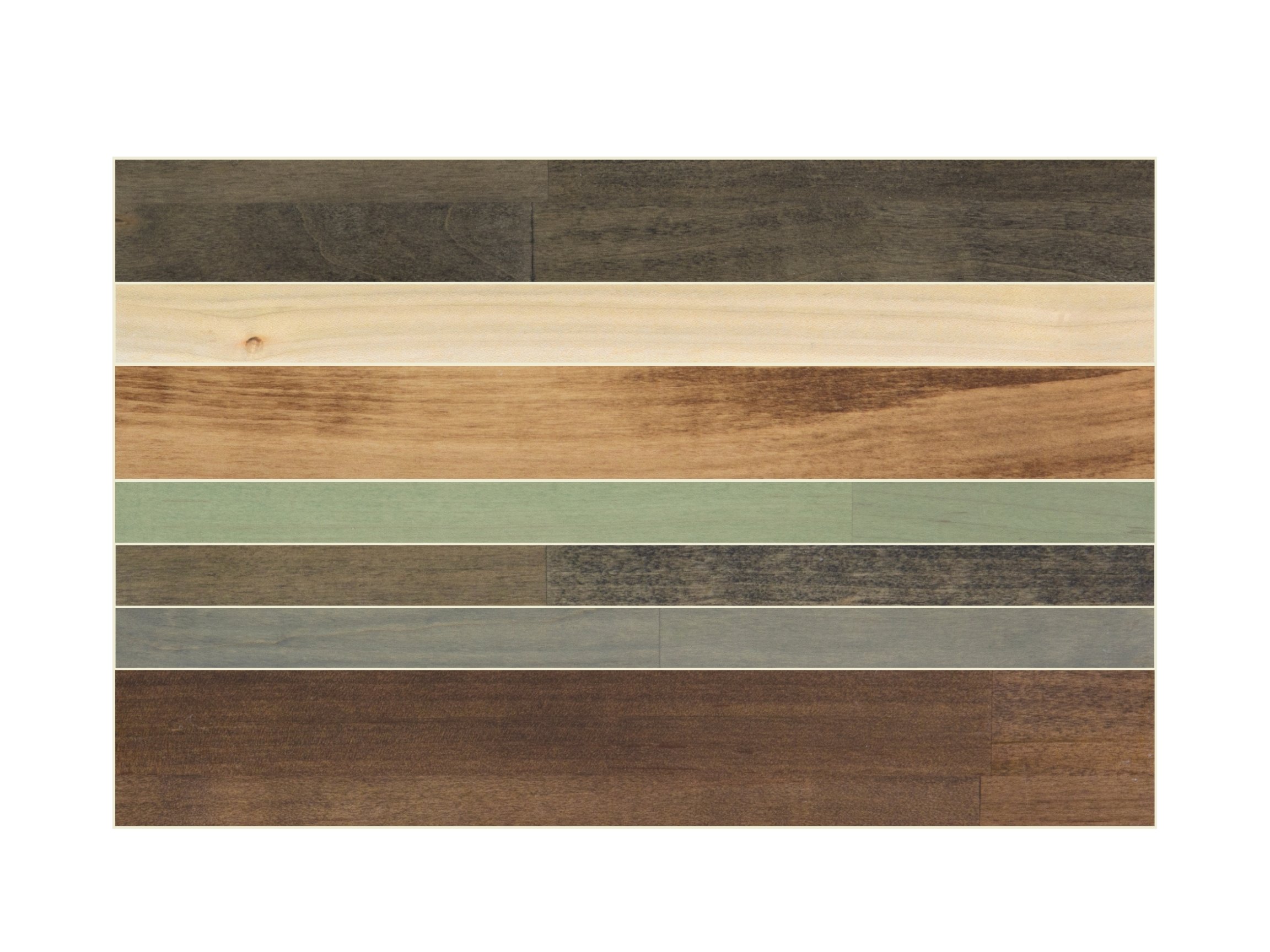
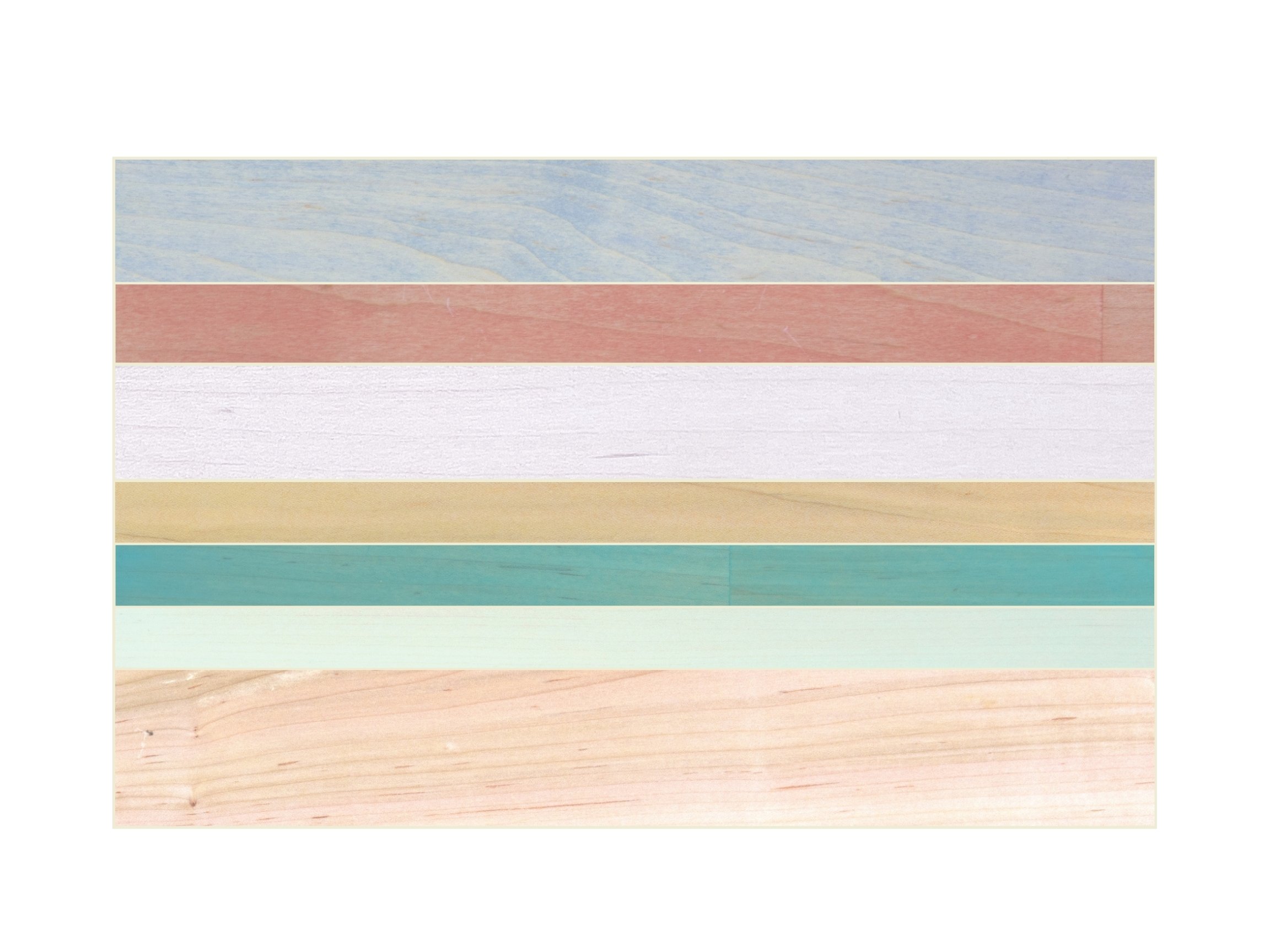
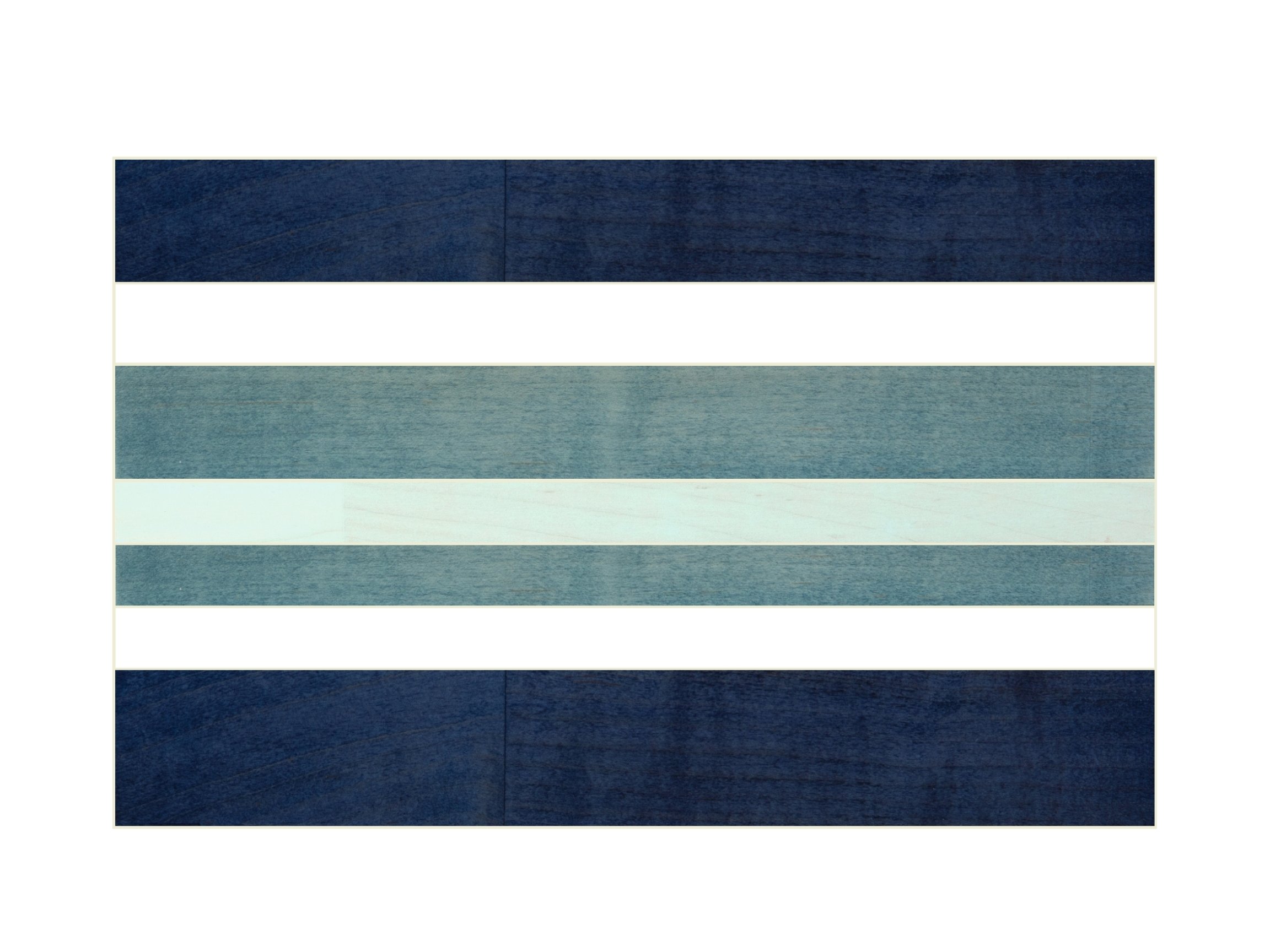
Select the colors you would like to use from the custom colors upgrade main photos
The leg and apron support color can also change
Some folks keep some of the boards that are already in the design, while some change all of them
You can also share photos of your space or let us know an idea of what you are looking for and we can create something from that
Place your order and send us a message with your selected colors, or leave them in the order notes when placing the order.
Our designer, Tyler, will reach out to you with virtual mockups
You can tell us what you like, don’t like, and/or want to change, and we will send you new mockups until we settle on a design
Once you’ve found a mockup you love, we’ll confirm the details including legs and apron color.
If there are any issues and we’re unable to get a color option that you love, we’ll issue you a full refund.
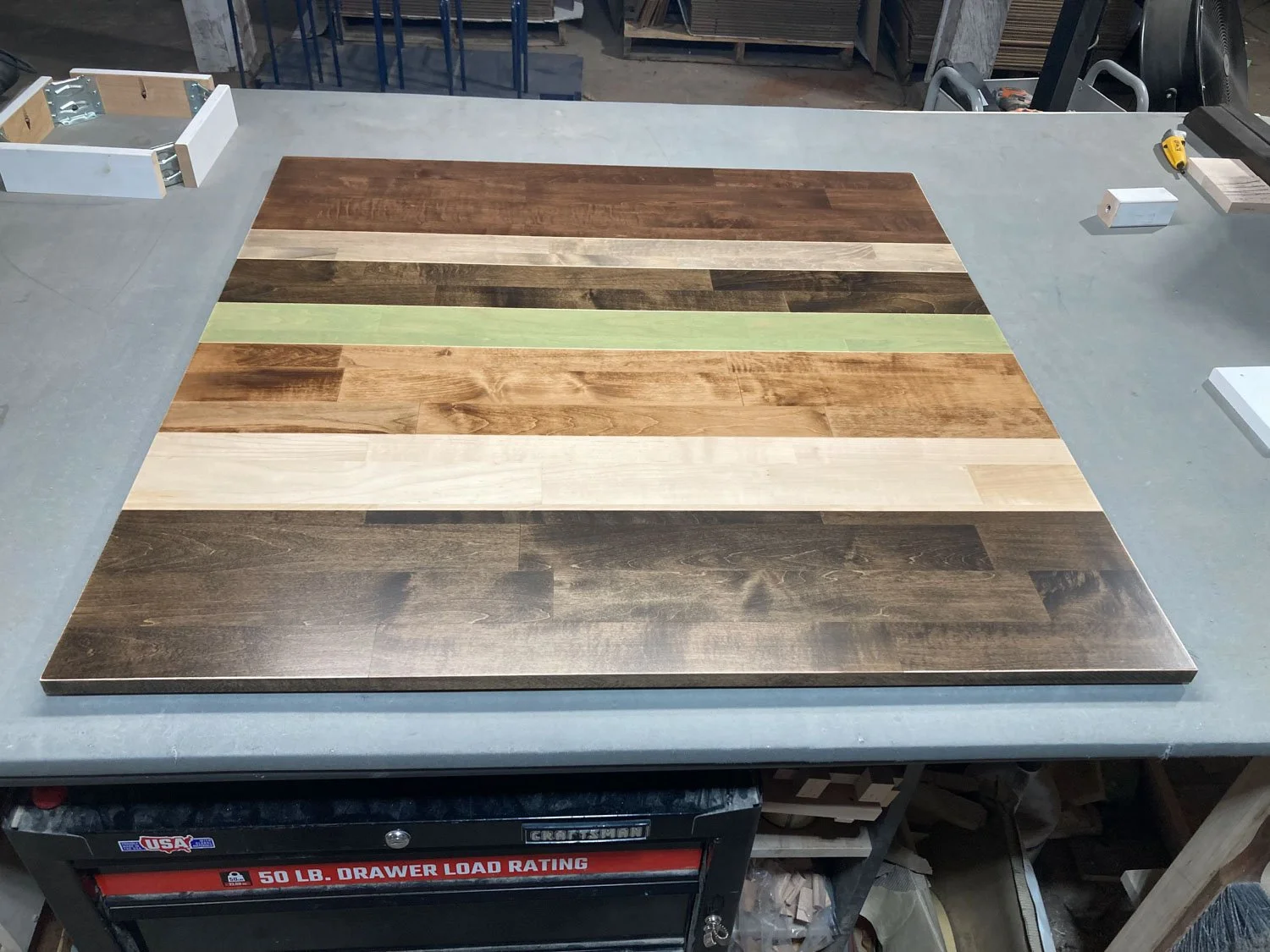
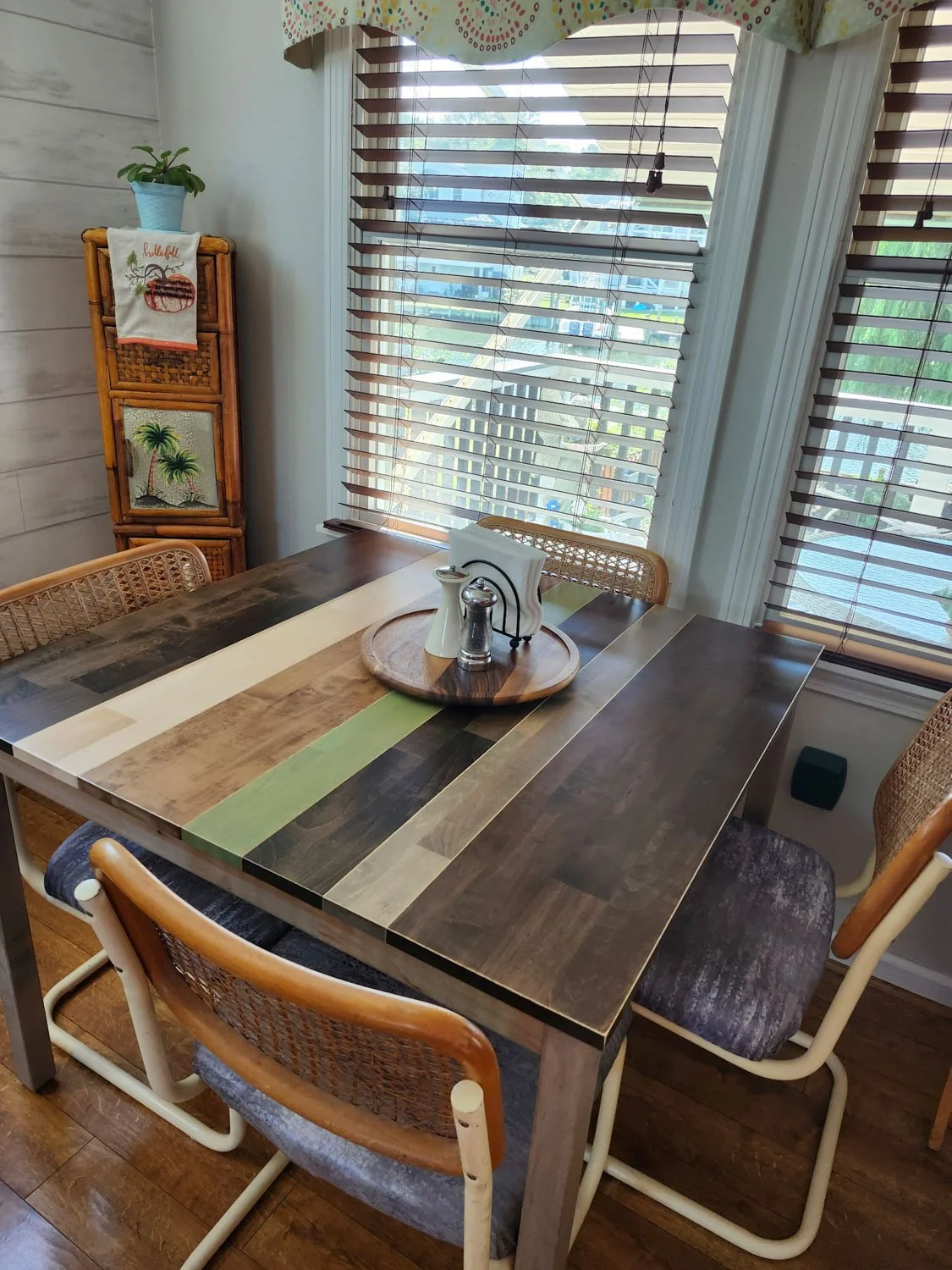
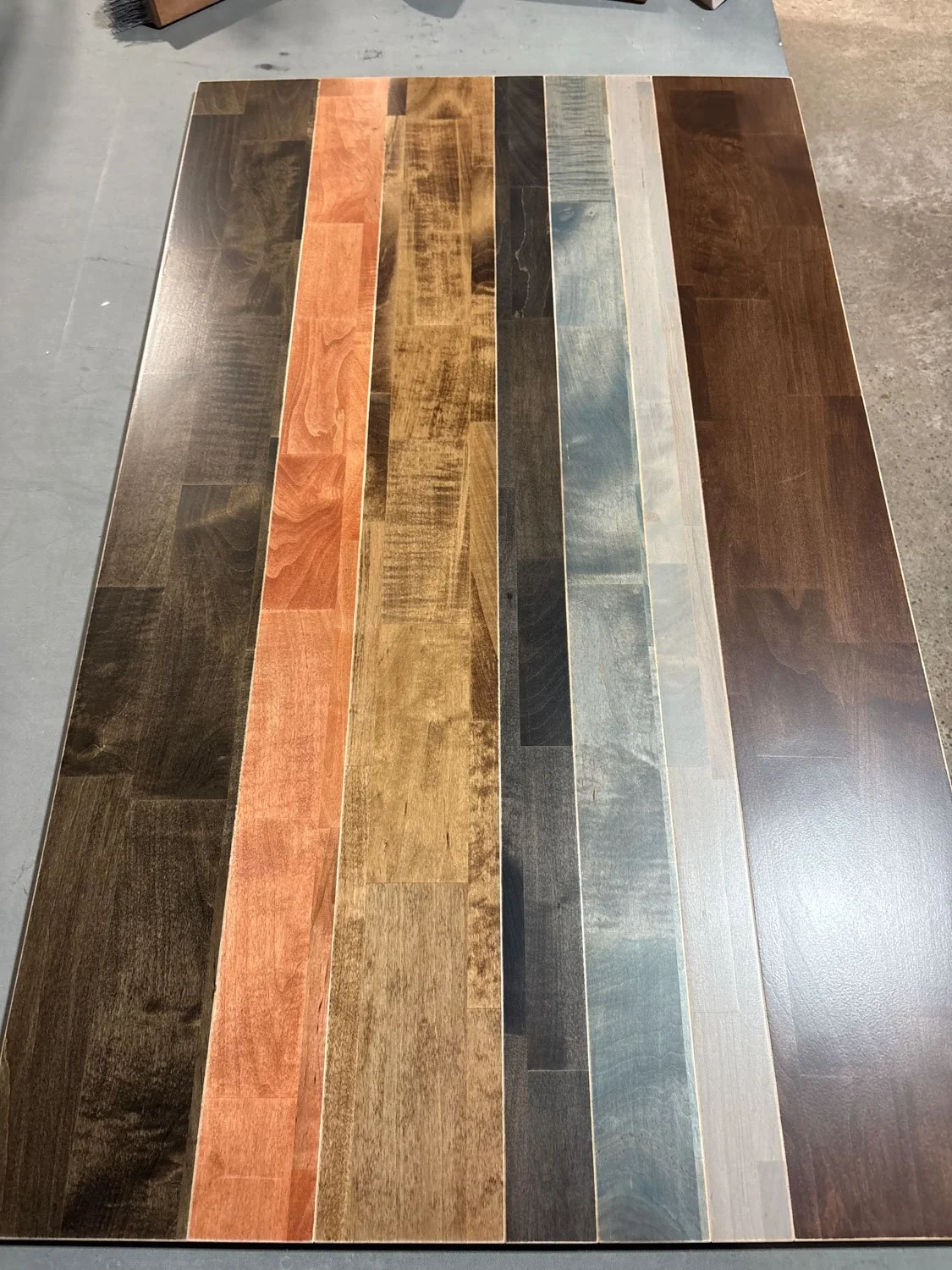
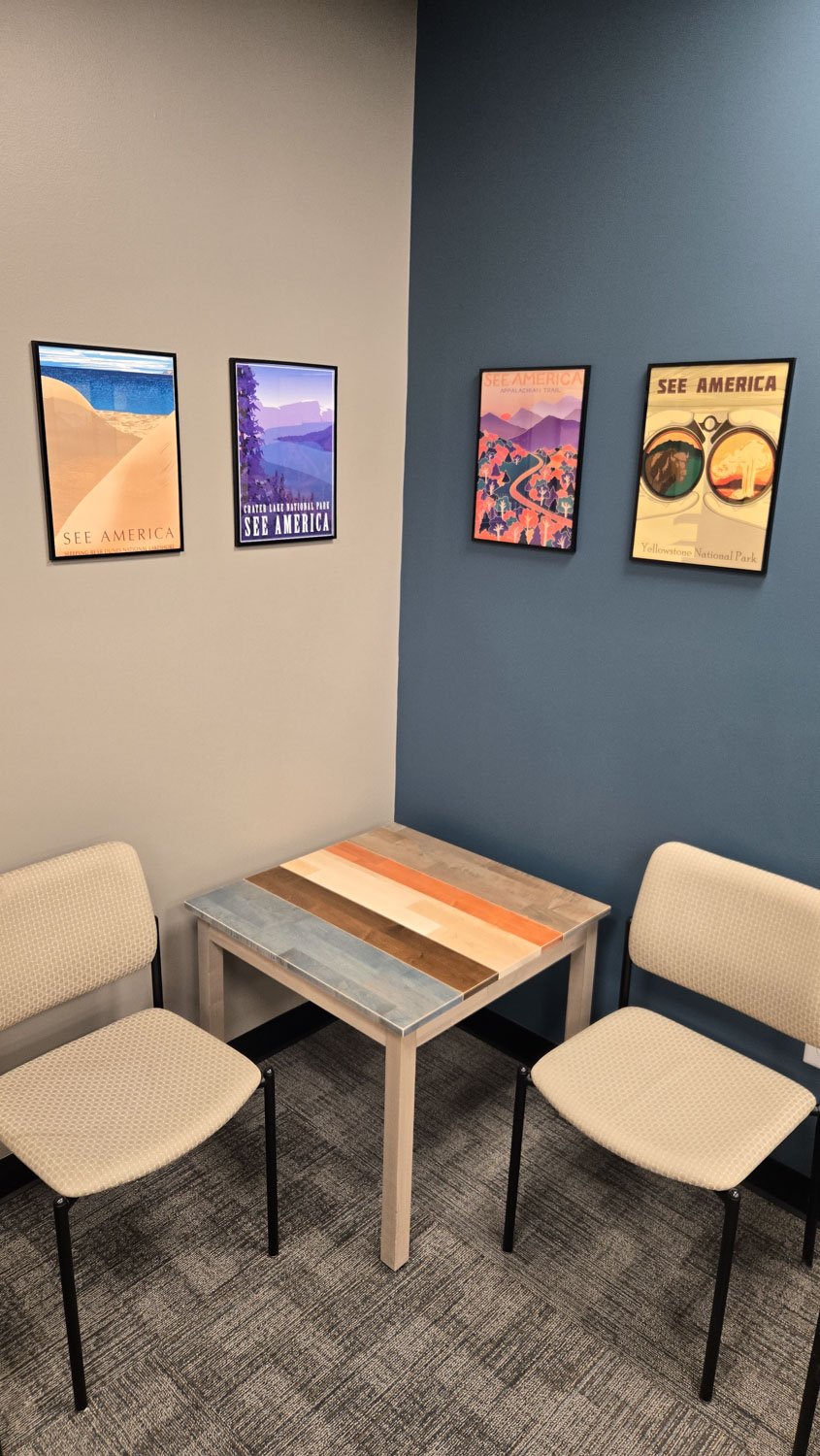
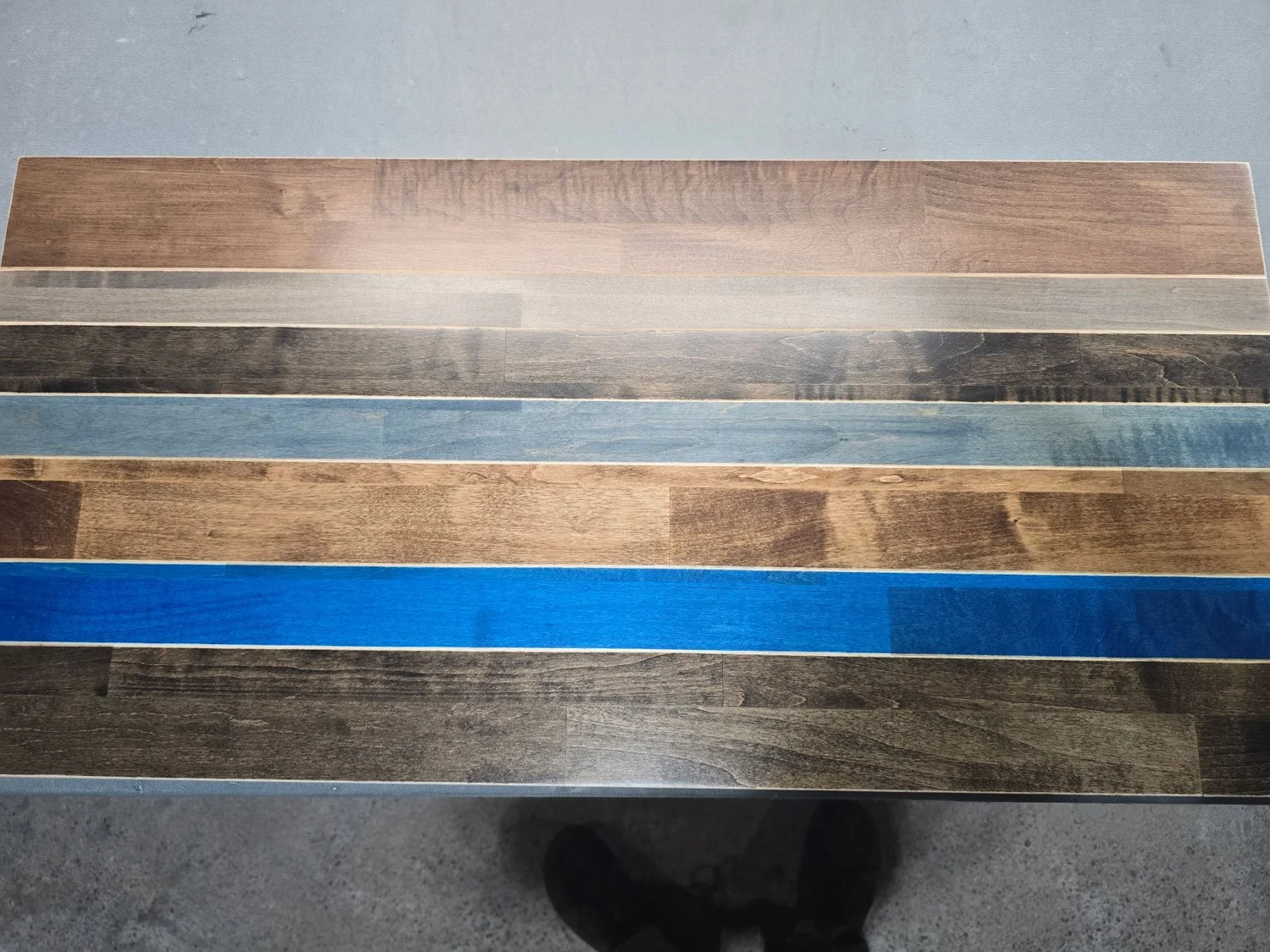
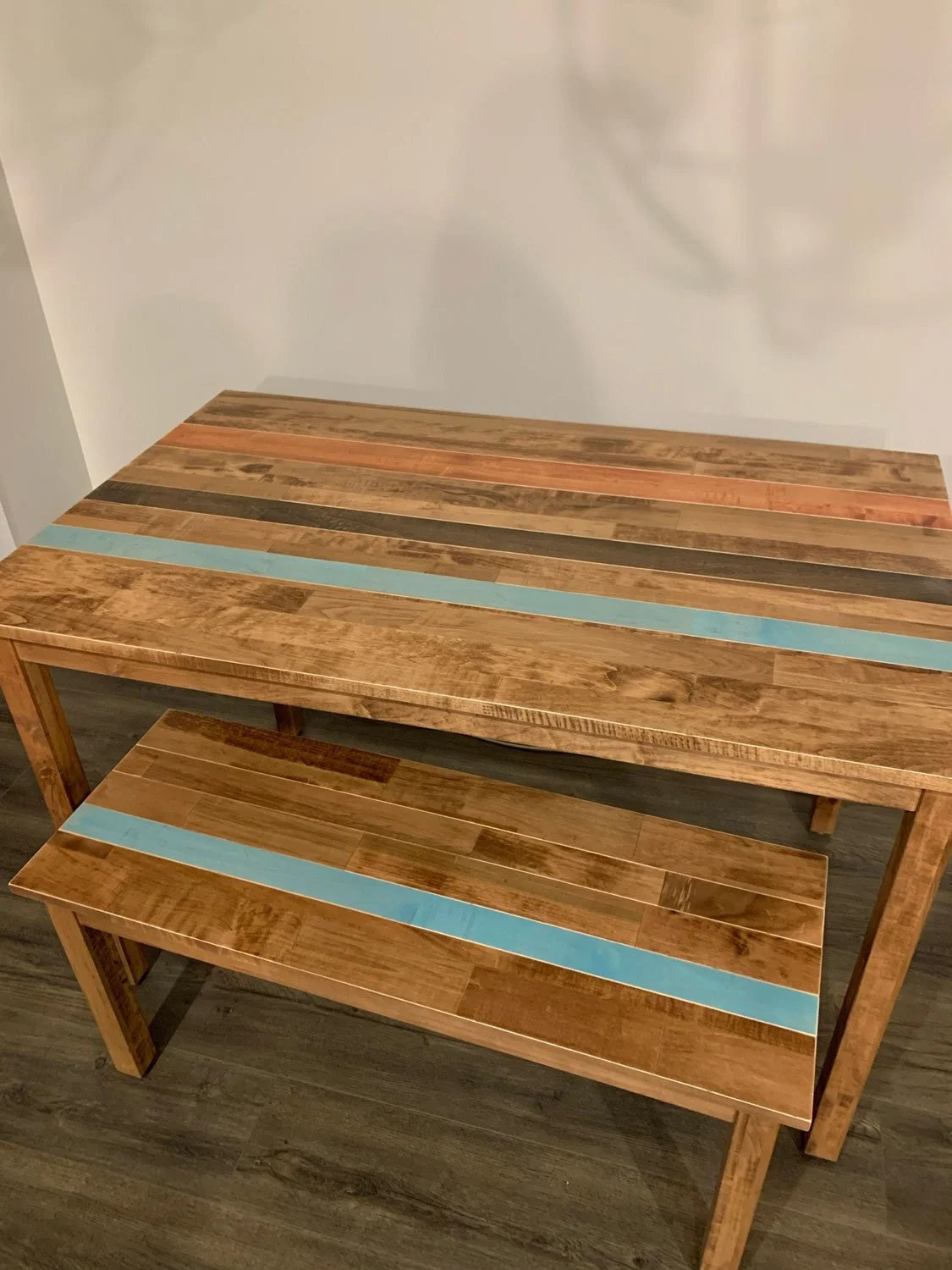
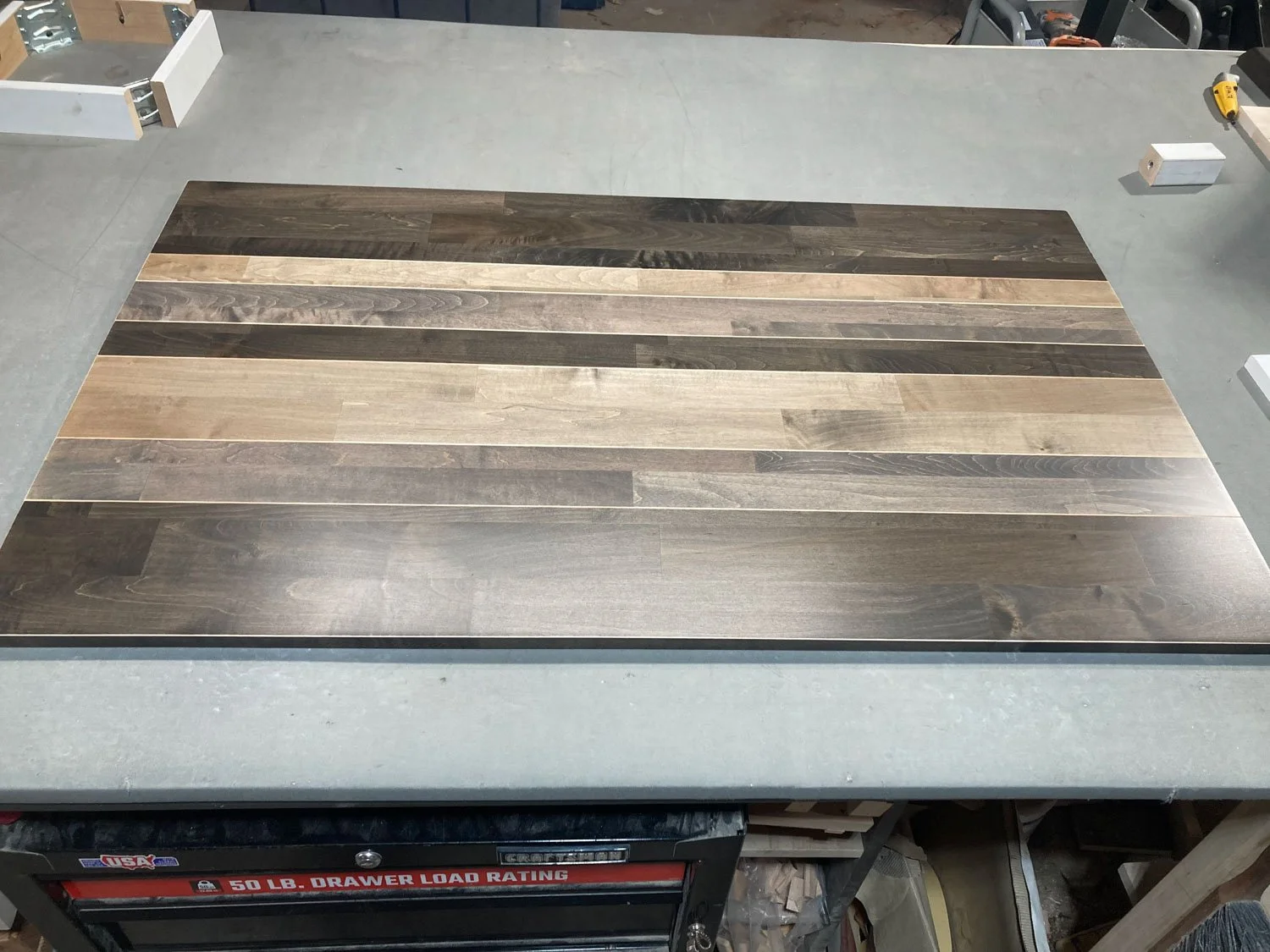
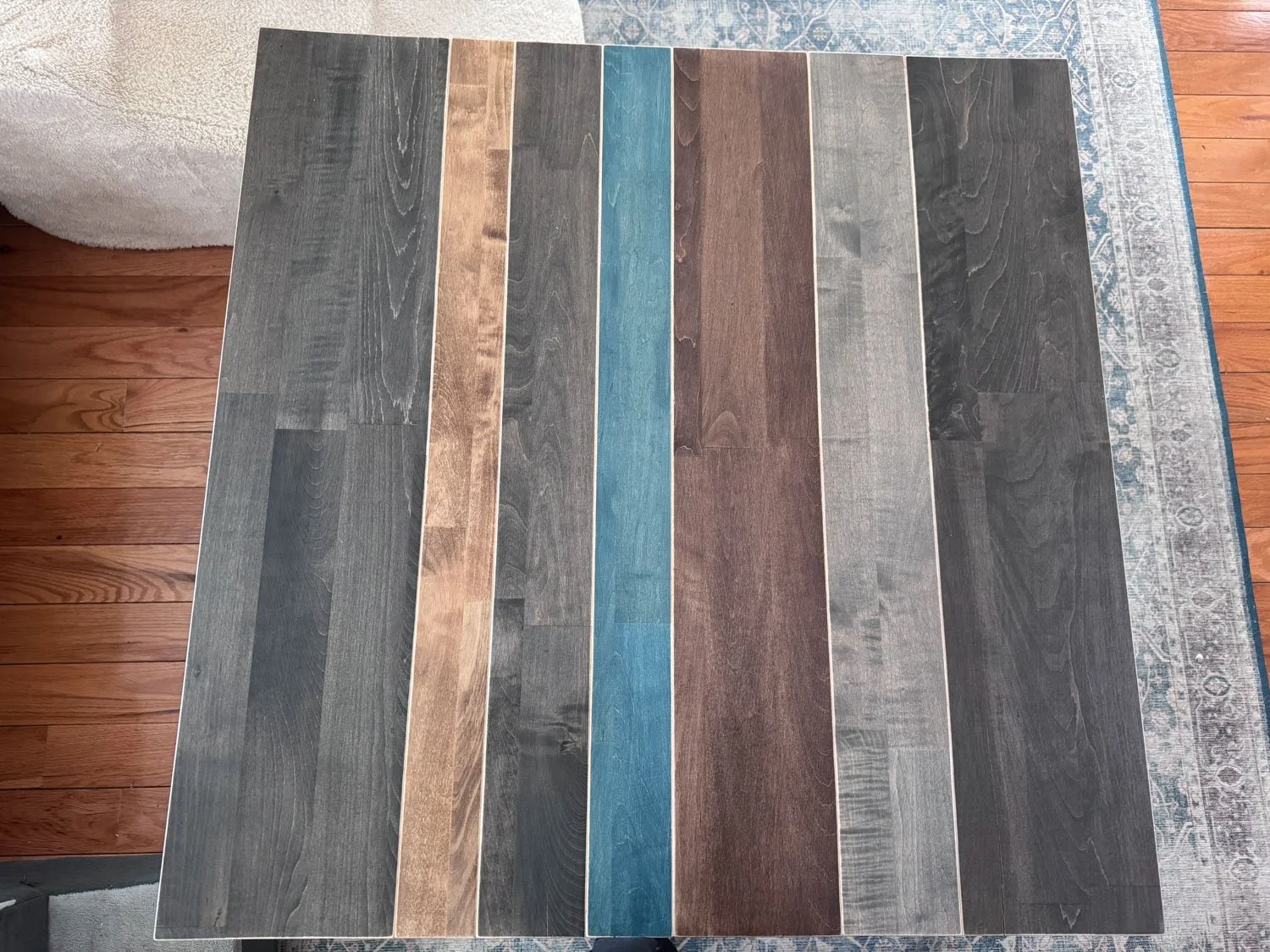
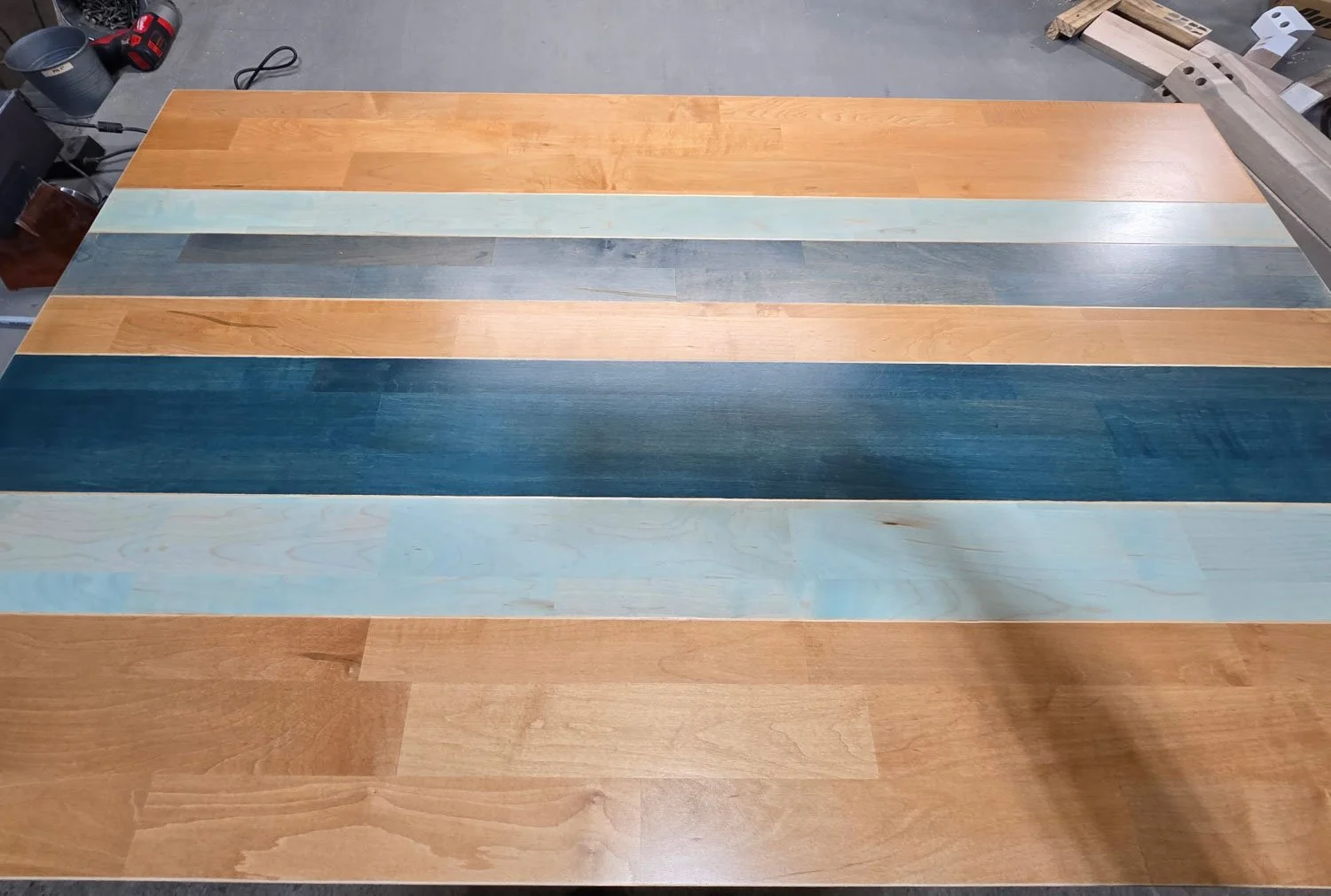
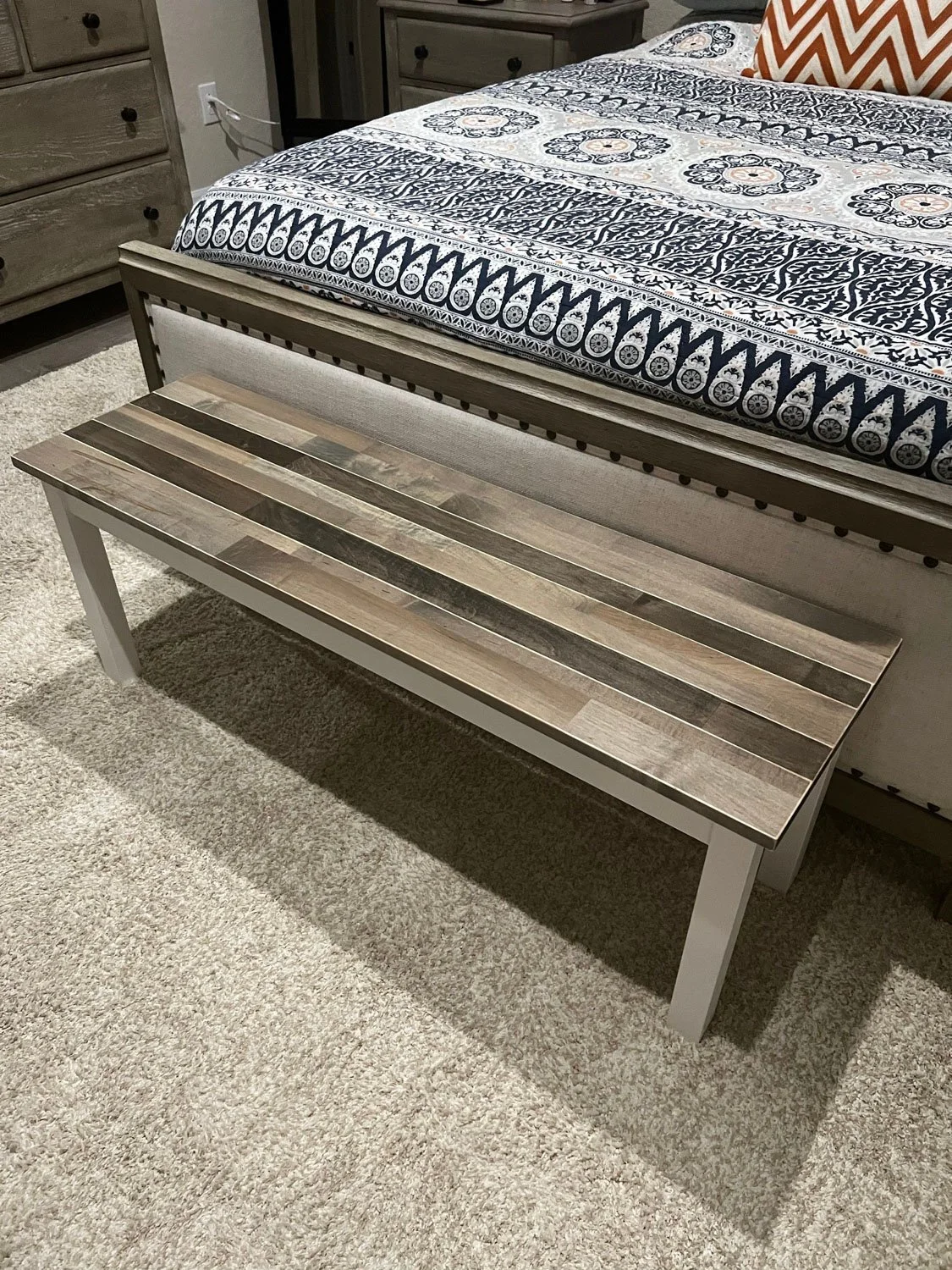
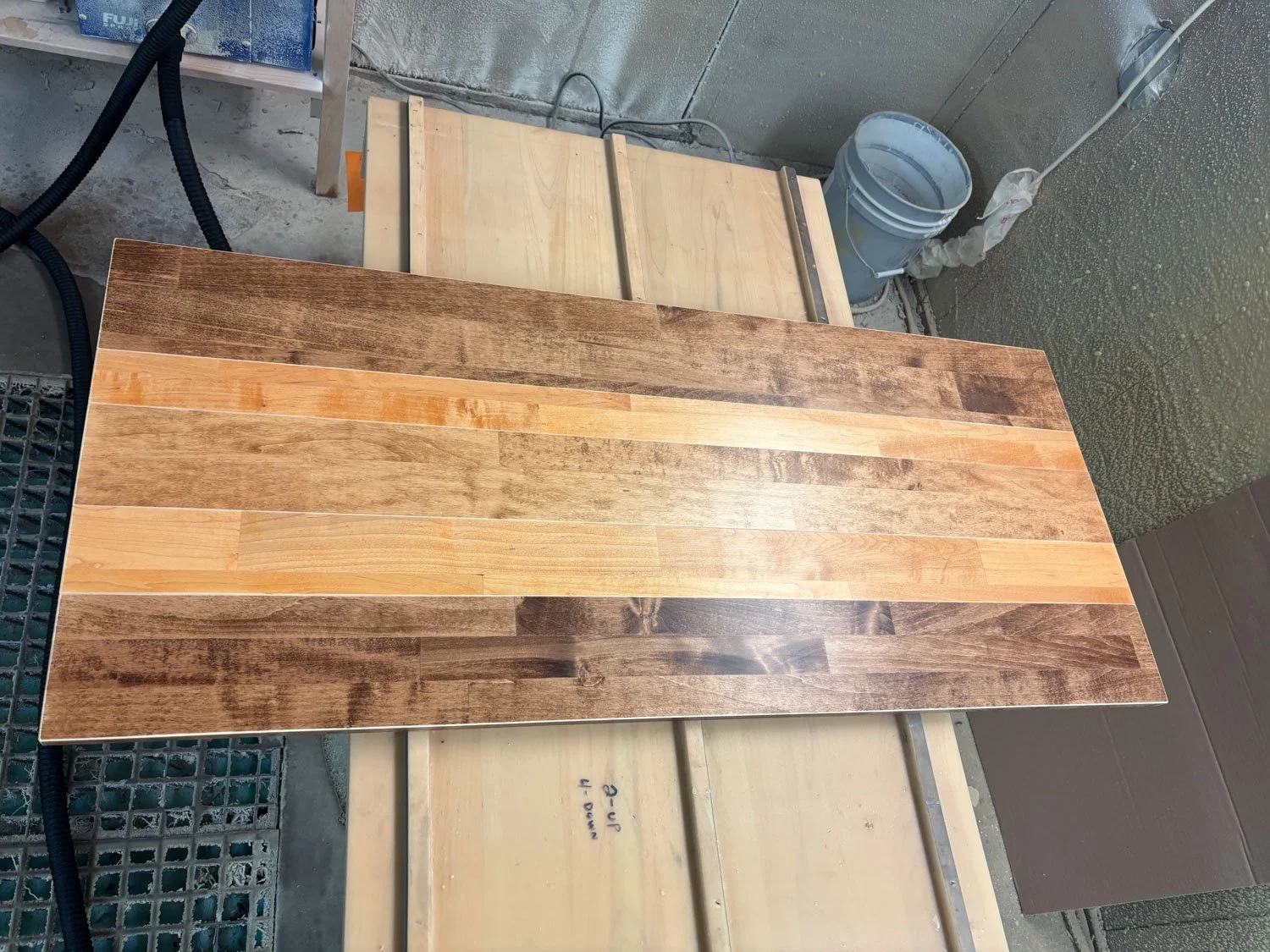
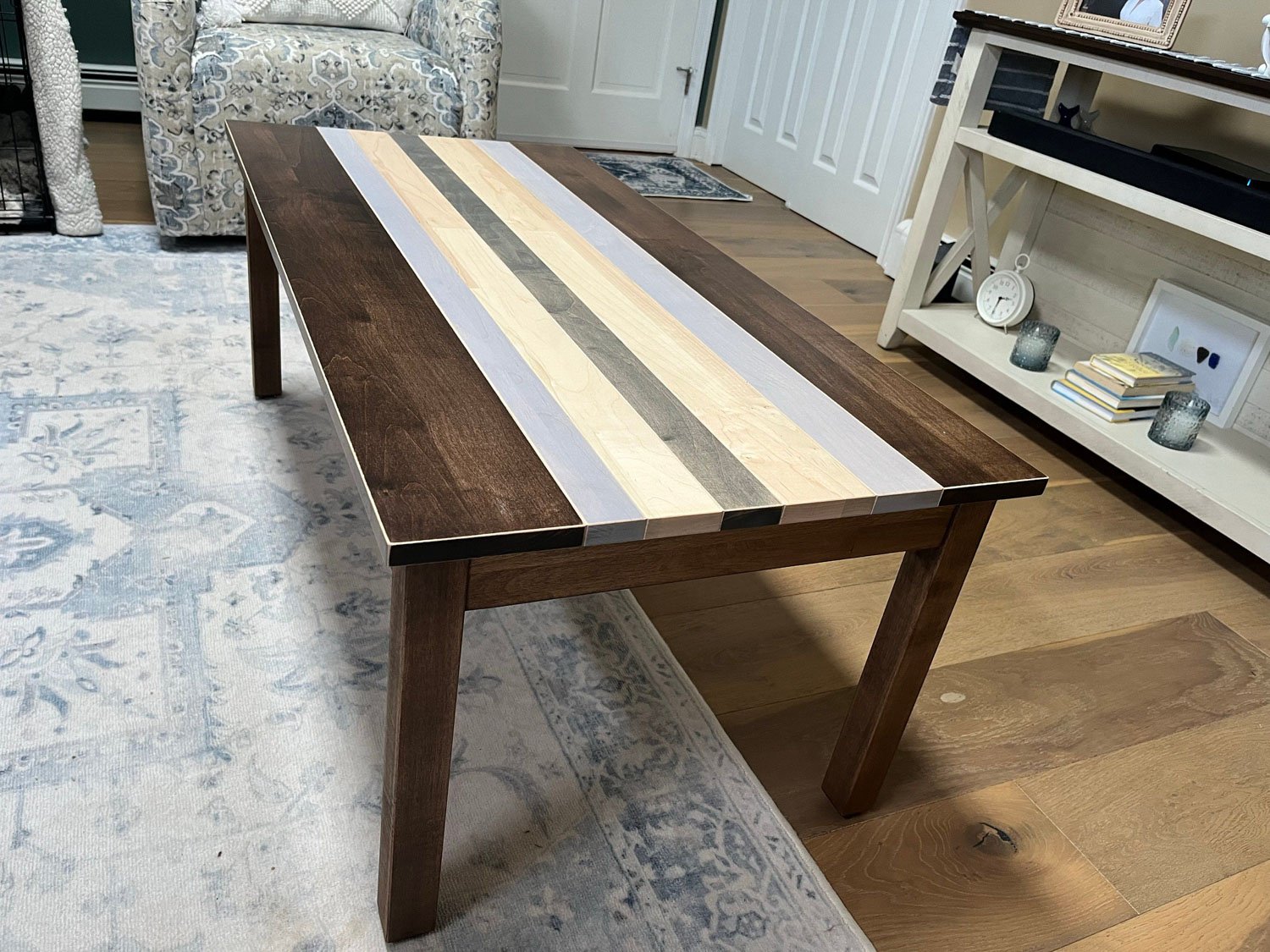
Some examples of custom designs found in the Customer Photos and the Our Photos (Just Tops) galleries:
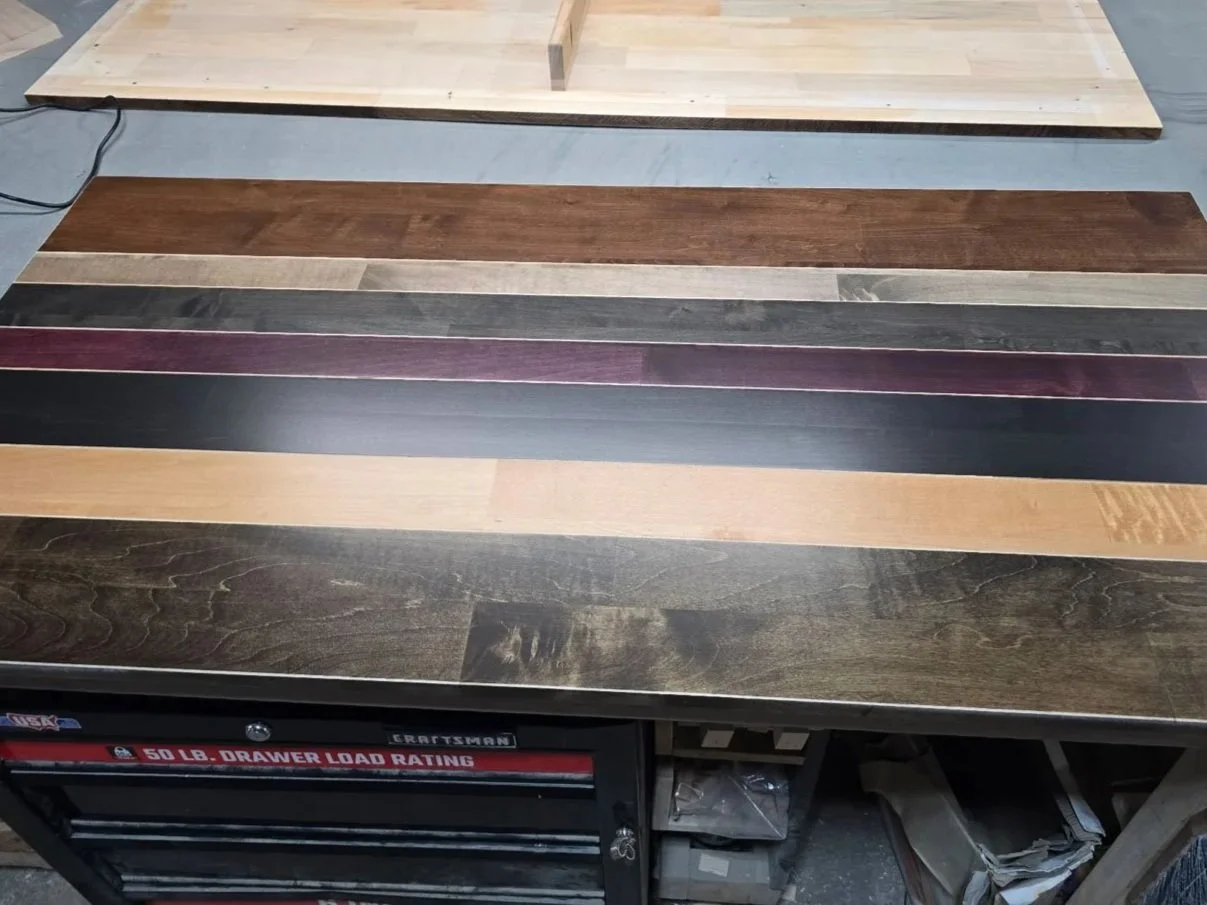
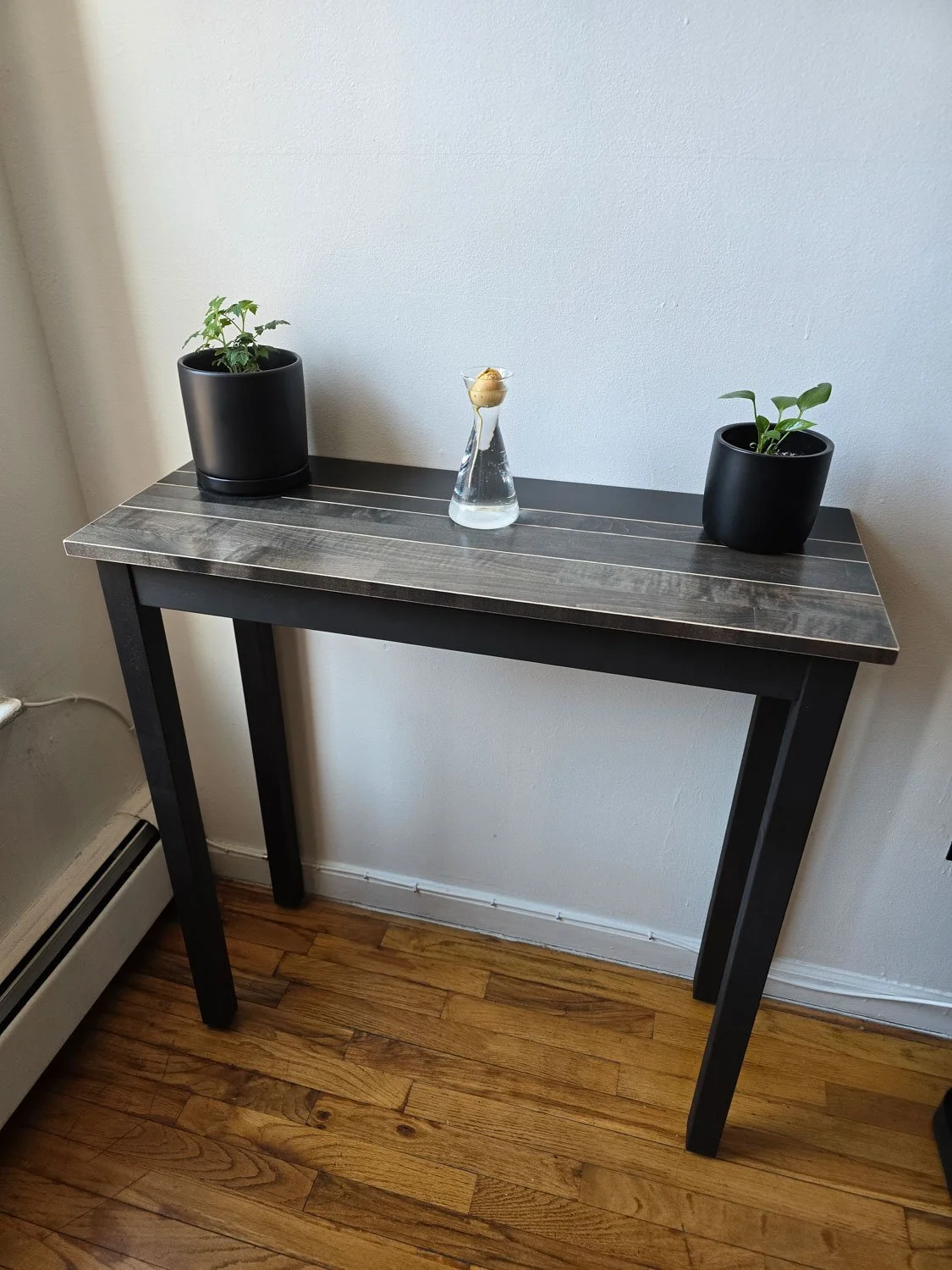
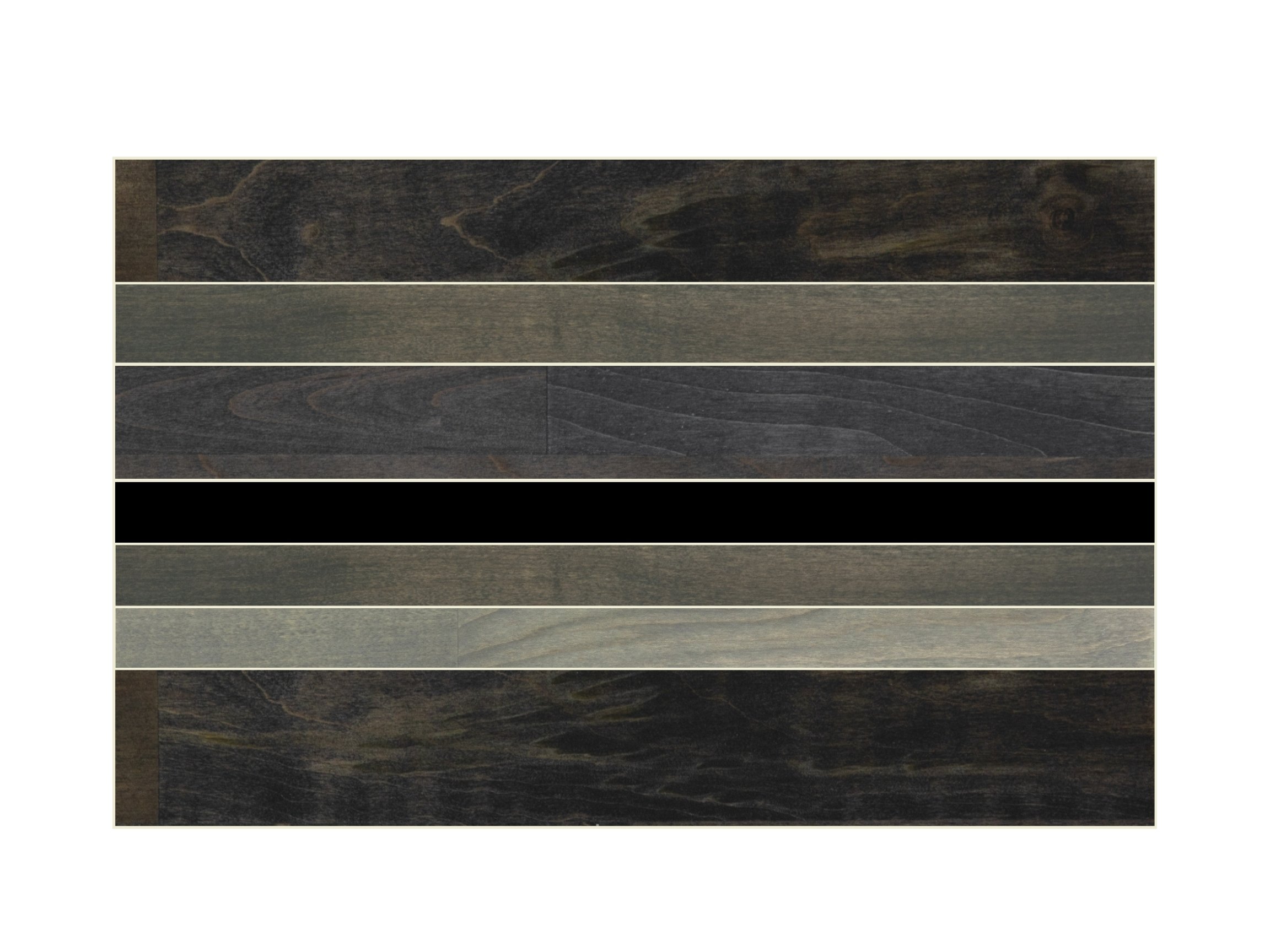
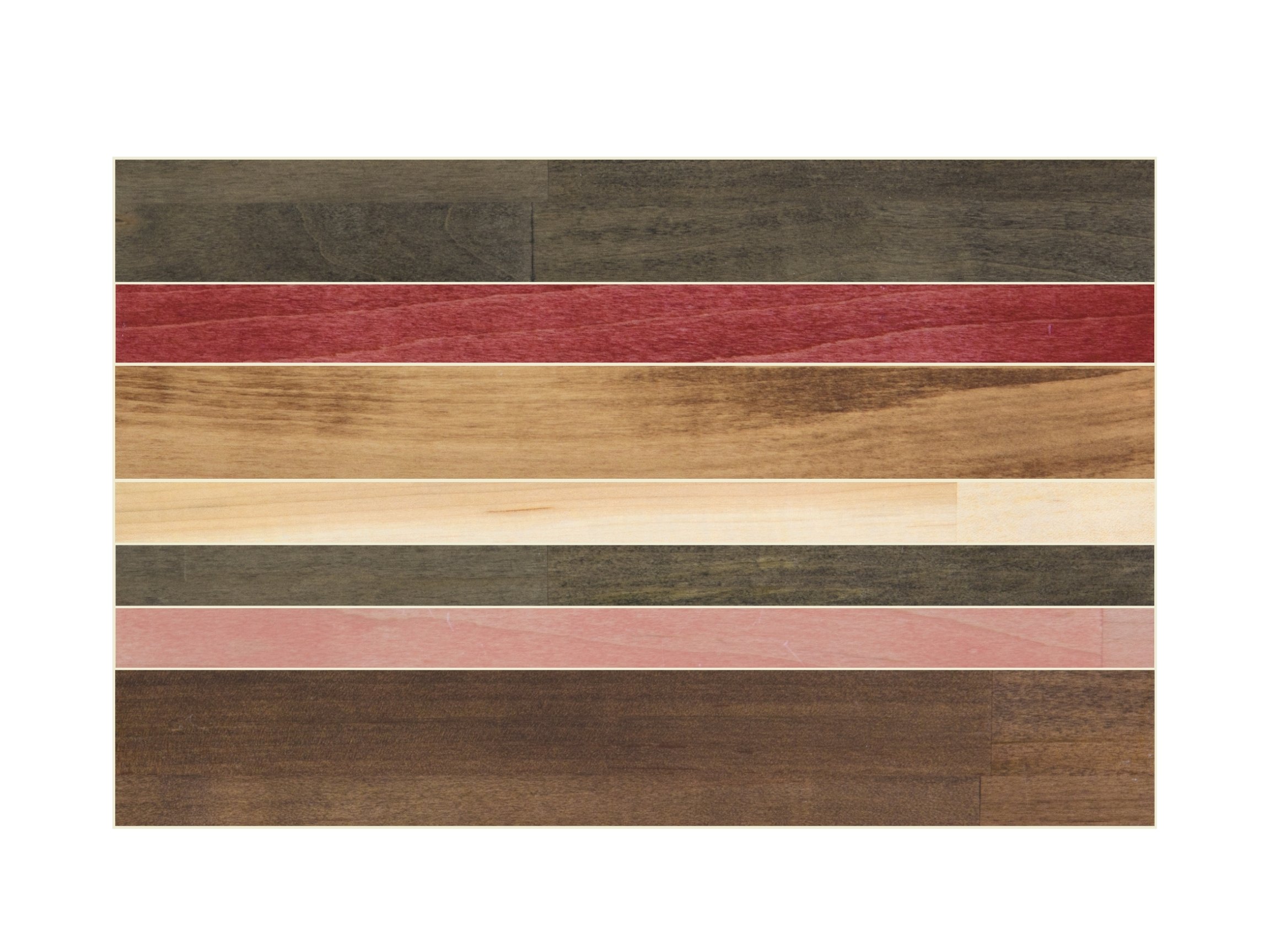
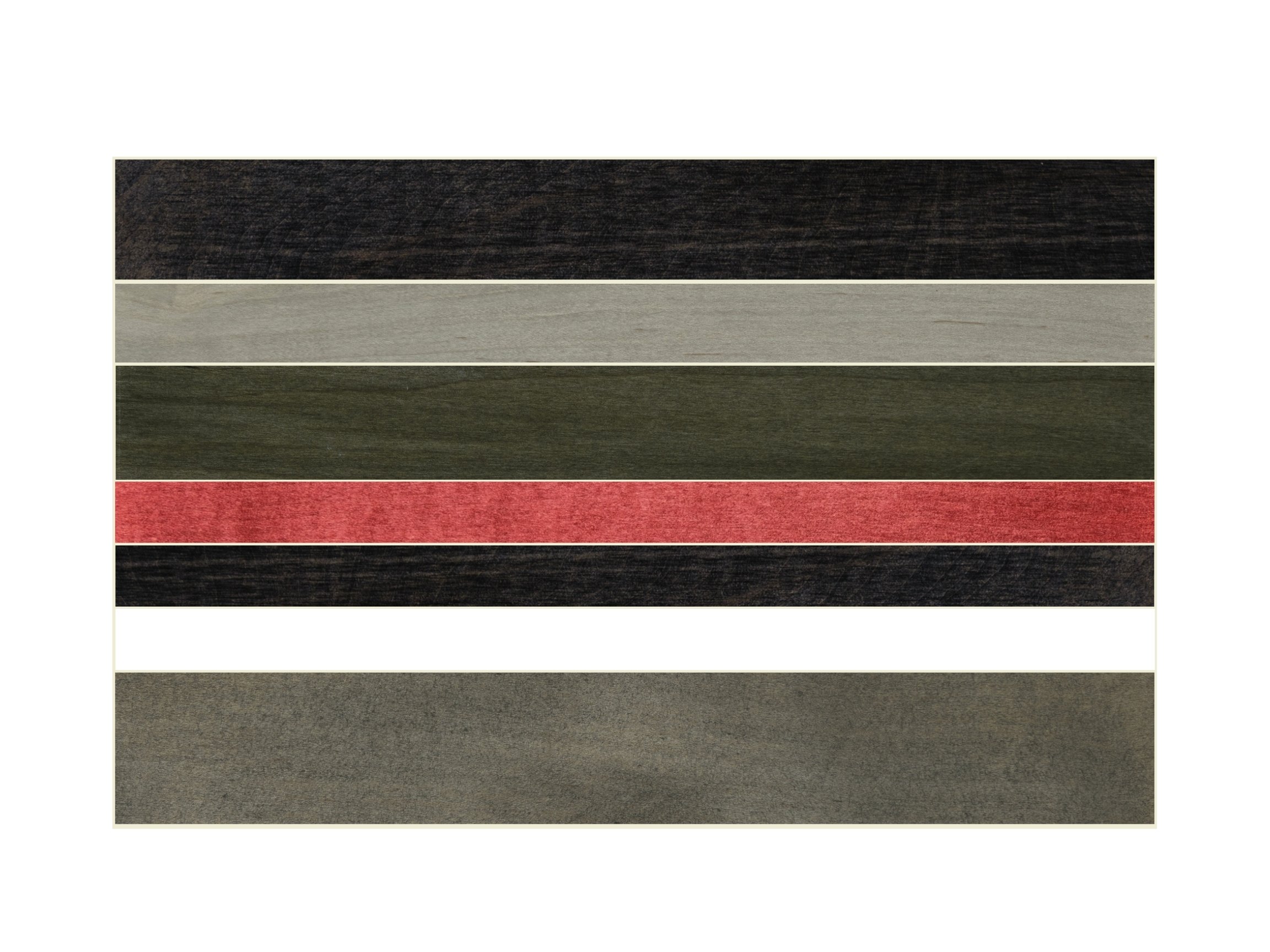
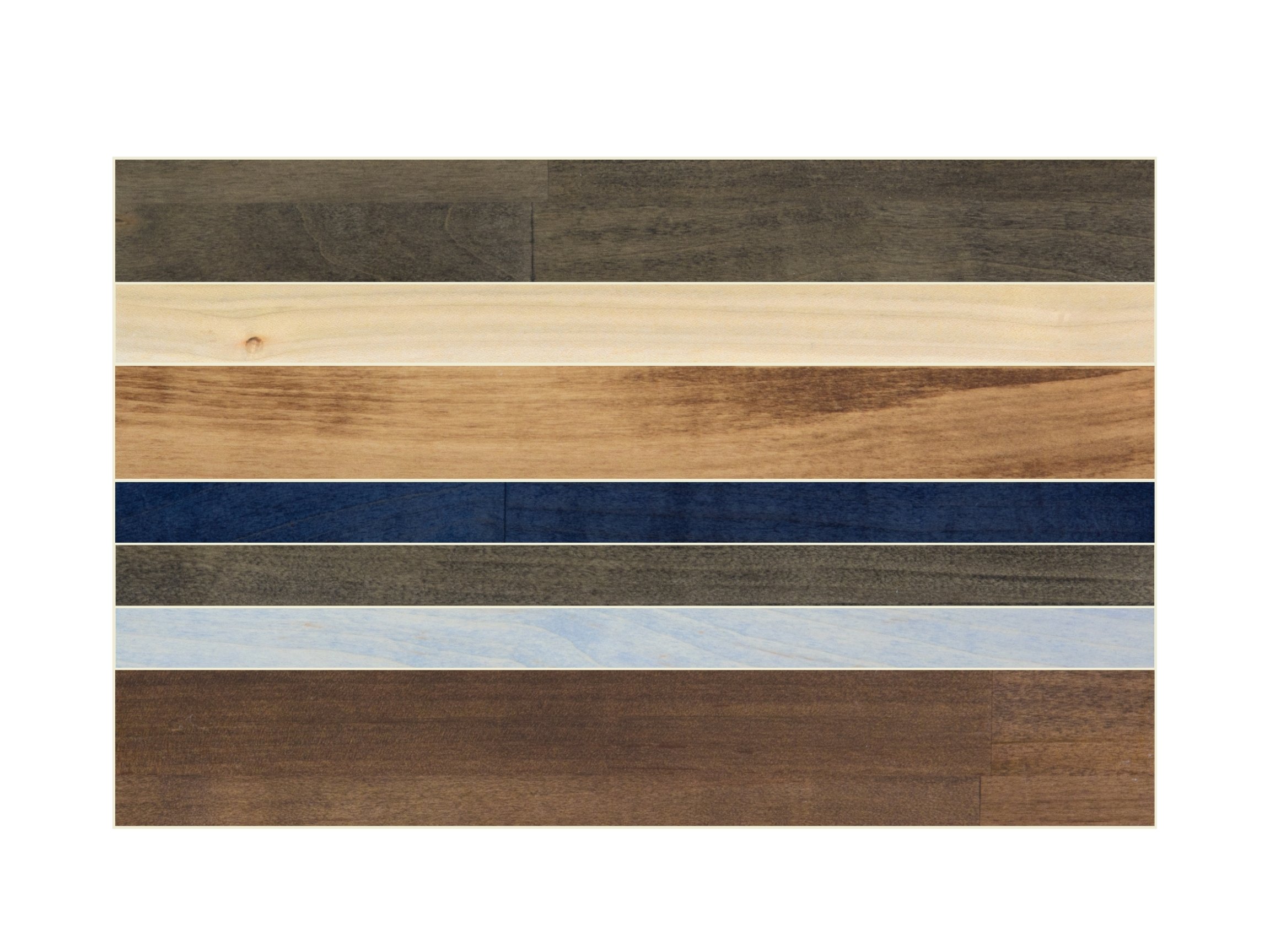
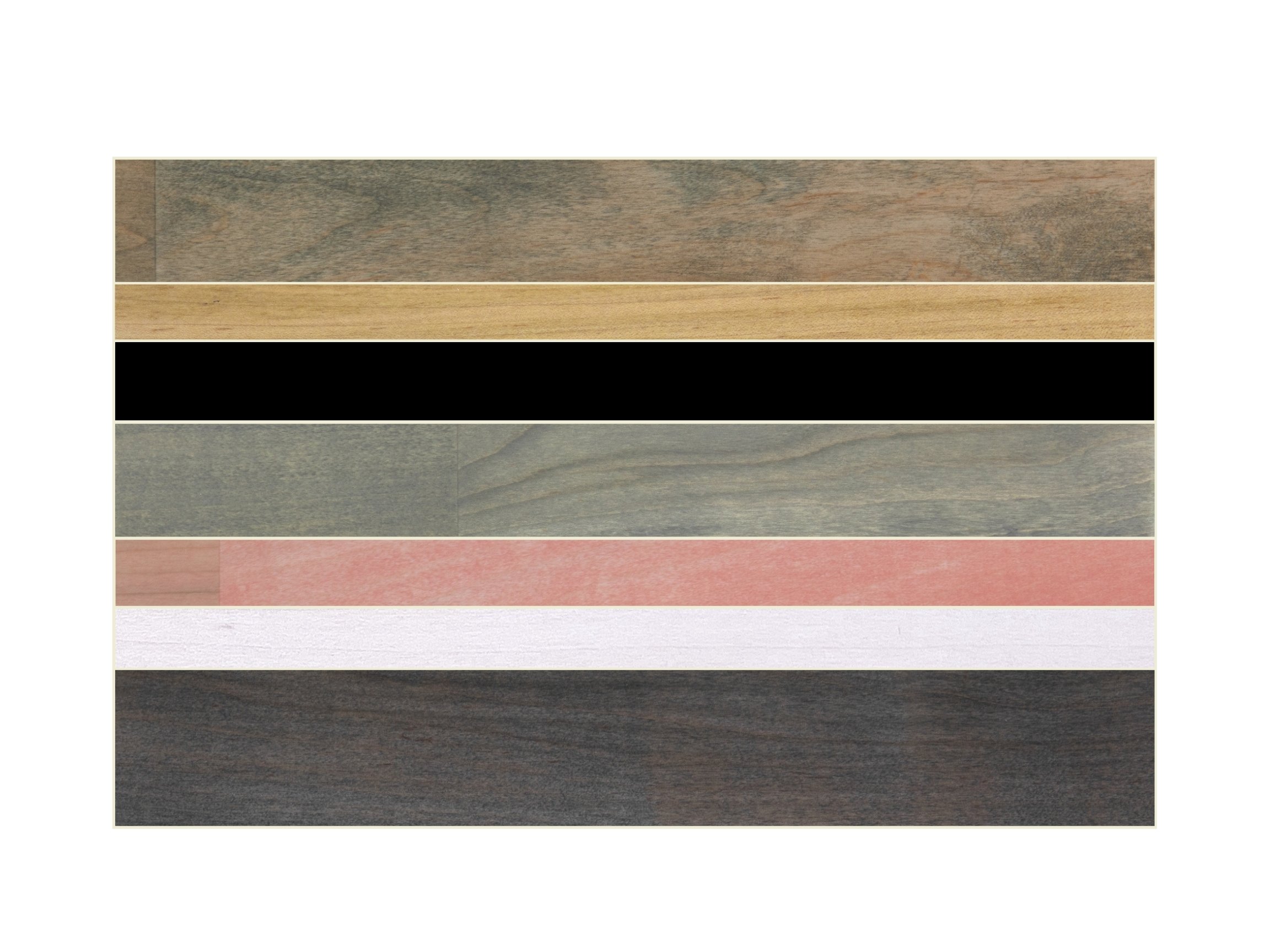
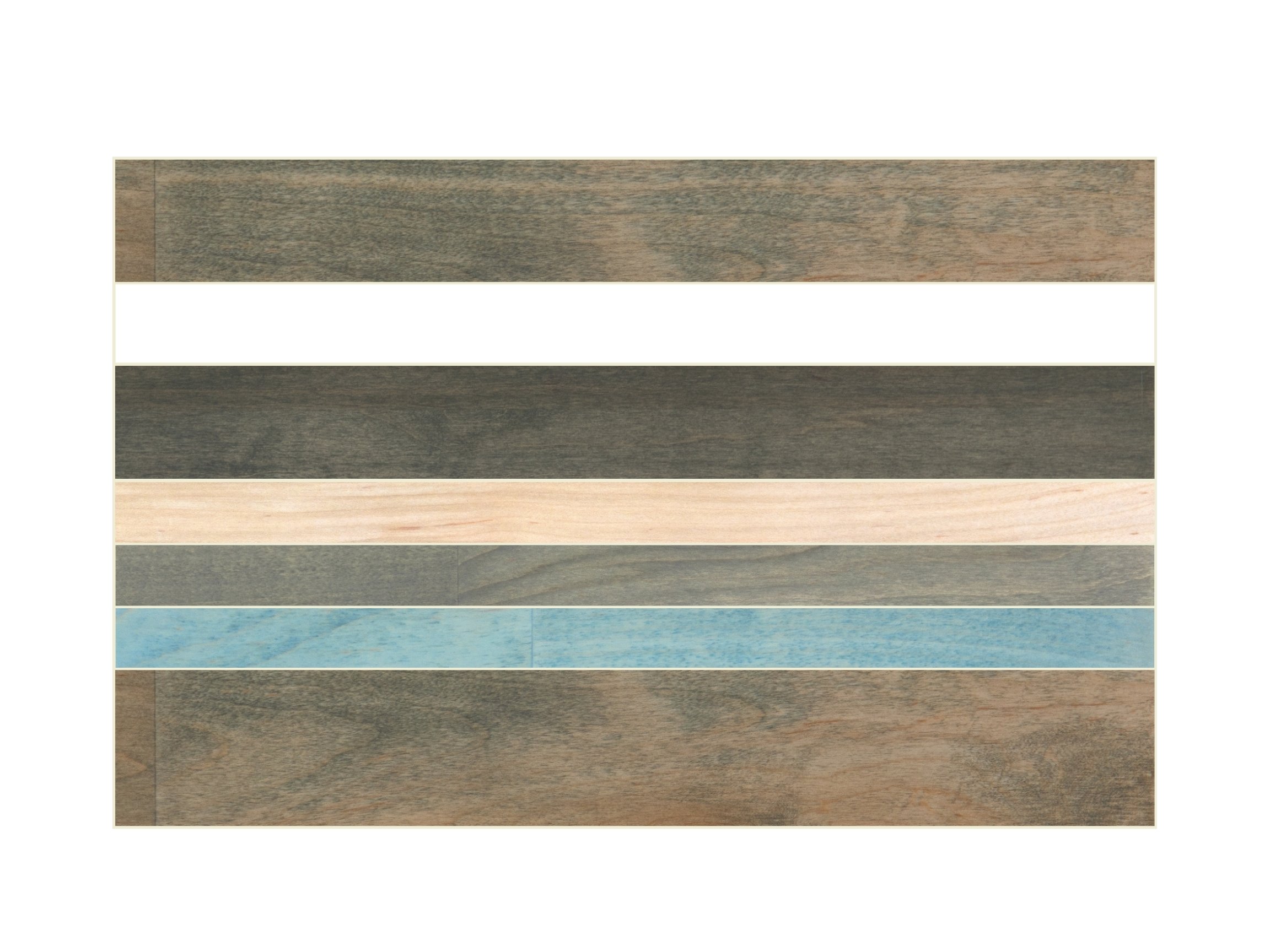
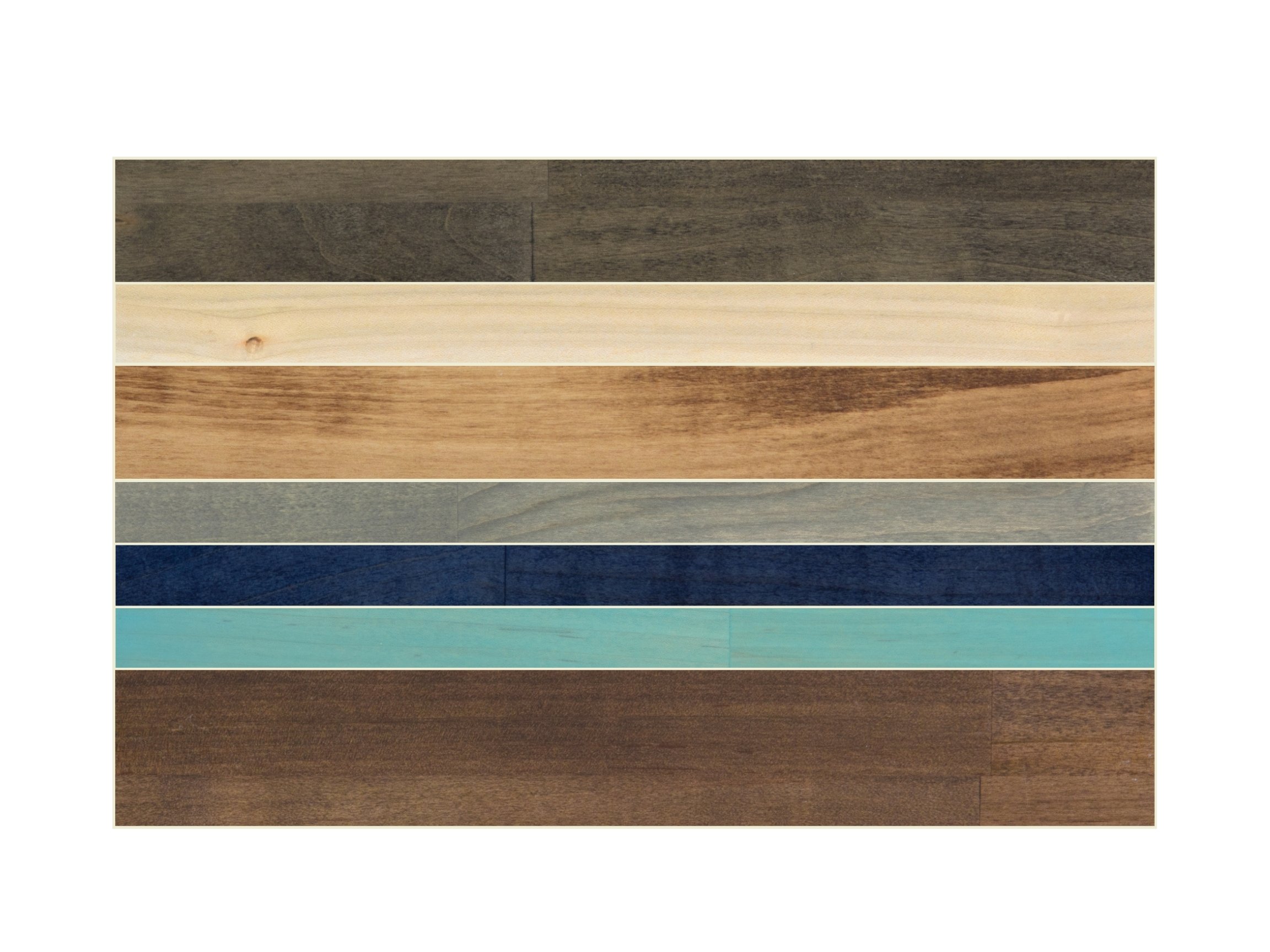
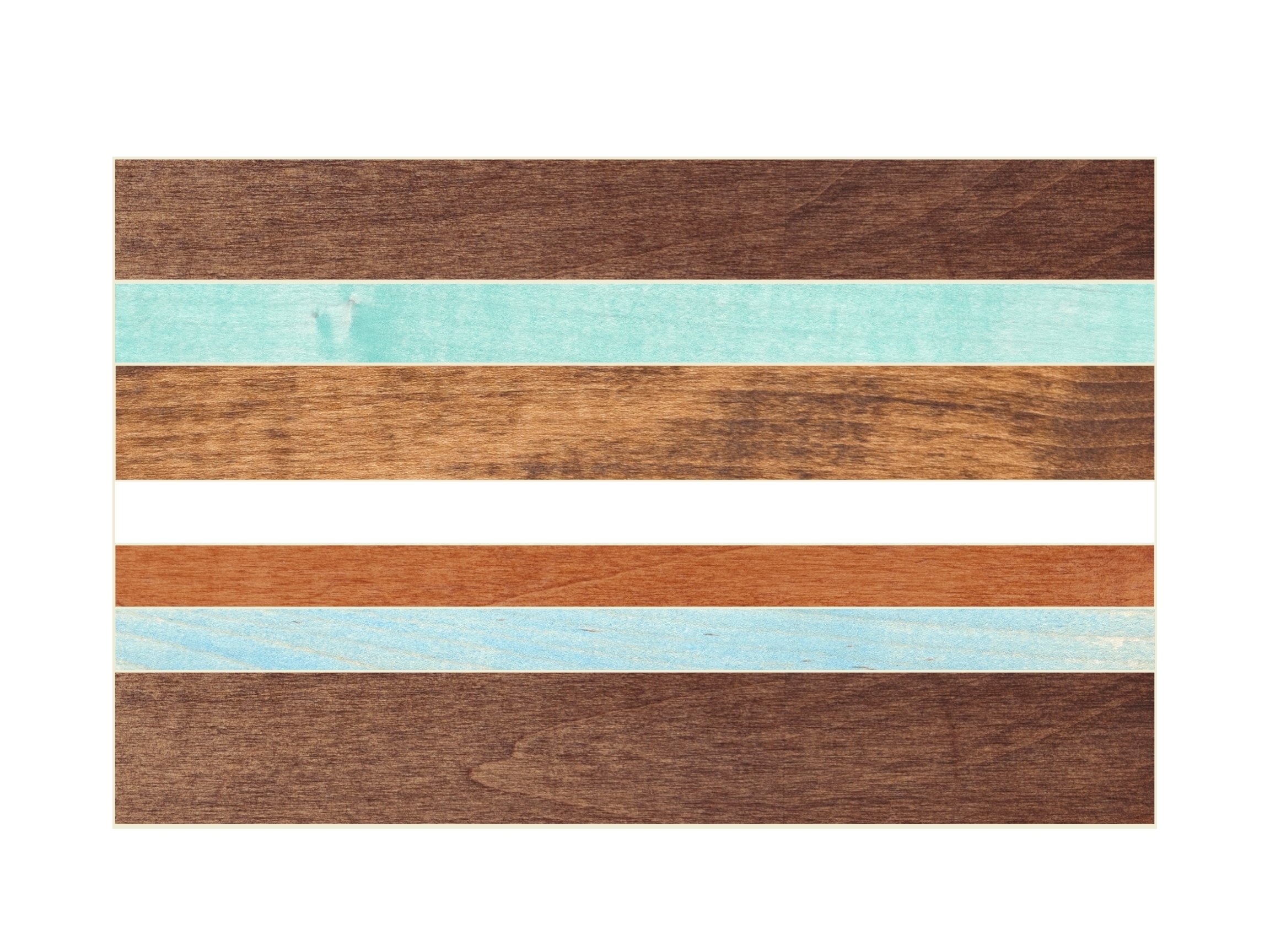
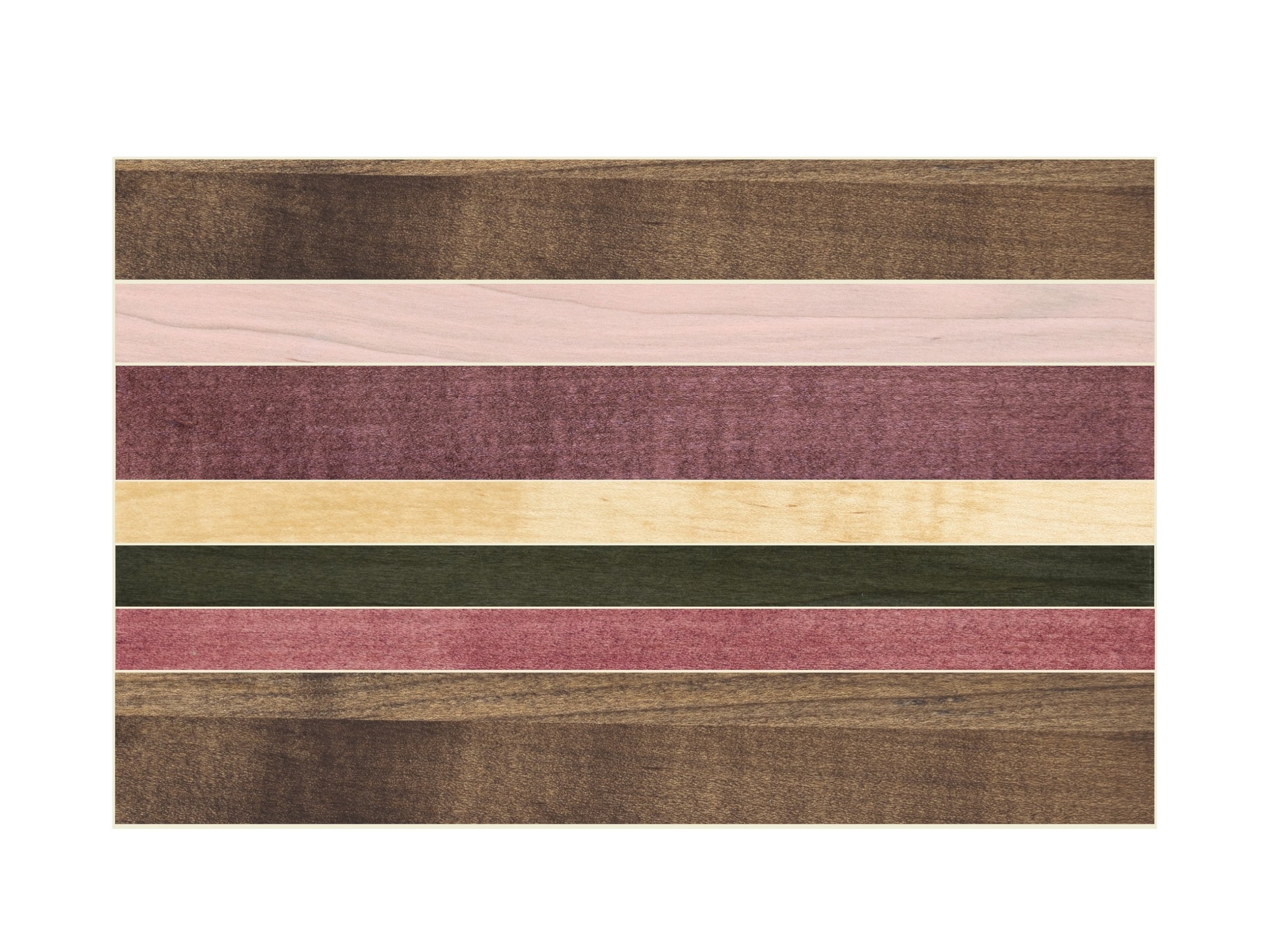
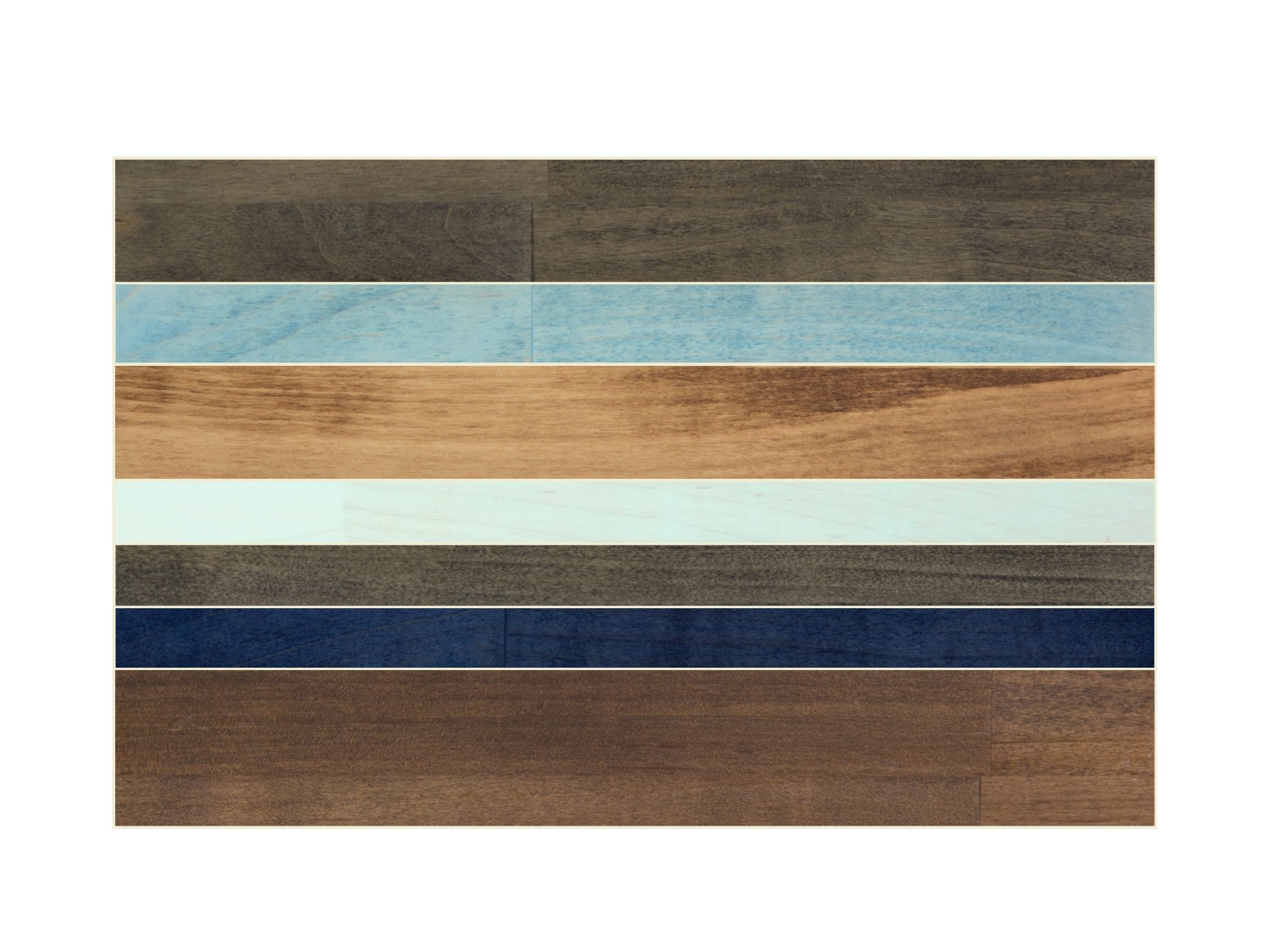
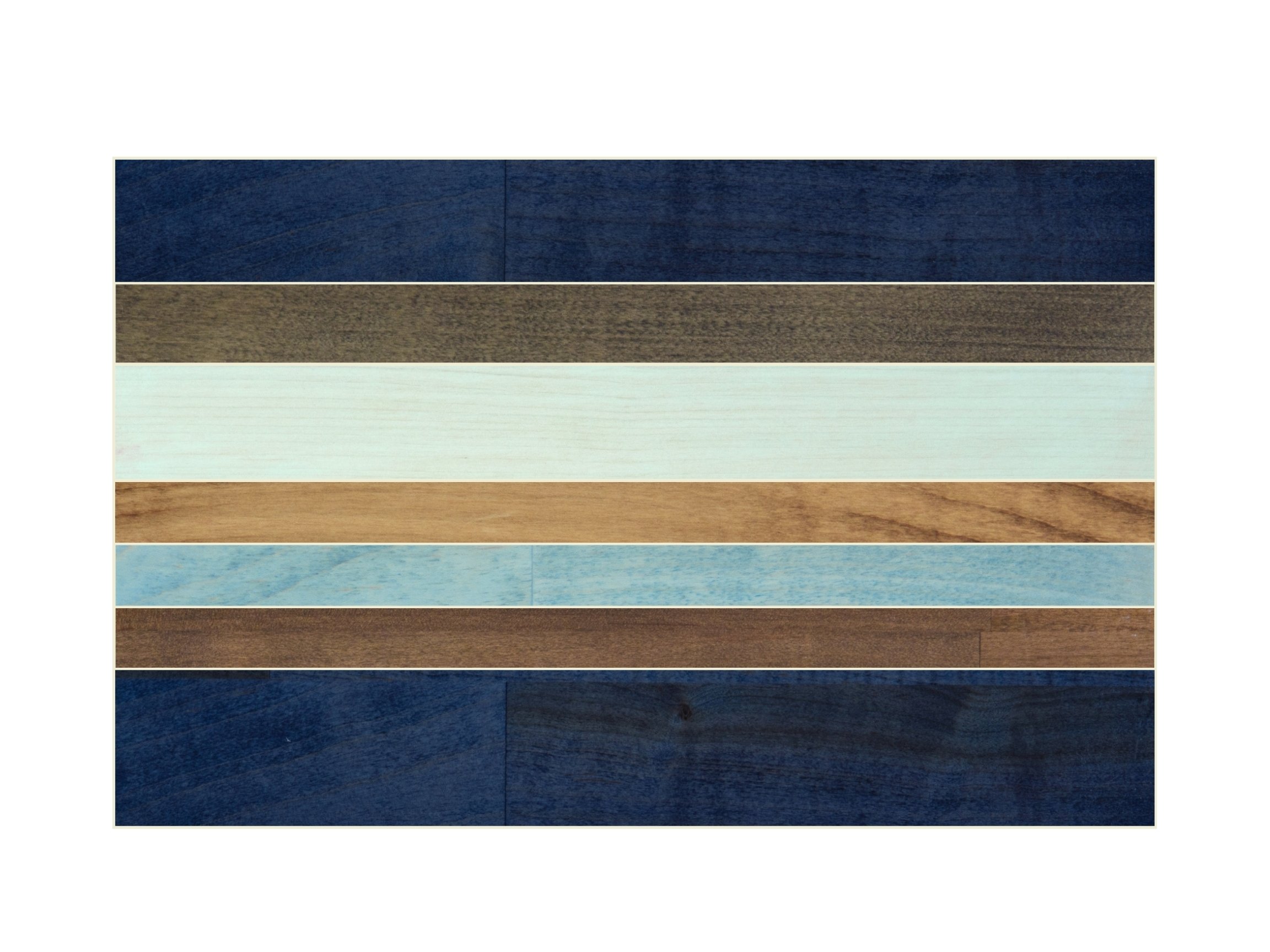
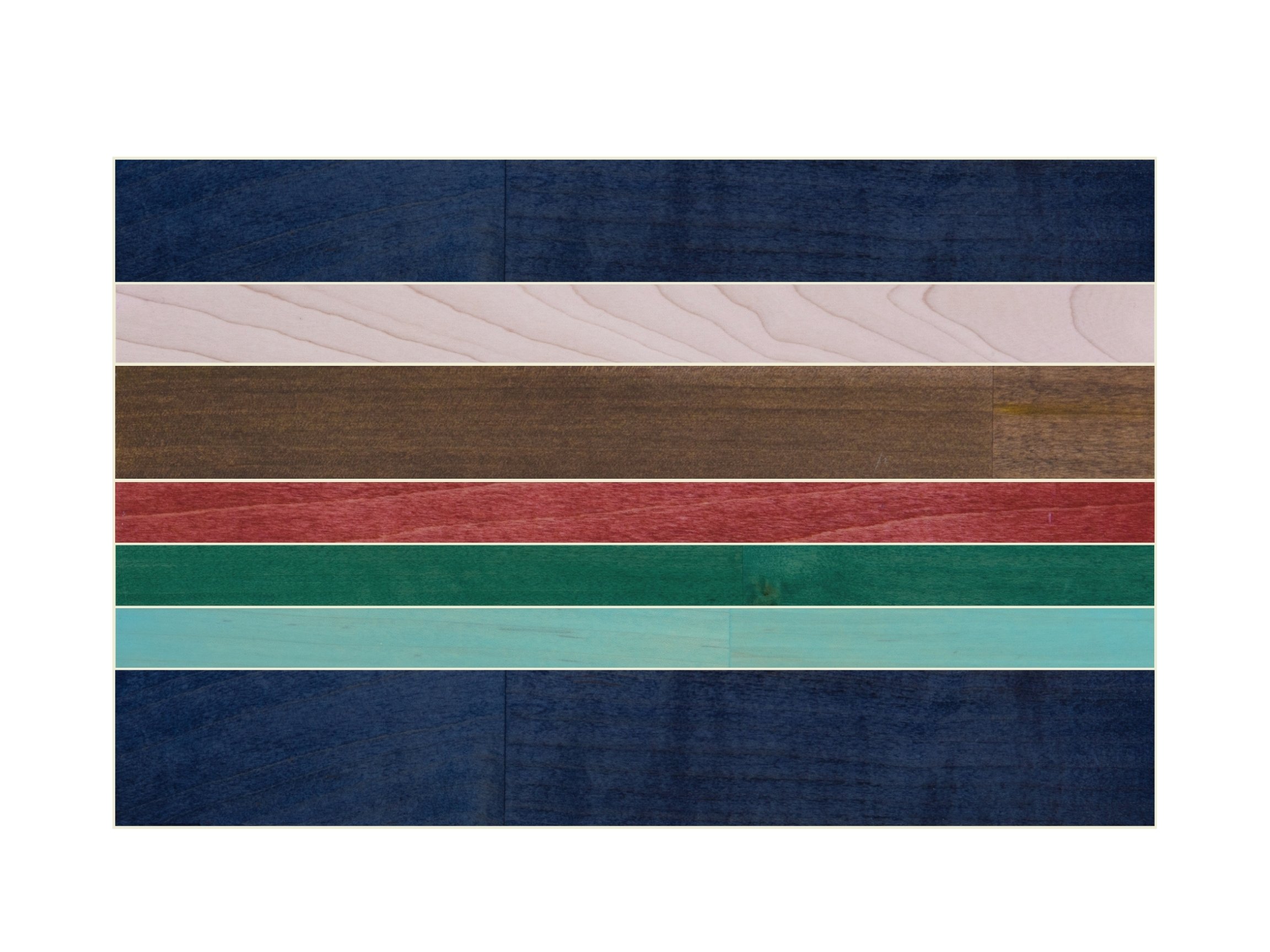
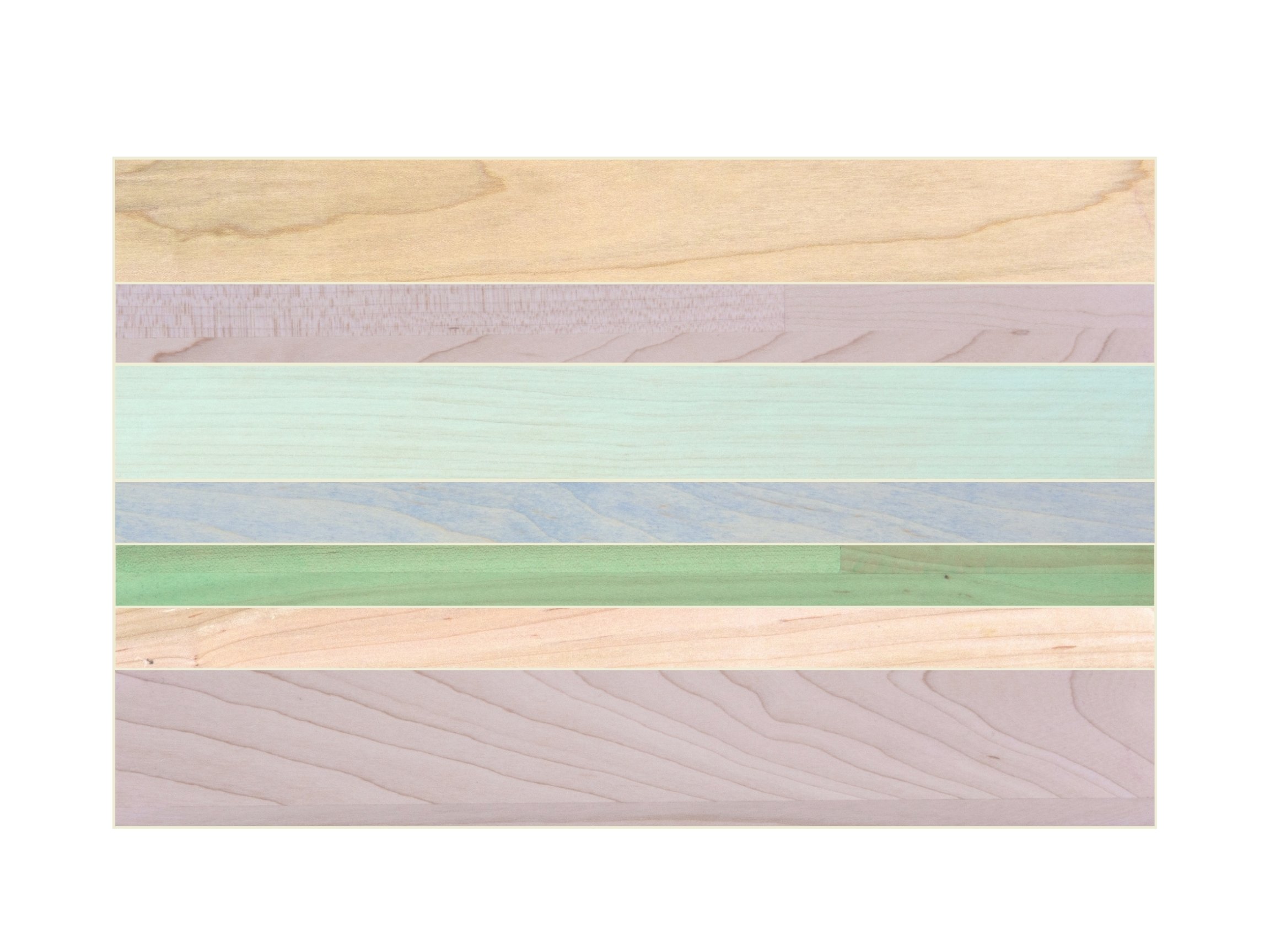
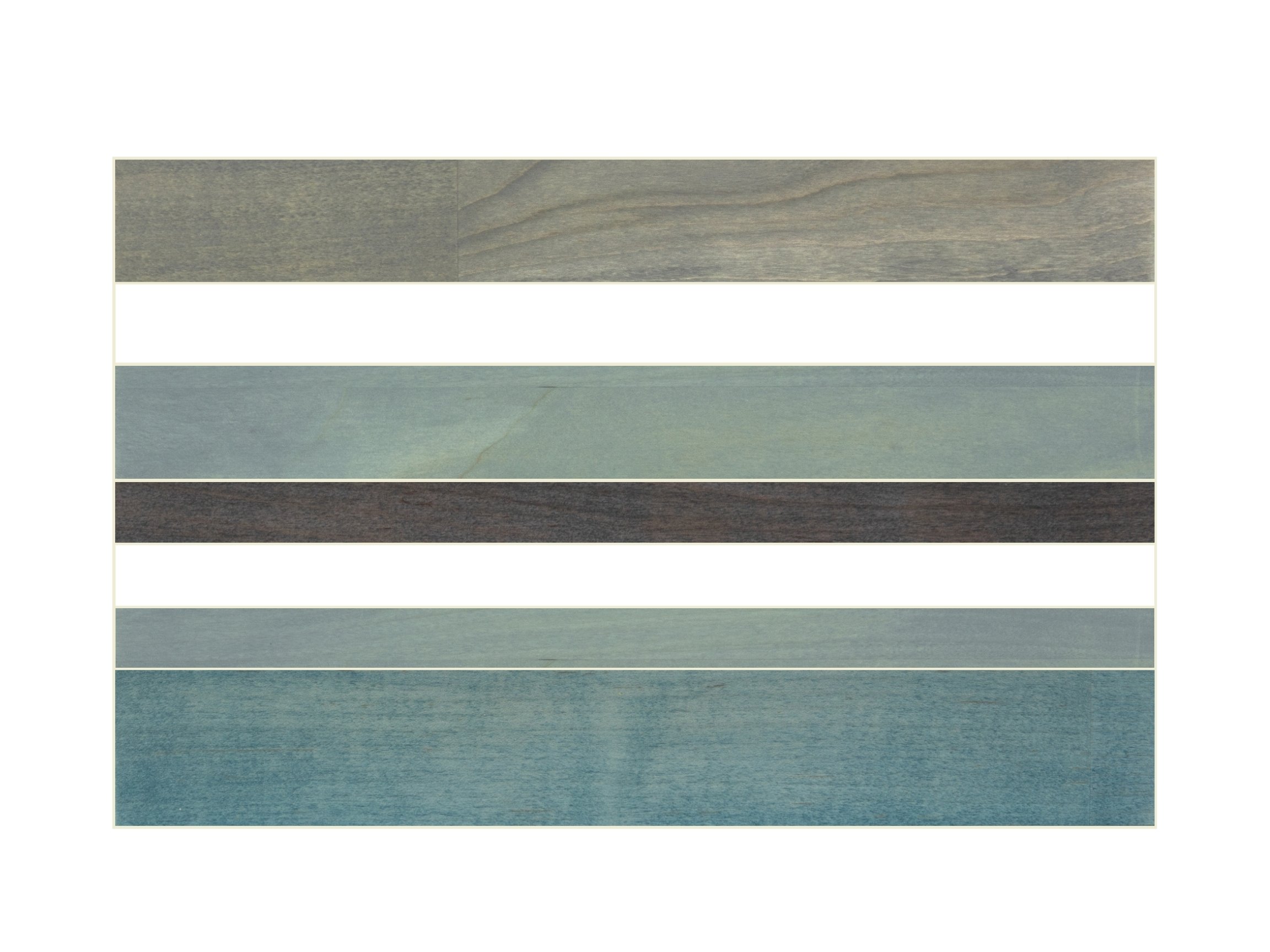
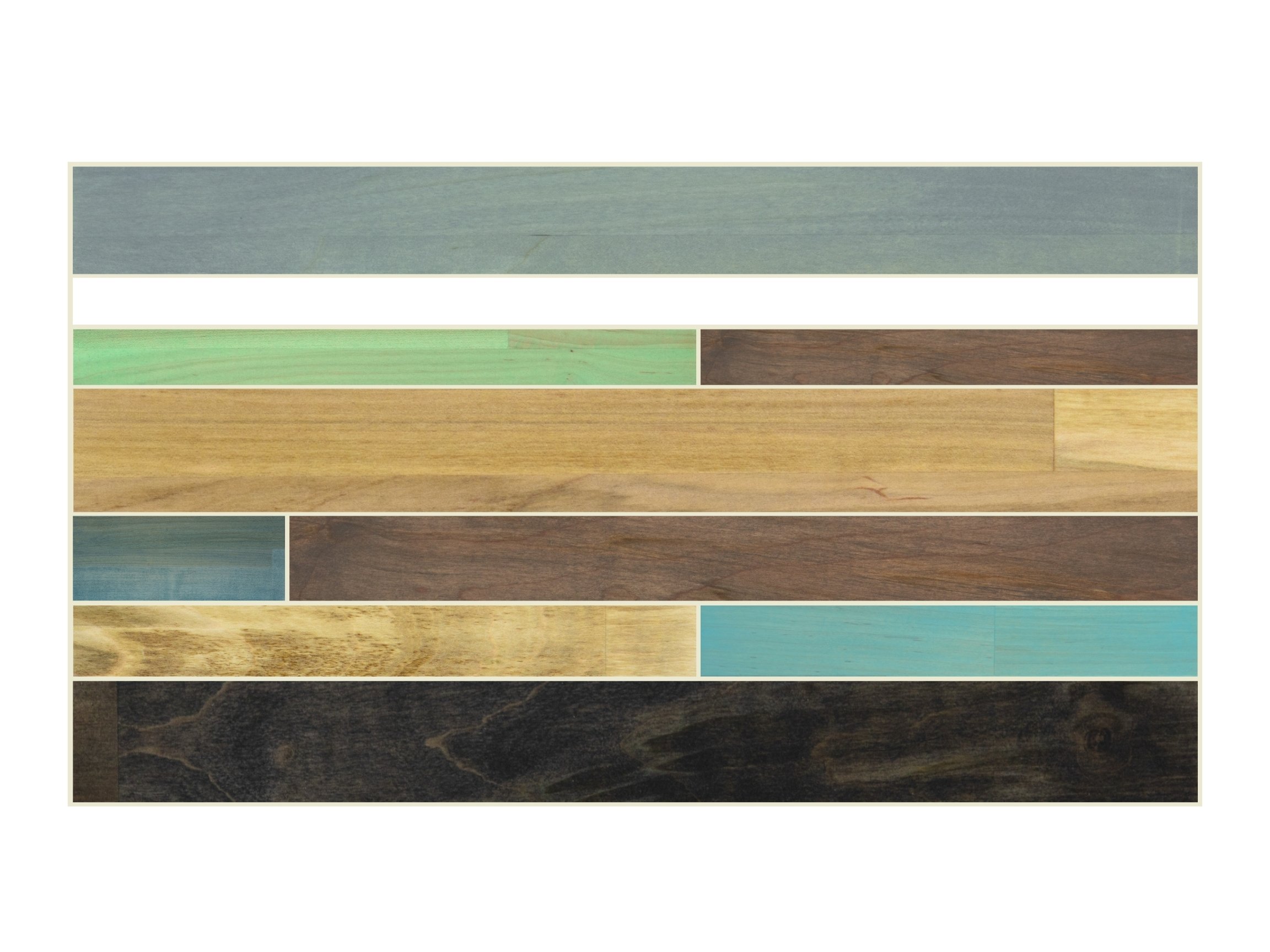
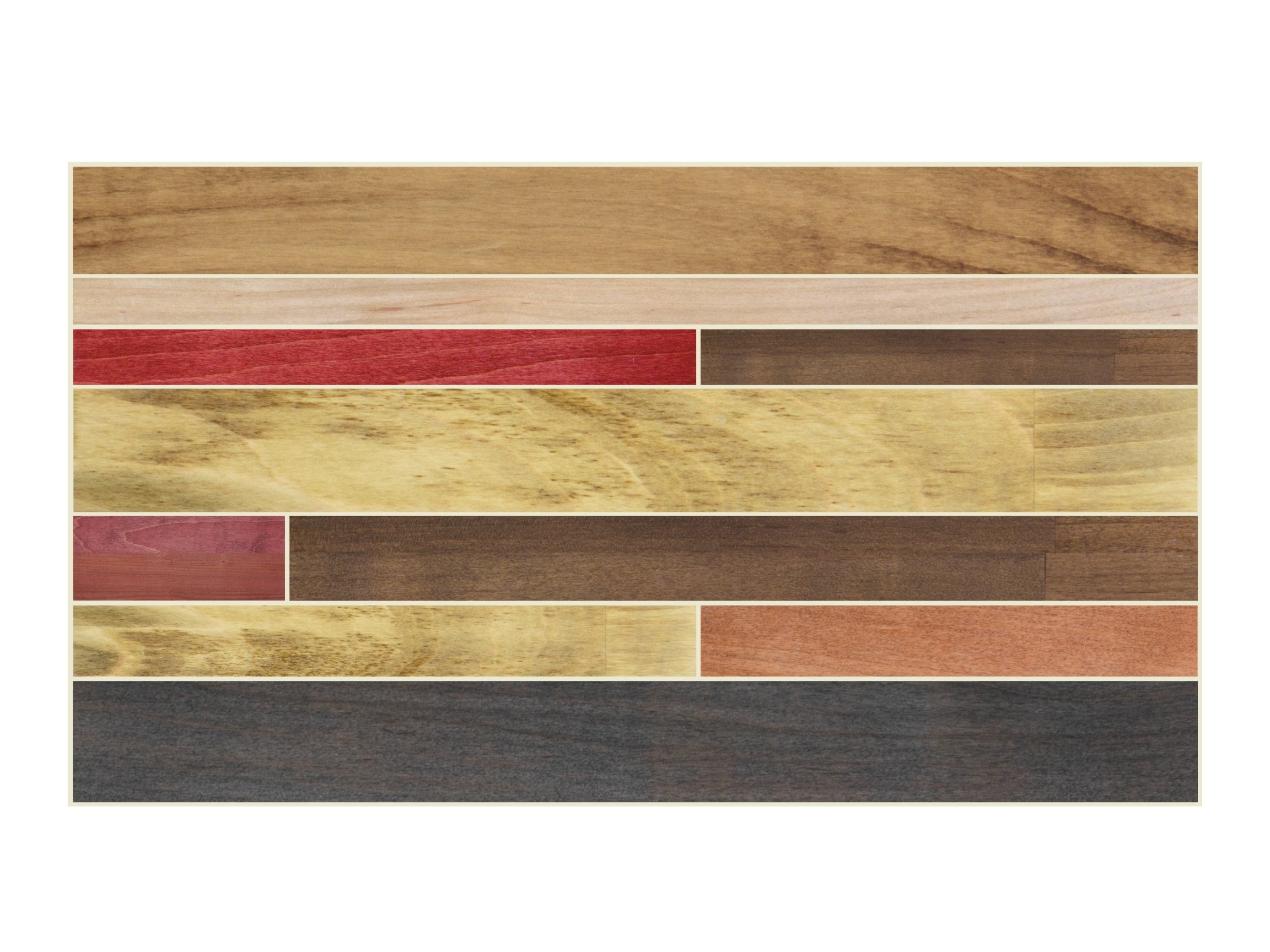
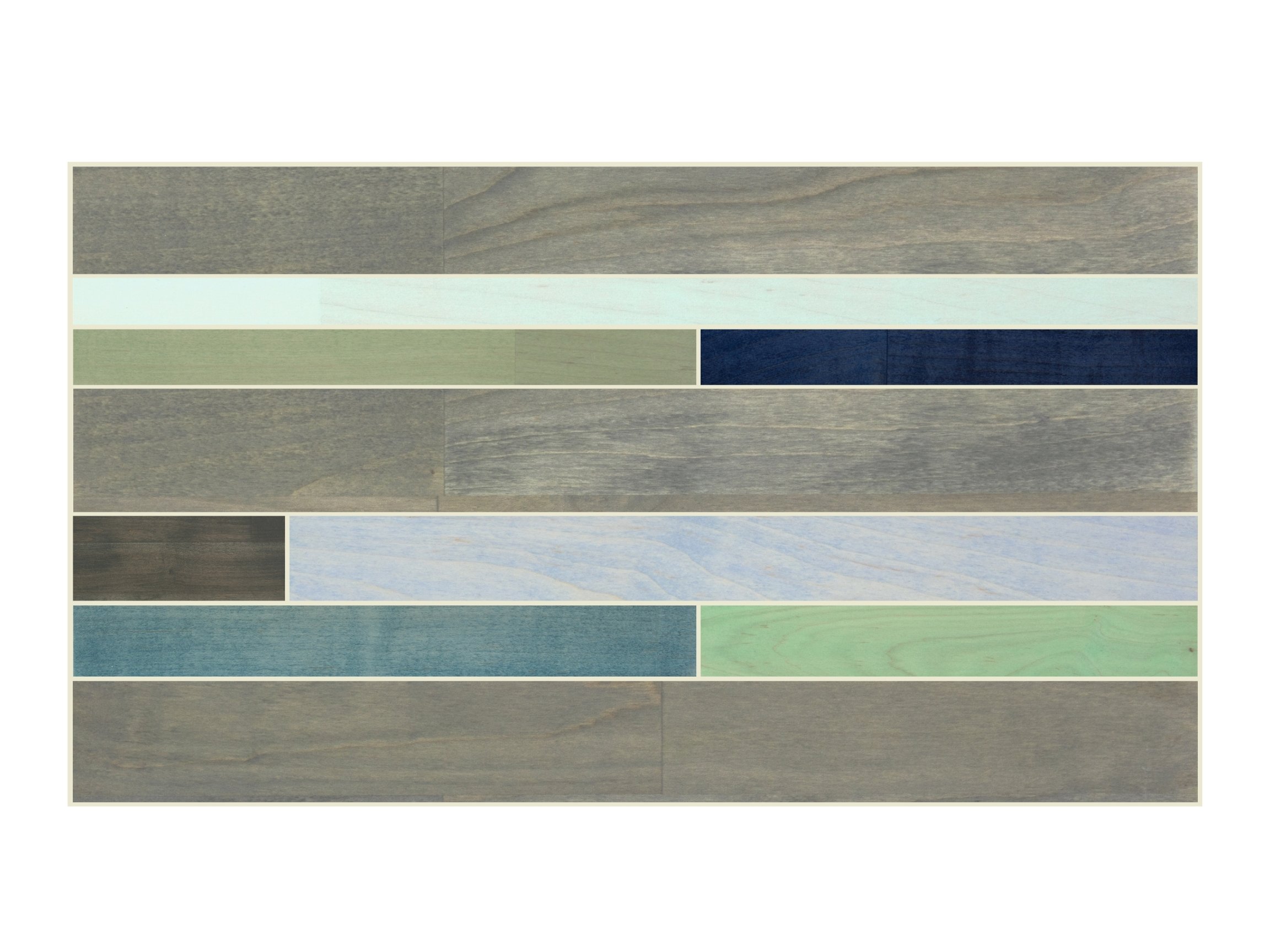
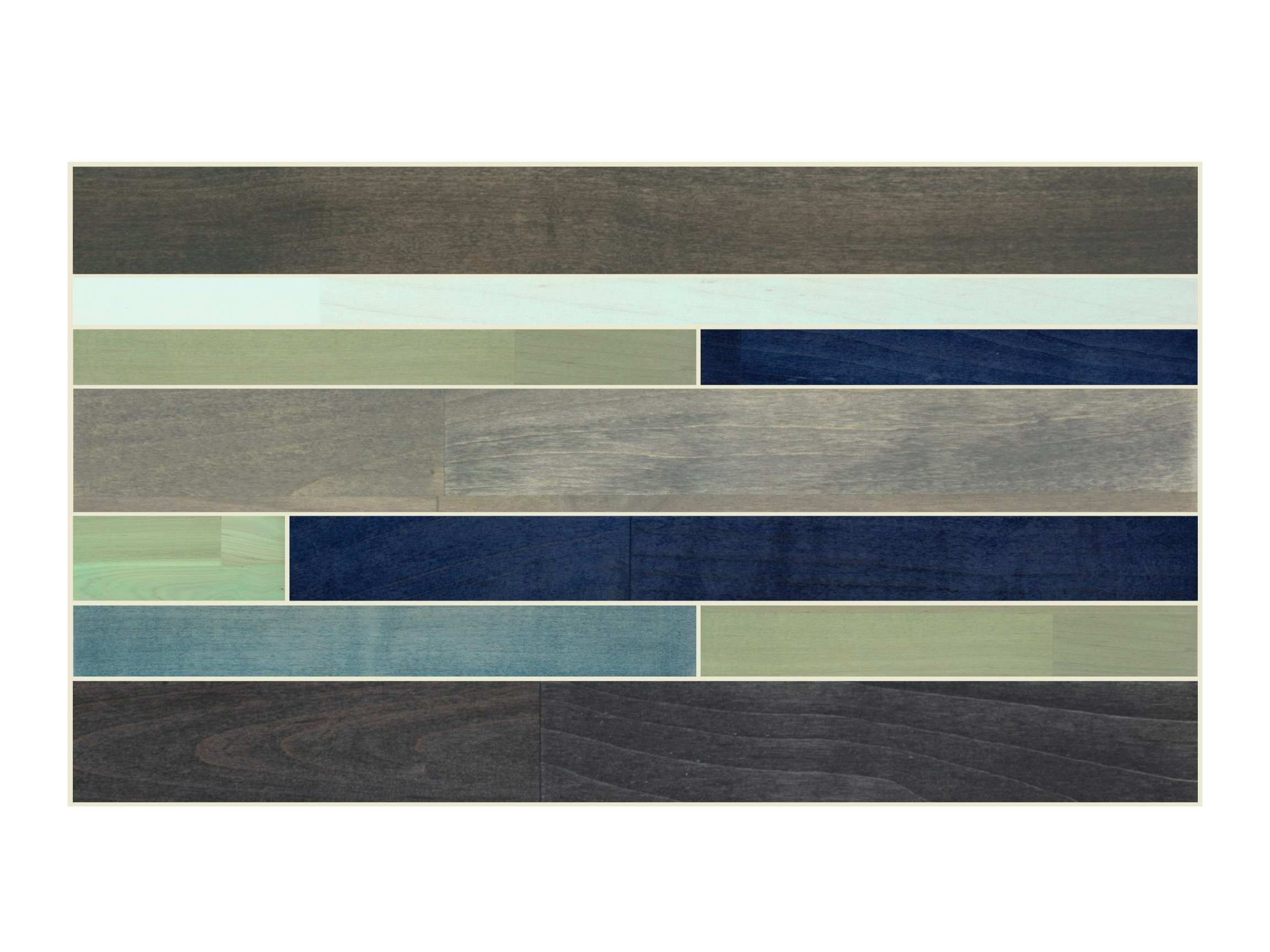
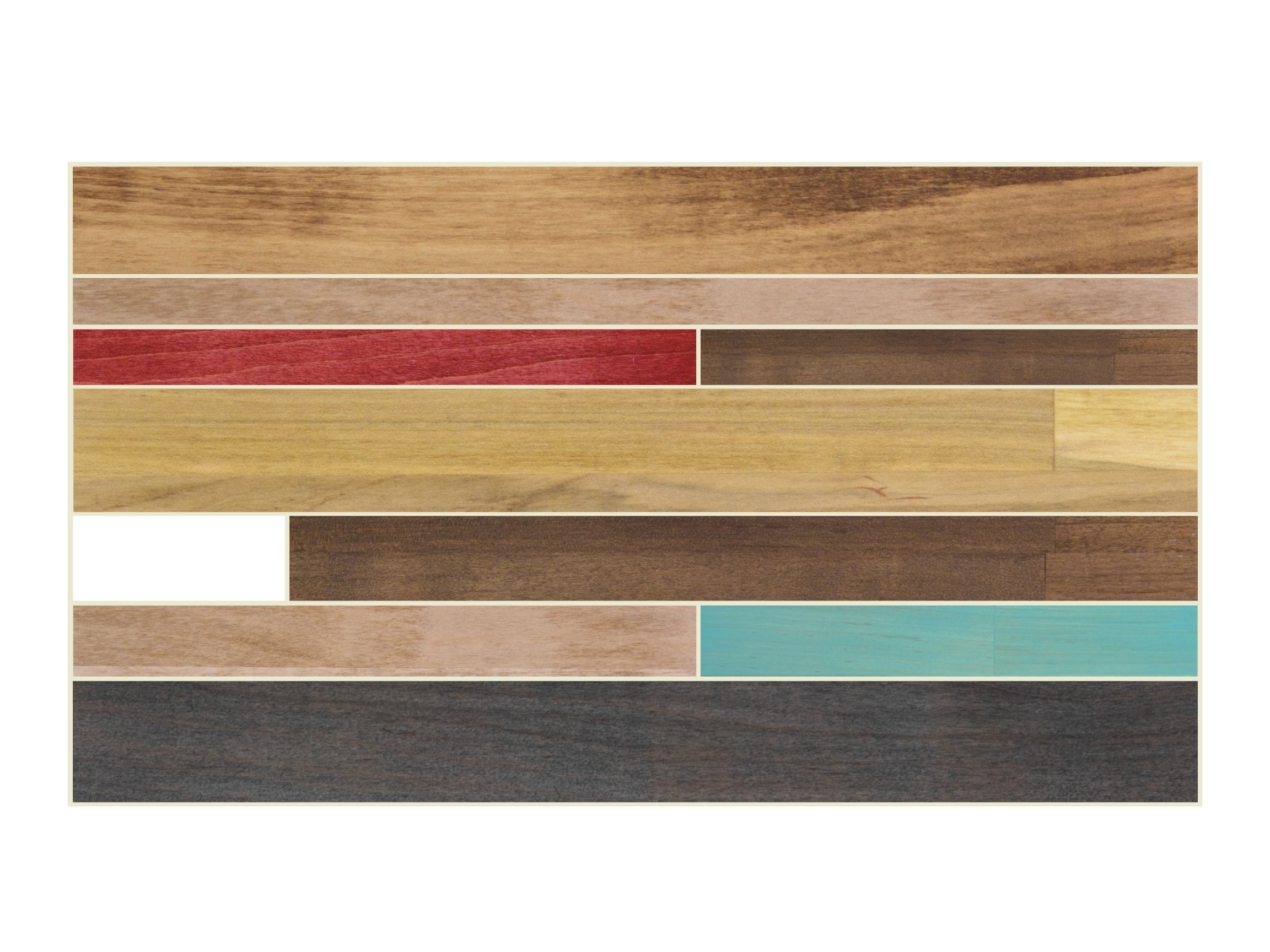
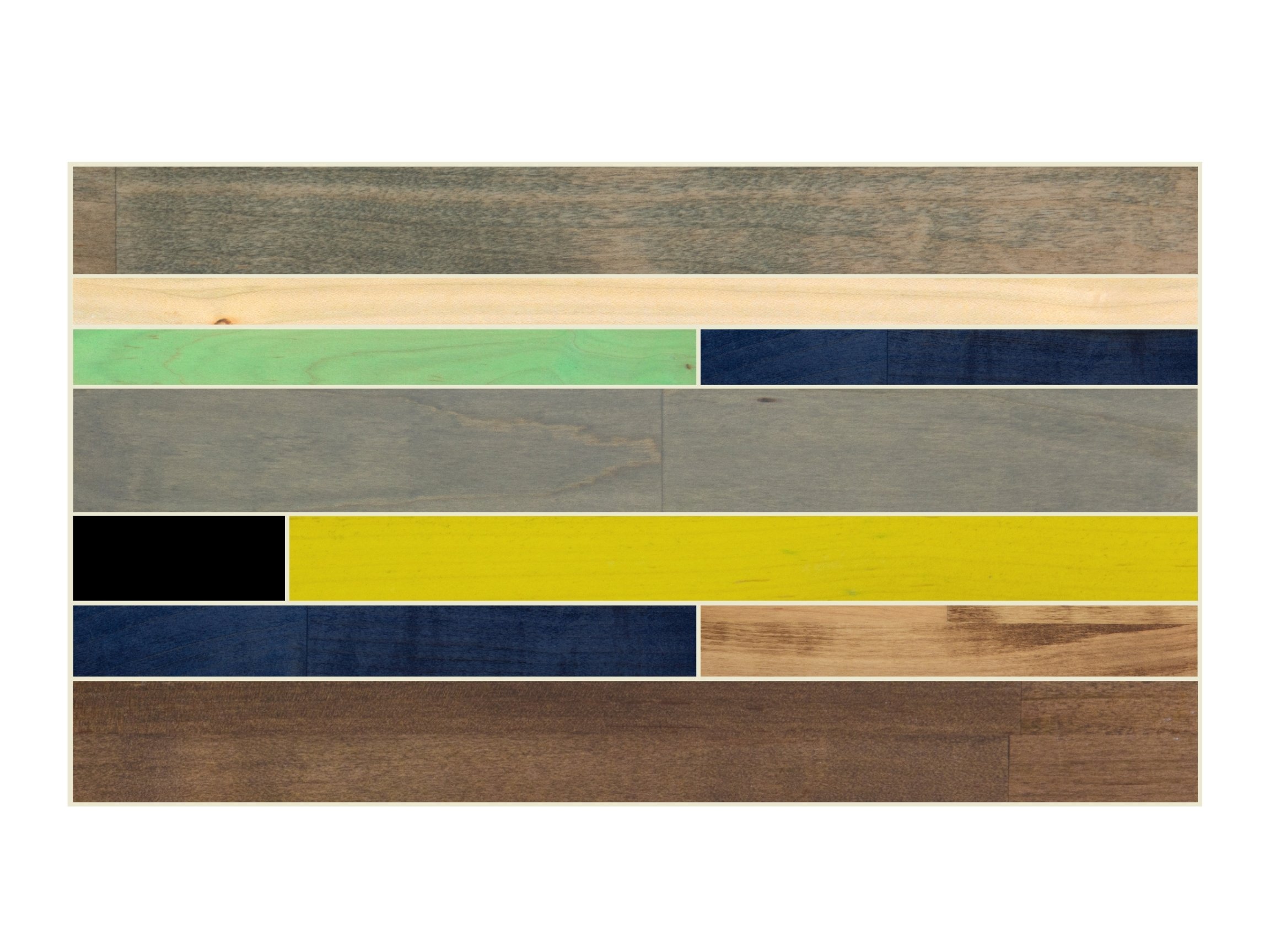
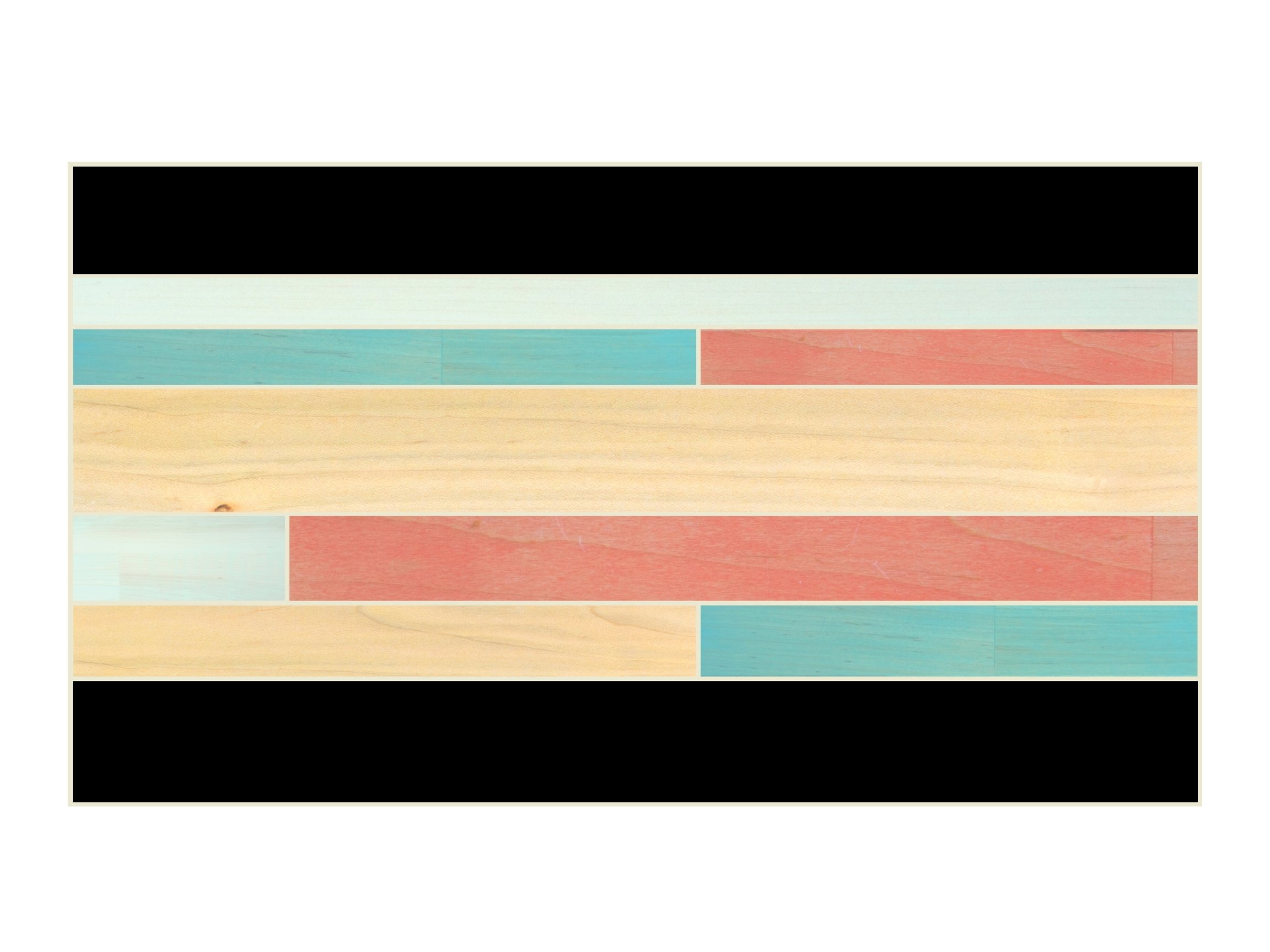
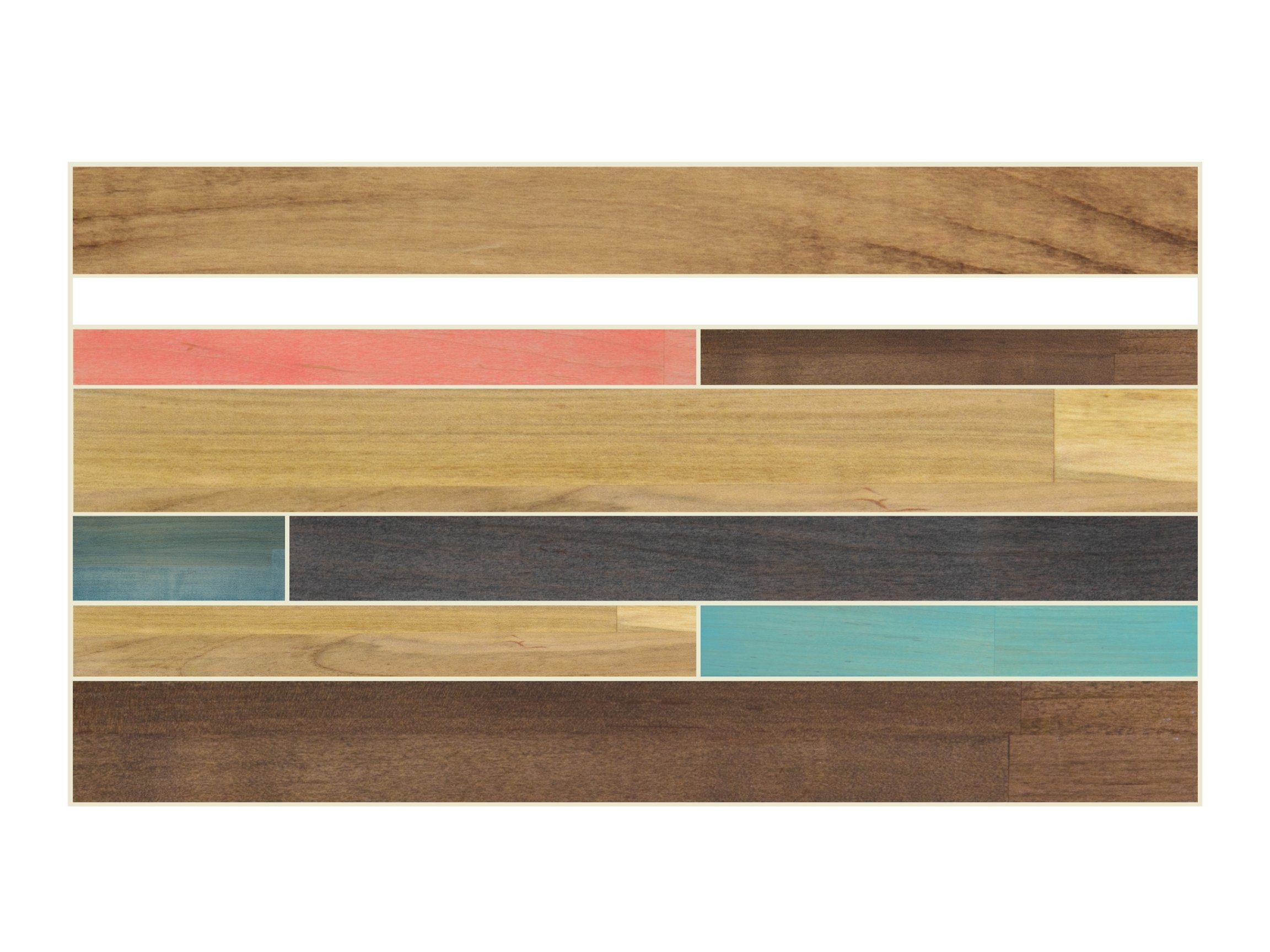
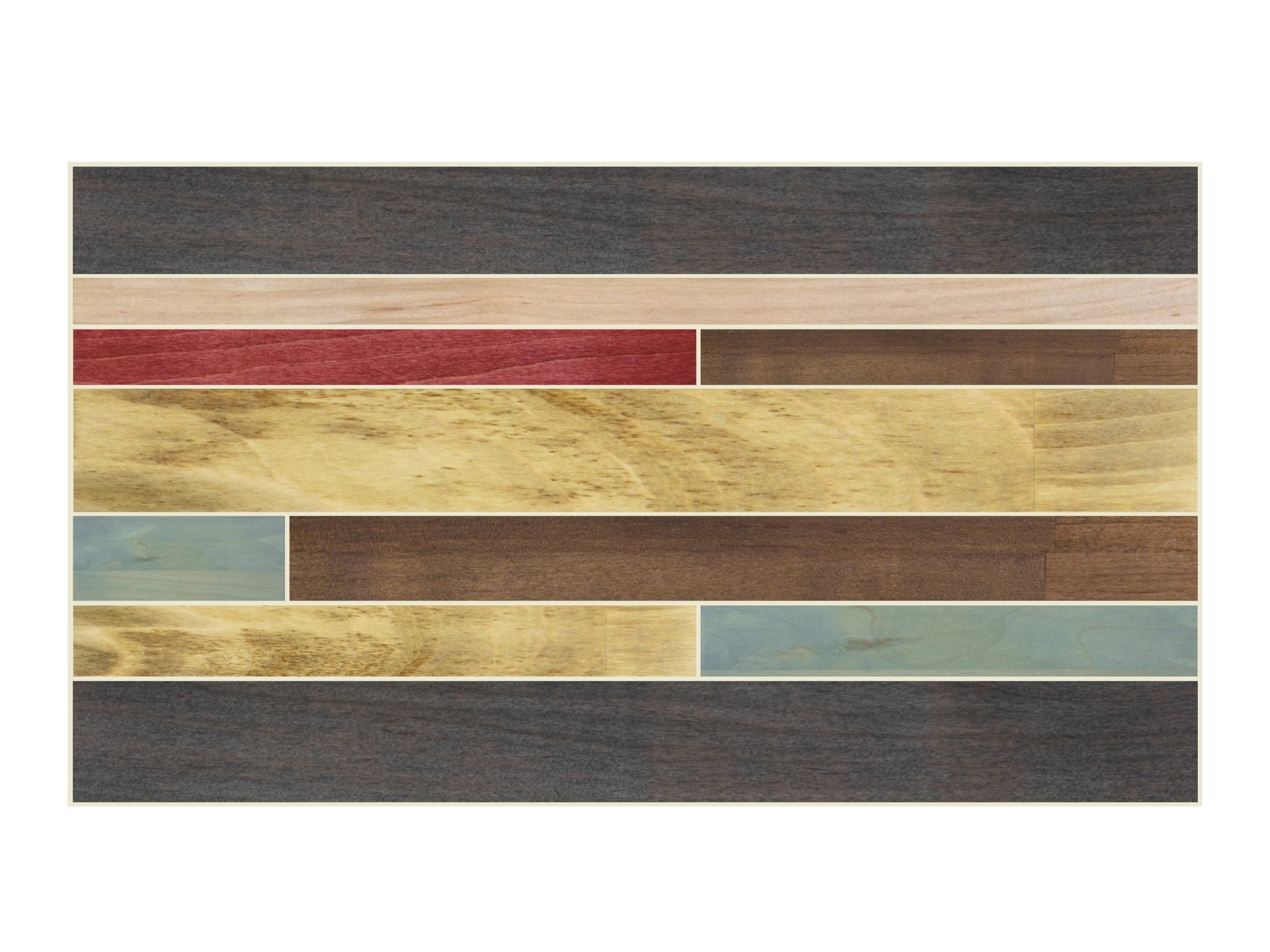
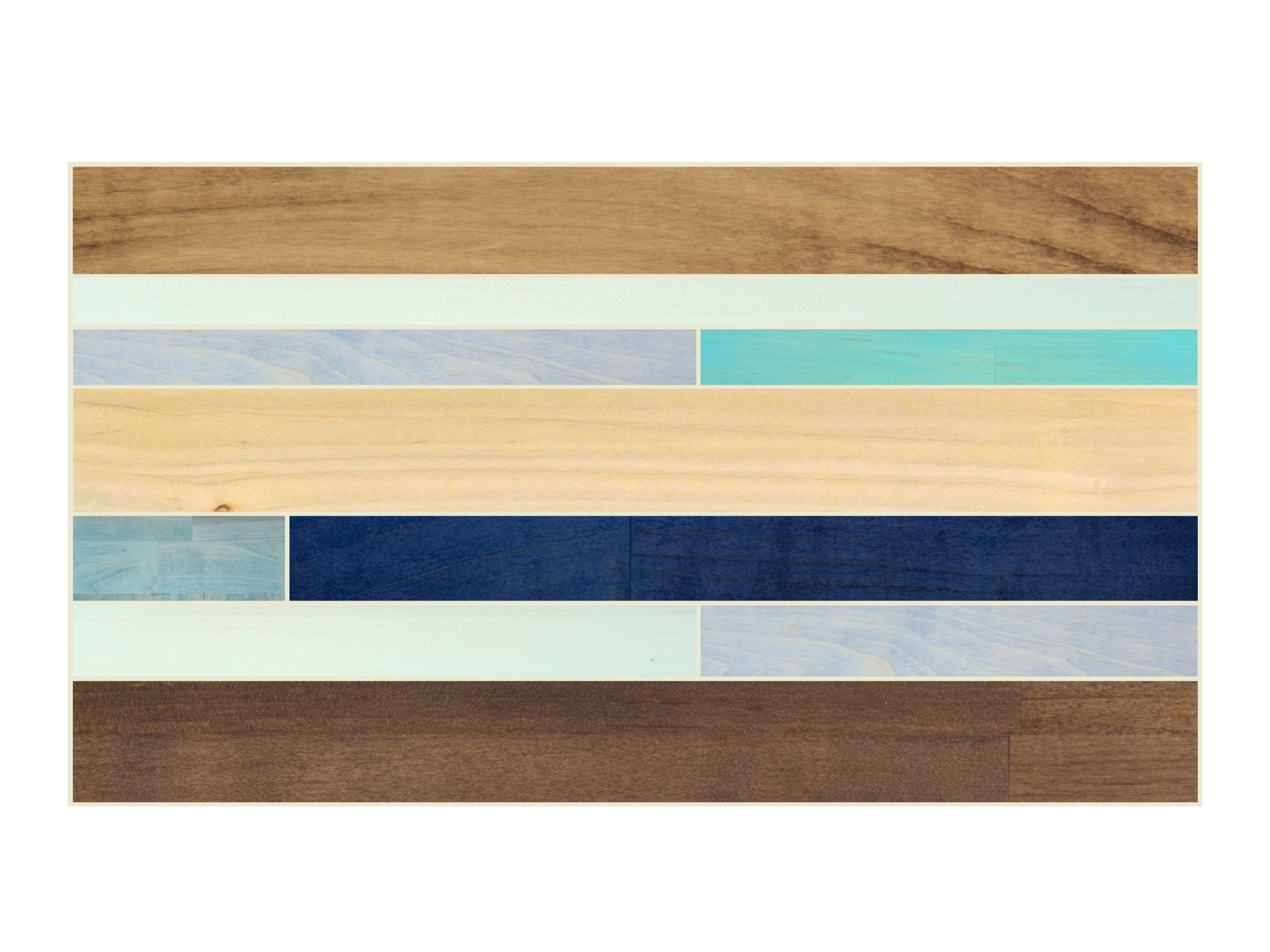
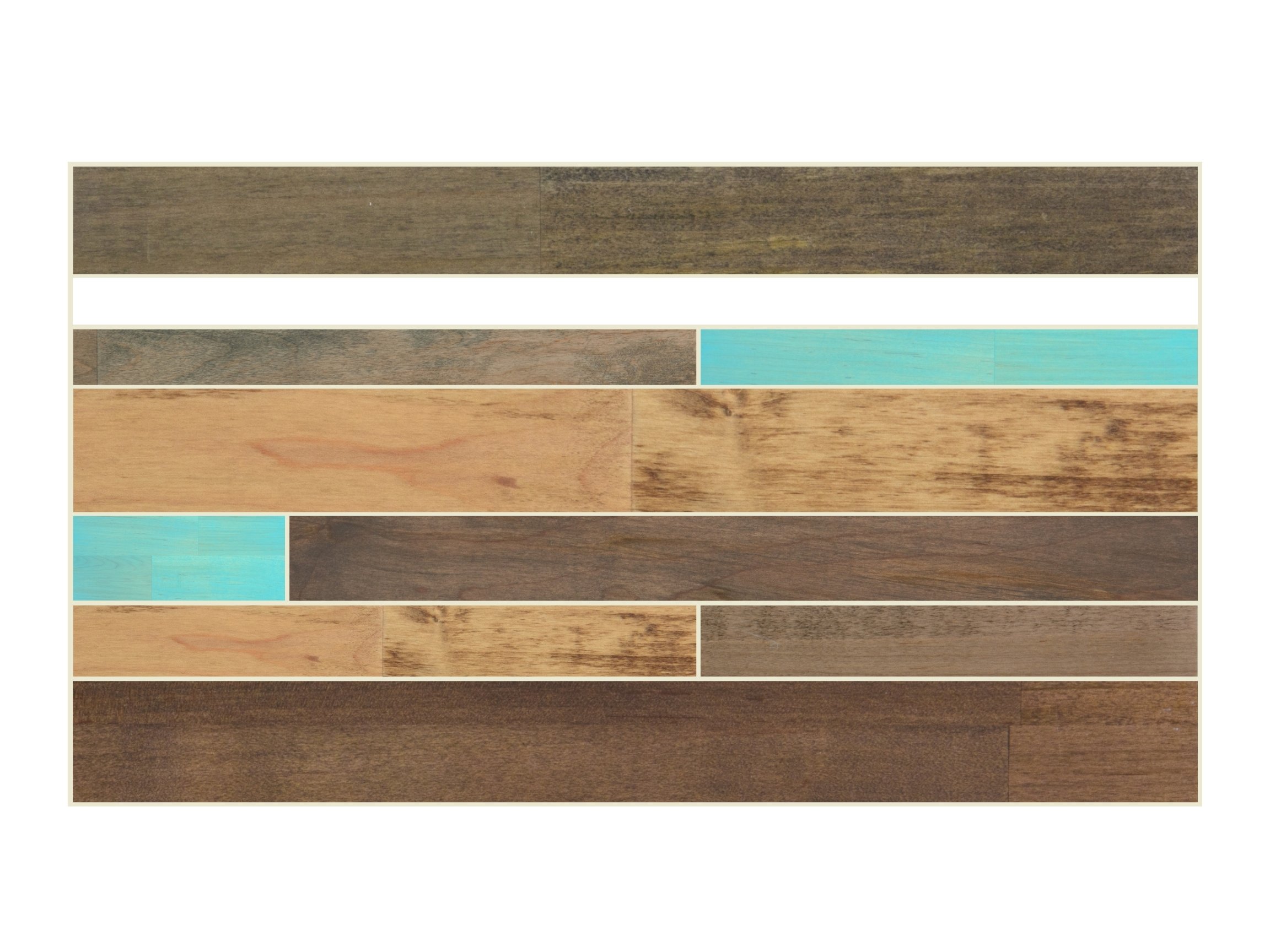
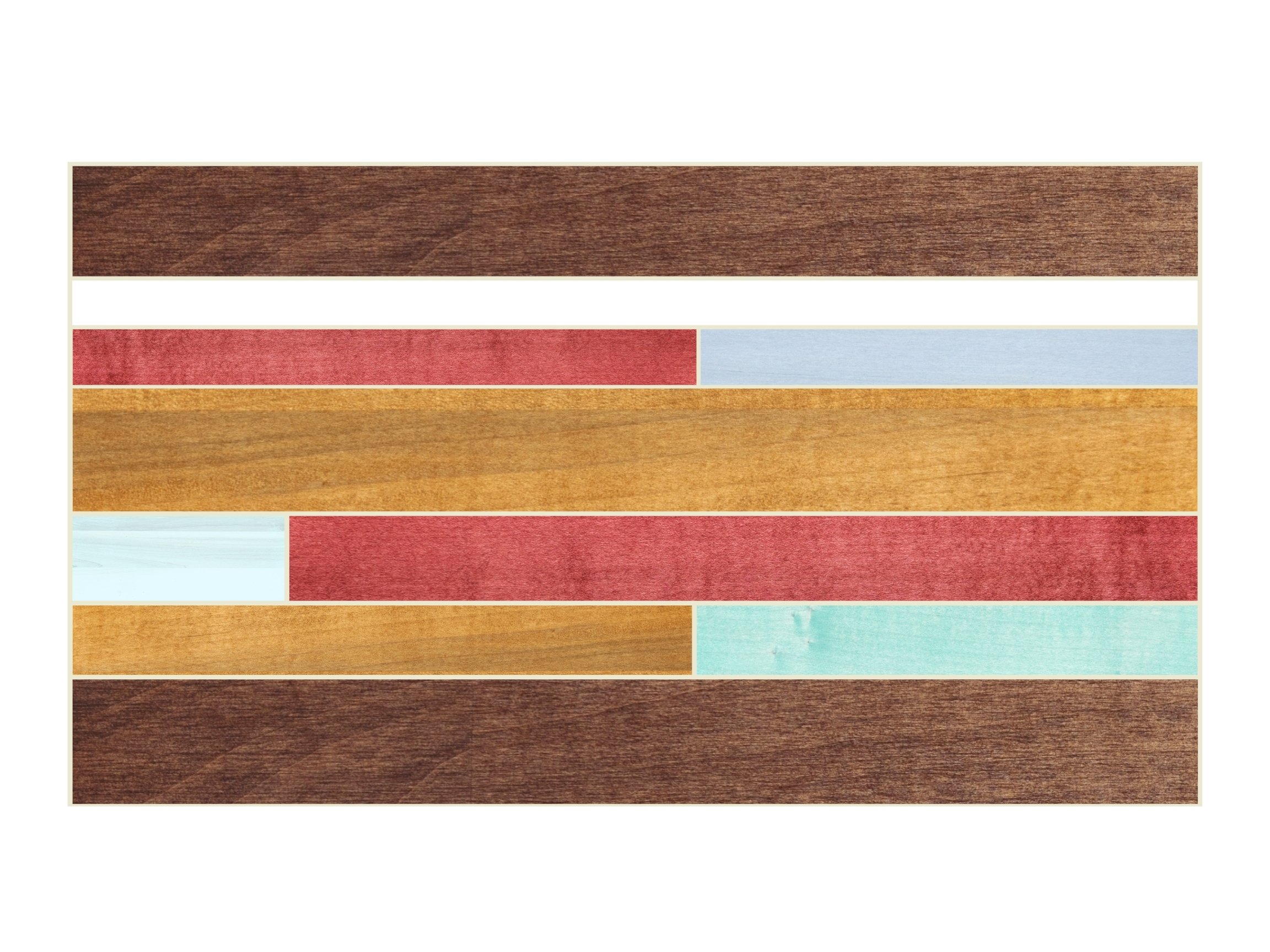
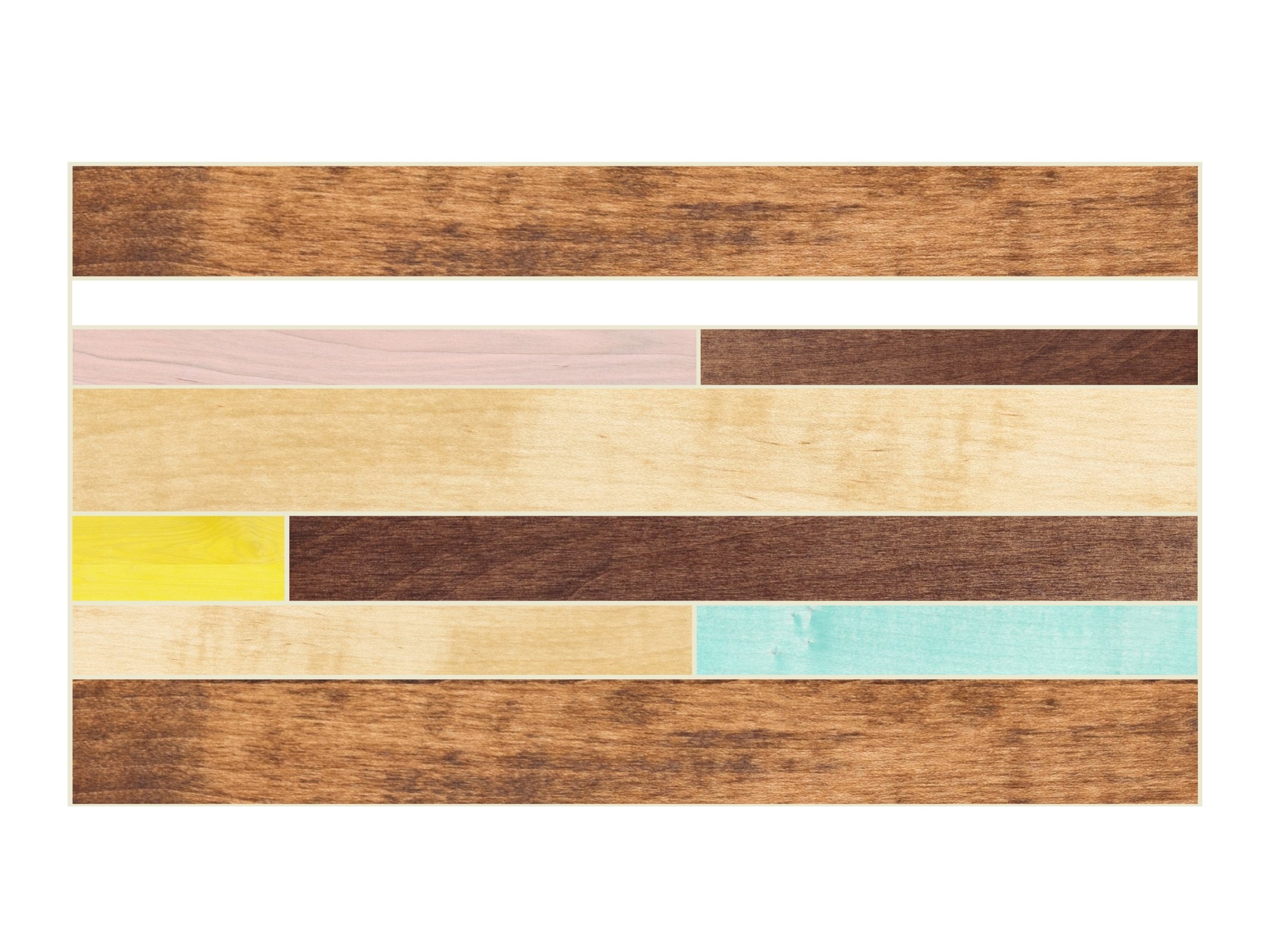
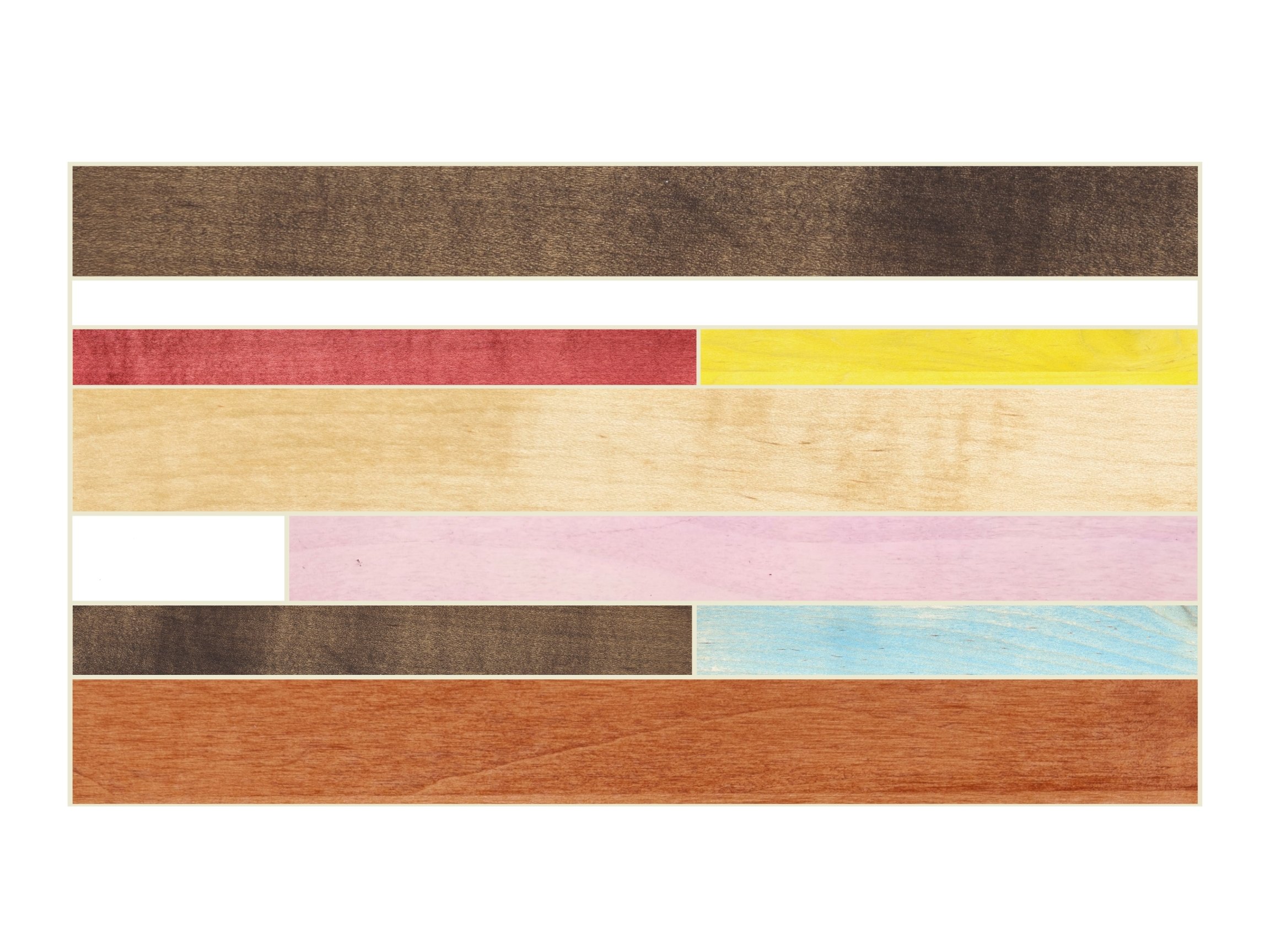
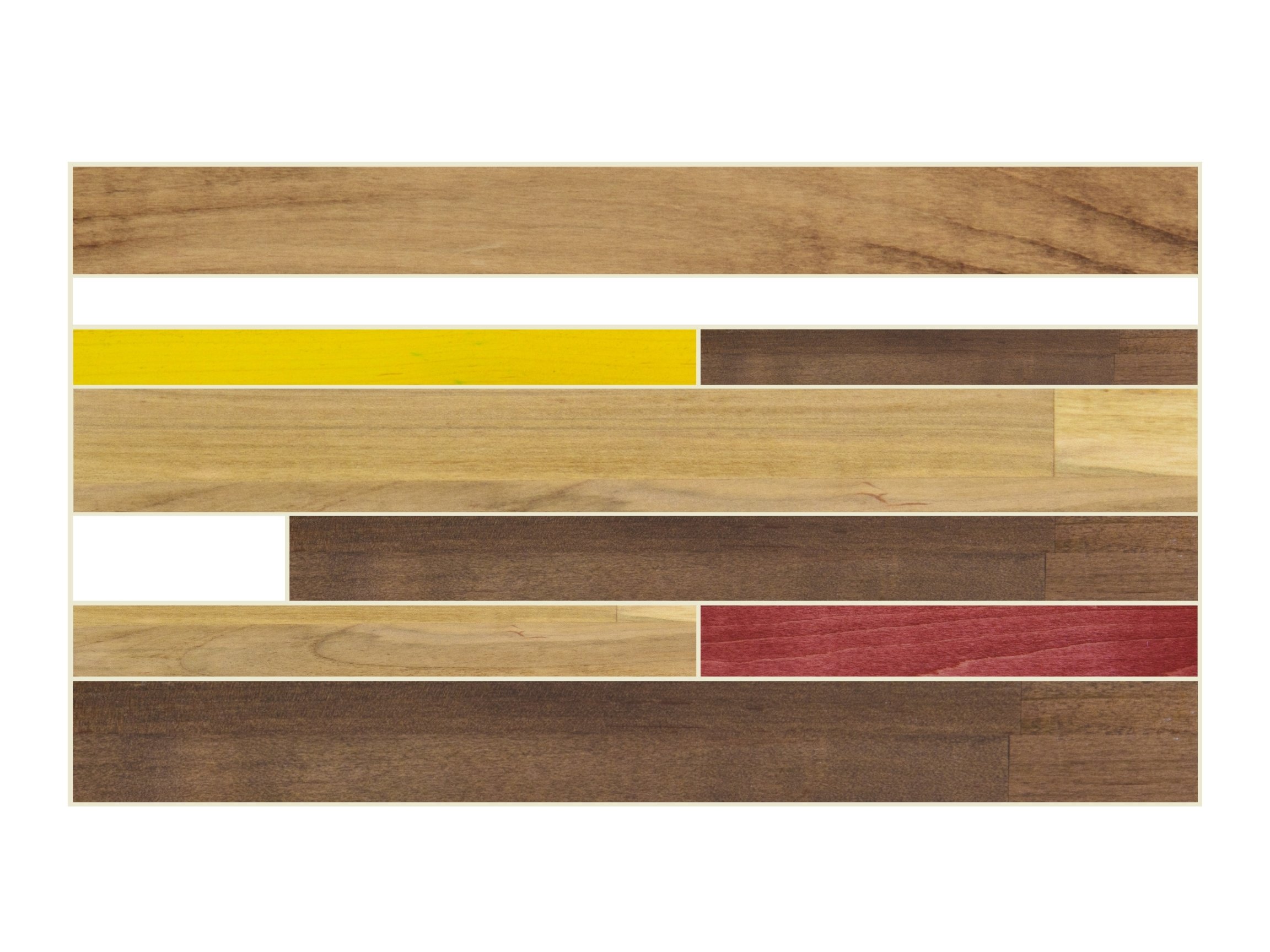
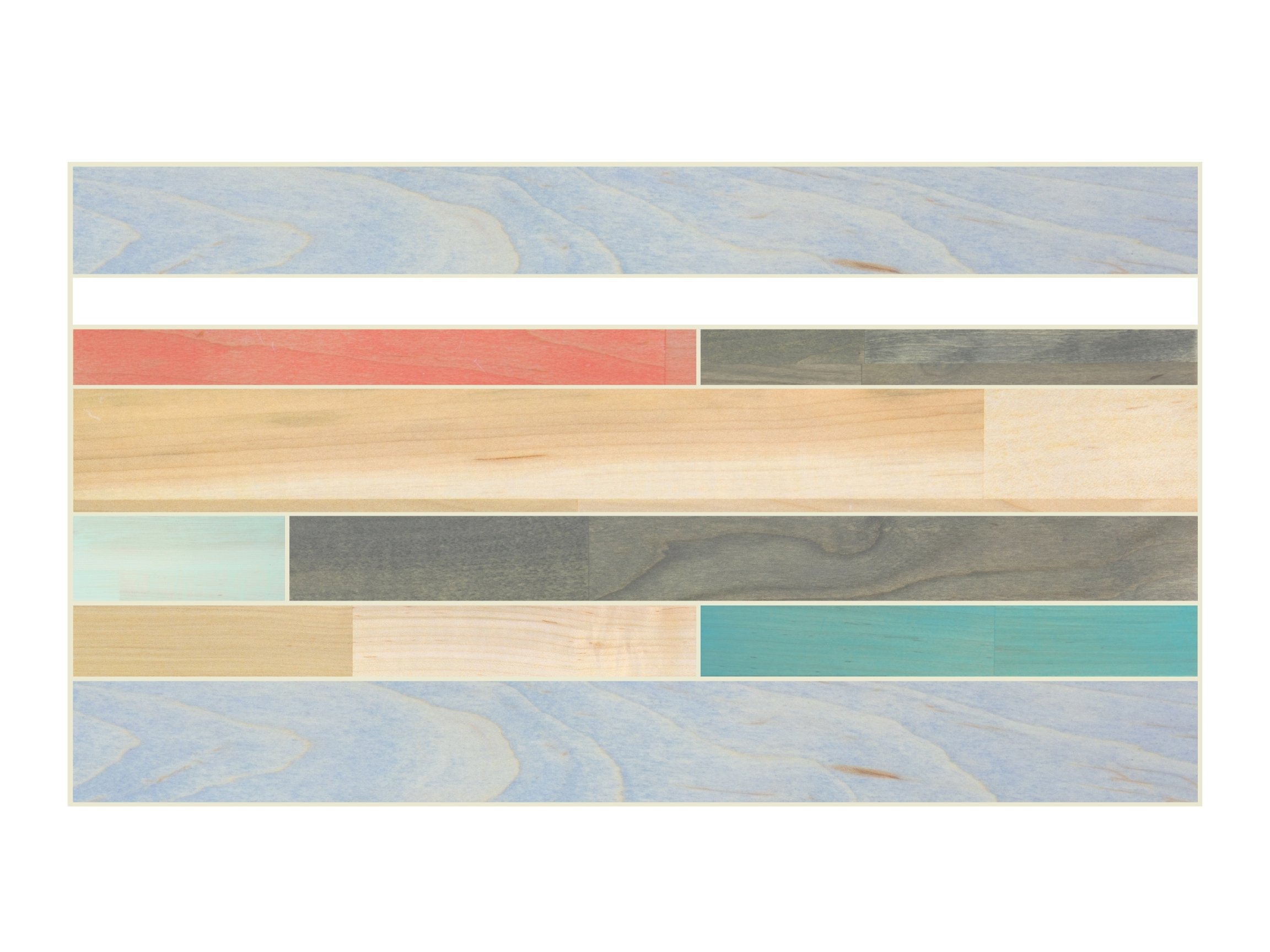
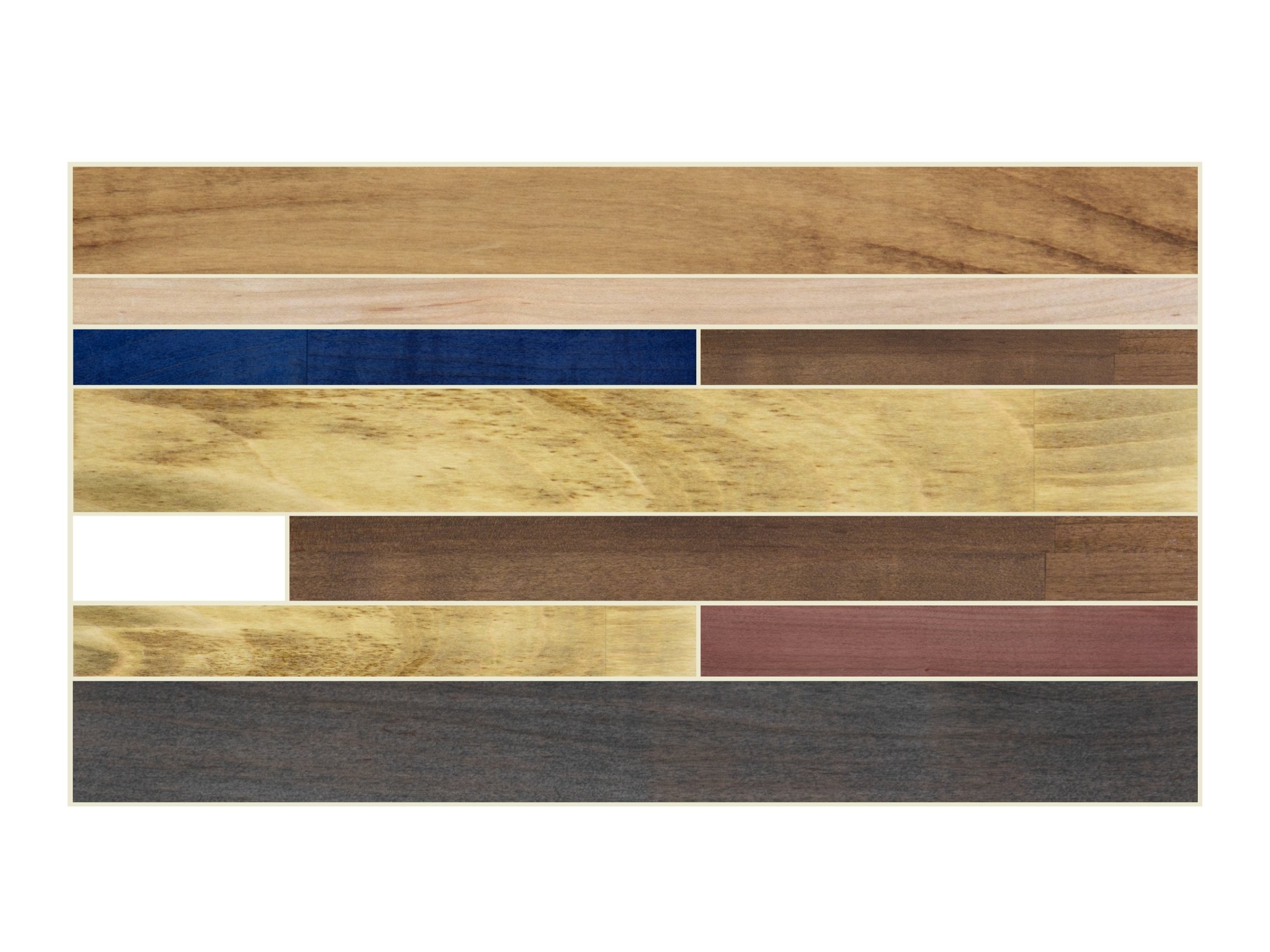
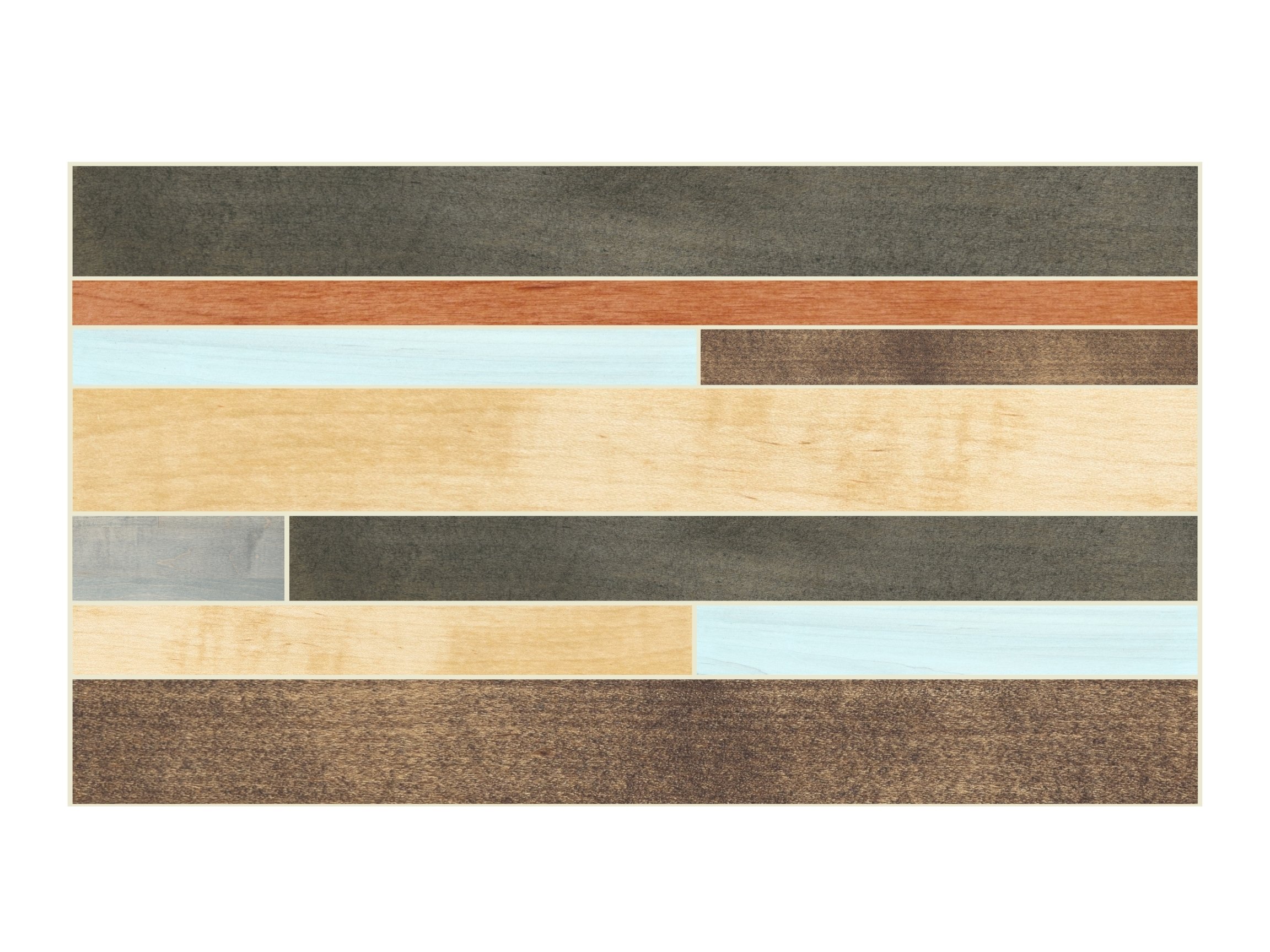
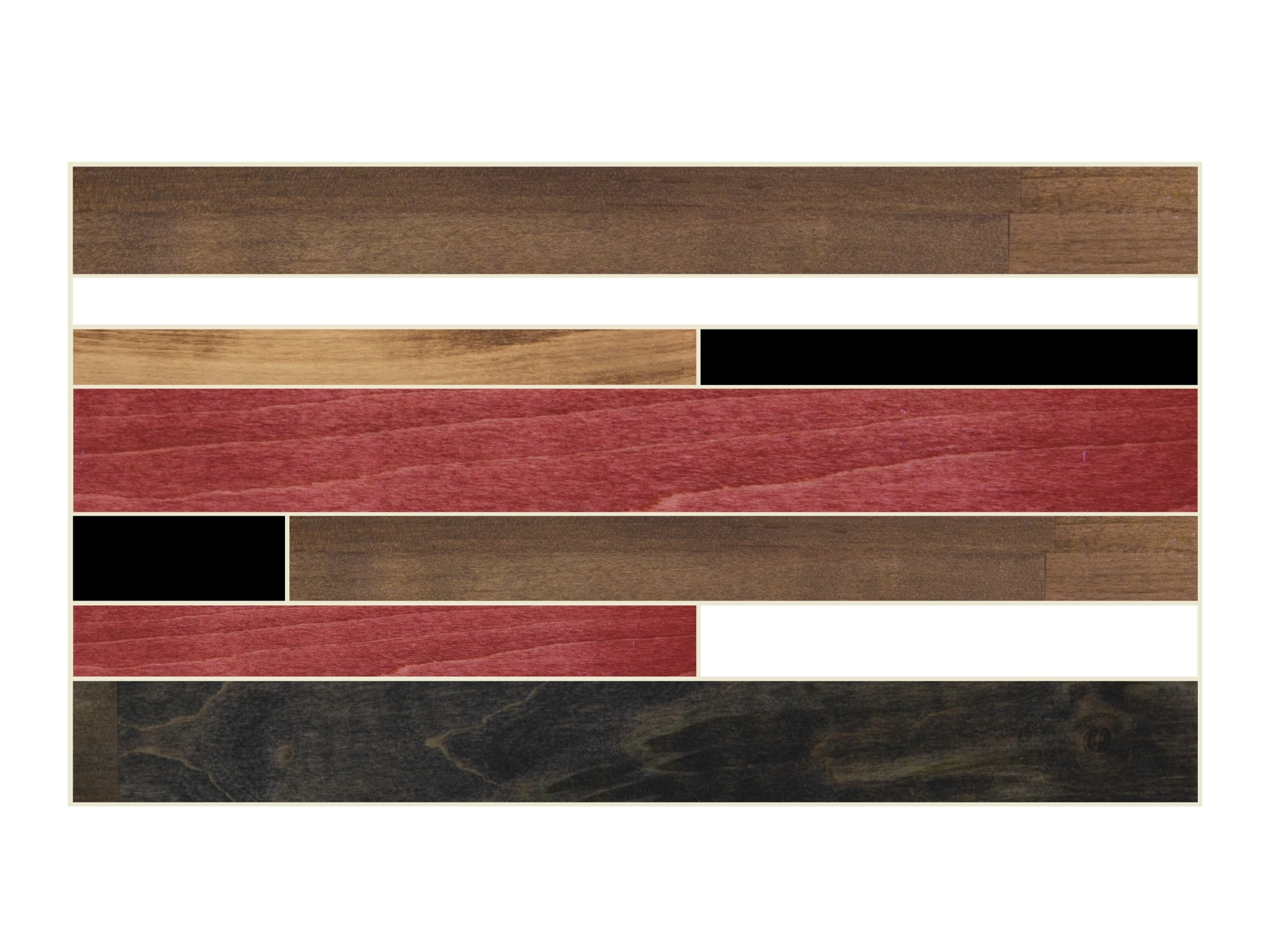
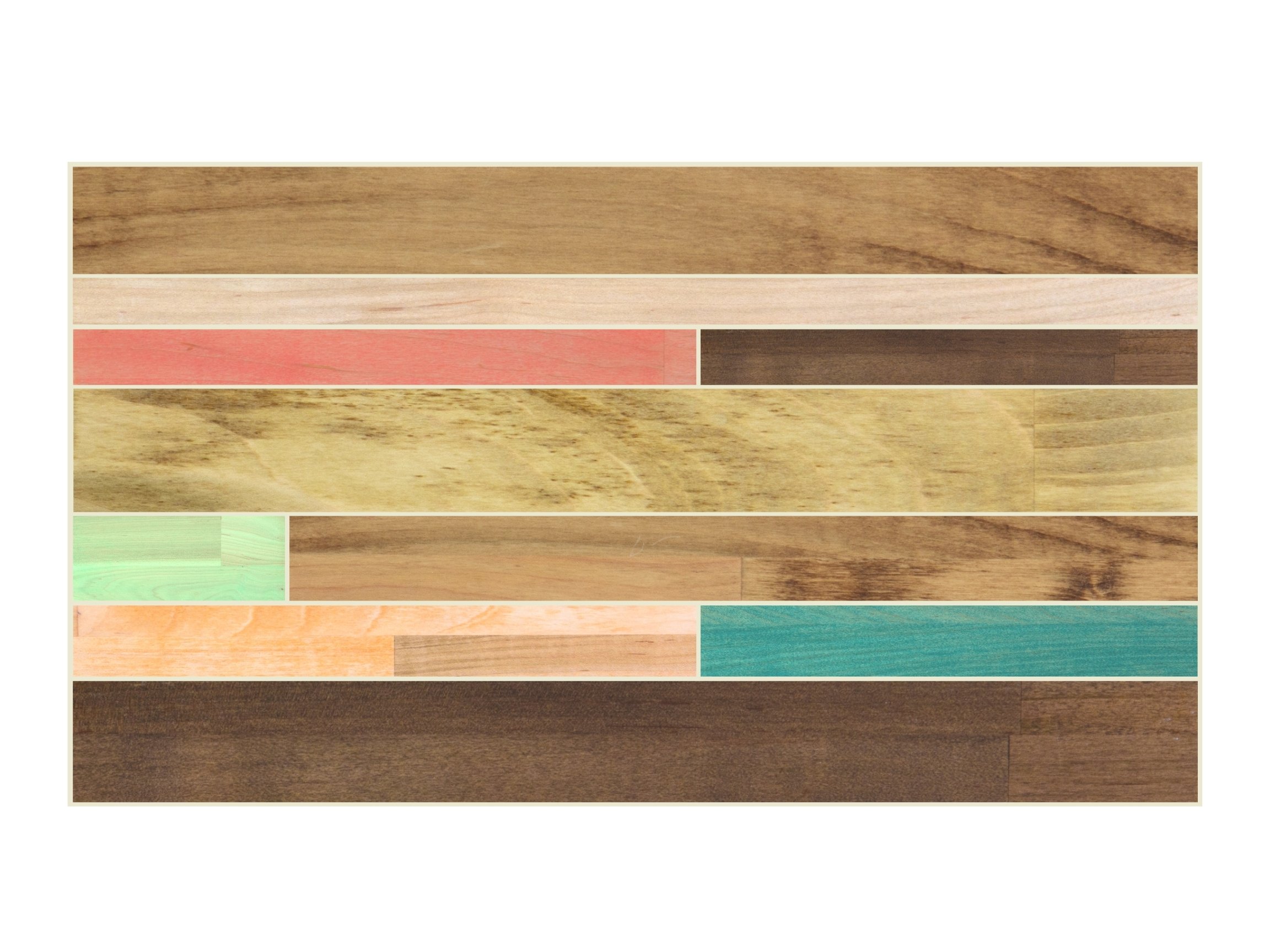
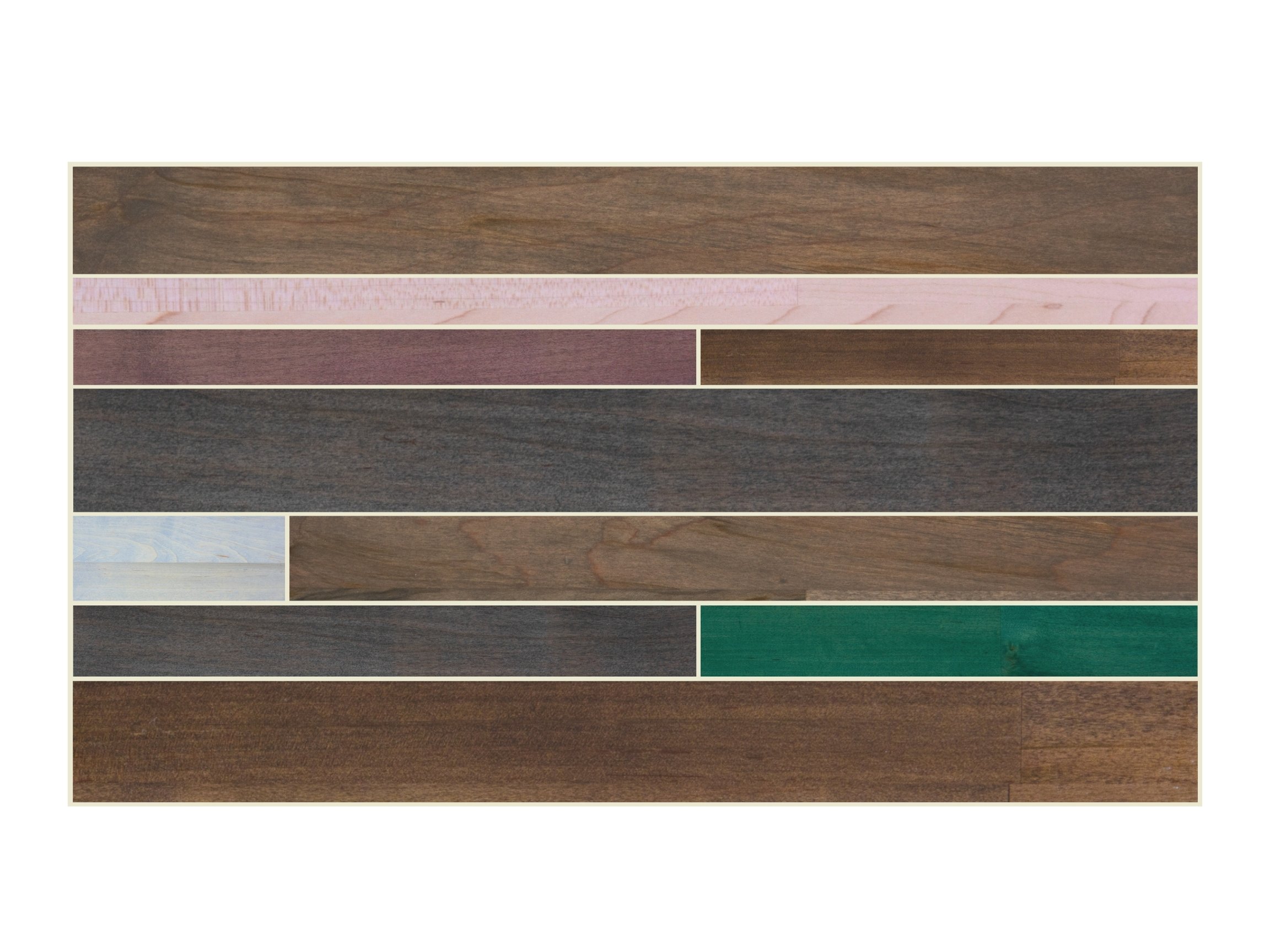
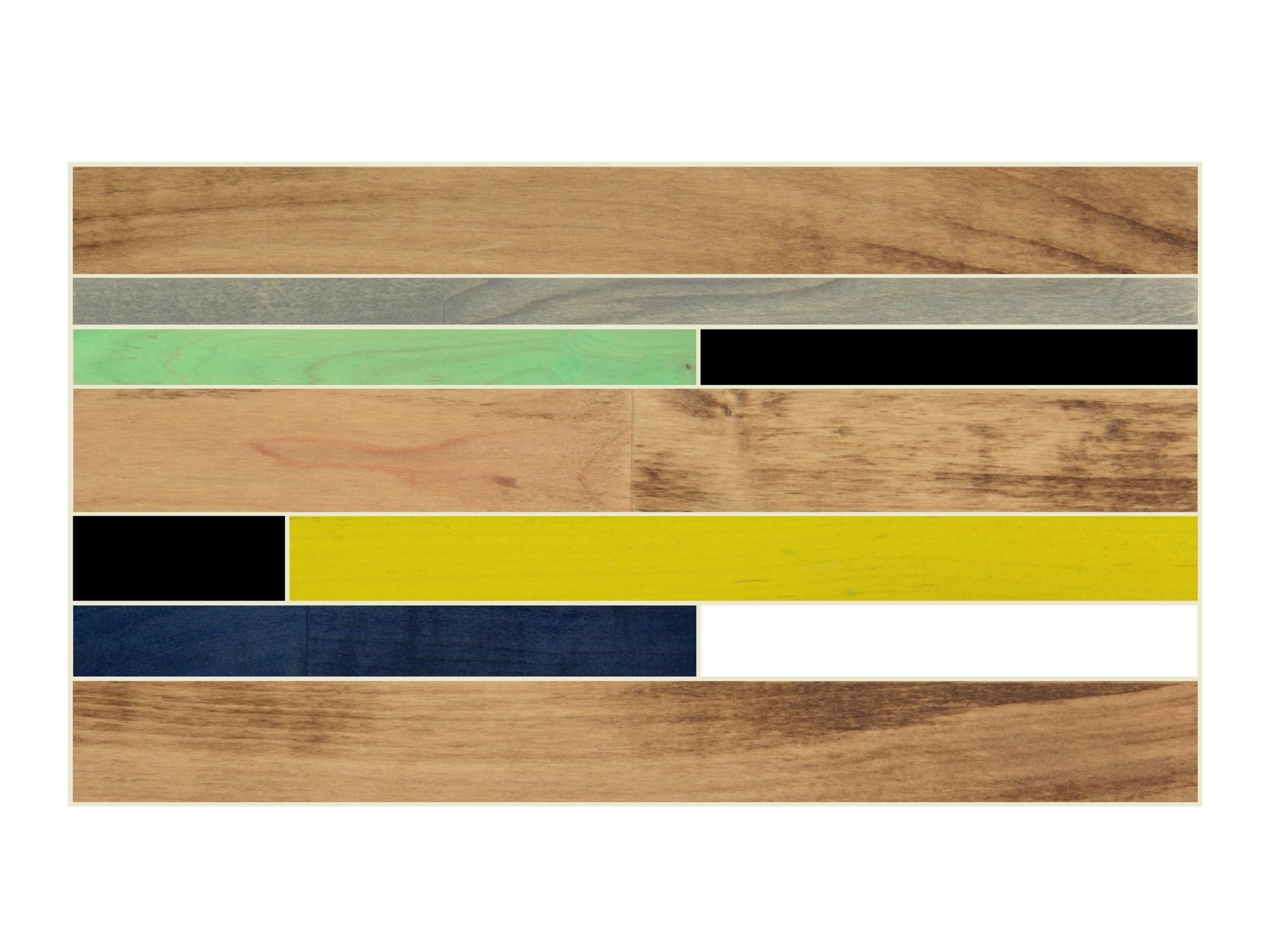
Some examples of digital mockups that we’ve done (though, full disclosure: These are old and need to be updated at some point!)